Good feedback starts with a great form. In this guide you’ll explore 12 customer feedback form templates each tailored for scenarios like post-purchase surveys, NPS, product feedback, and feature requests. We include screenshots and direct links alongside sample questions, expected metrics, and implementation tips in Formbot’s conversational and guided modes.
Collecting feedback often feels disjointed and time-consuming. A mismatched question set, poor layout, or generic tool leaves insights on the table. These templates unify form design with clear prompts that guide respondents and deliver higher completion rates.
What you’ll learn
Curated templates for specific use cases and goals
Sample question sets and suggested copy
Expected metrics to track success
Honest assessment of each template’s limitations
Customization tips for branding and workflow
Quick implementation steps for Formbot
Who this is for
Marketing and growth teams boosting conversion
Product managers and UX designers optimizing onboarding
HR and recruiting teams managing applications
Customer support and CX teams collecting NPS
Small businesses and startups using no-code tools
Any team needing structured, actionable feedback
Each platform solves a common pain point - low response rates, unstructured replies, or manual survey setup - so you capture actionable insights without guesswork. Screenshots and direct links ensure you launch forms in minutes. Each listing features a side-by-side comparison table, blockquotes highlighting key benefits, and clear steps to deploy.
1. Formbot
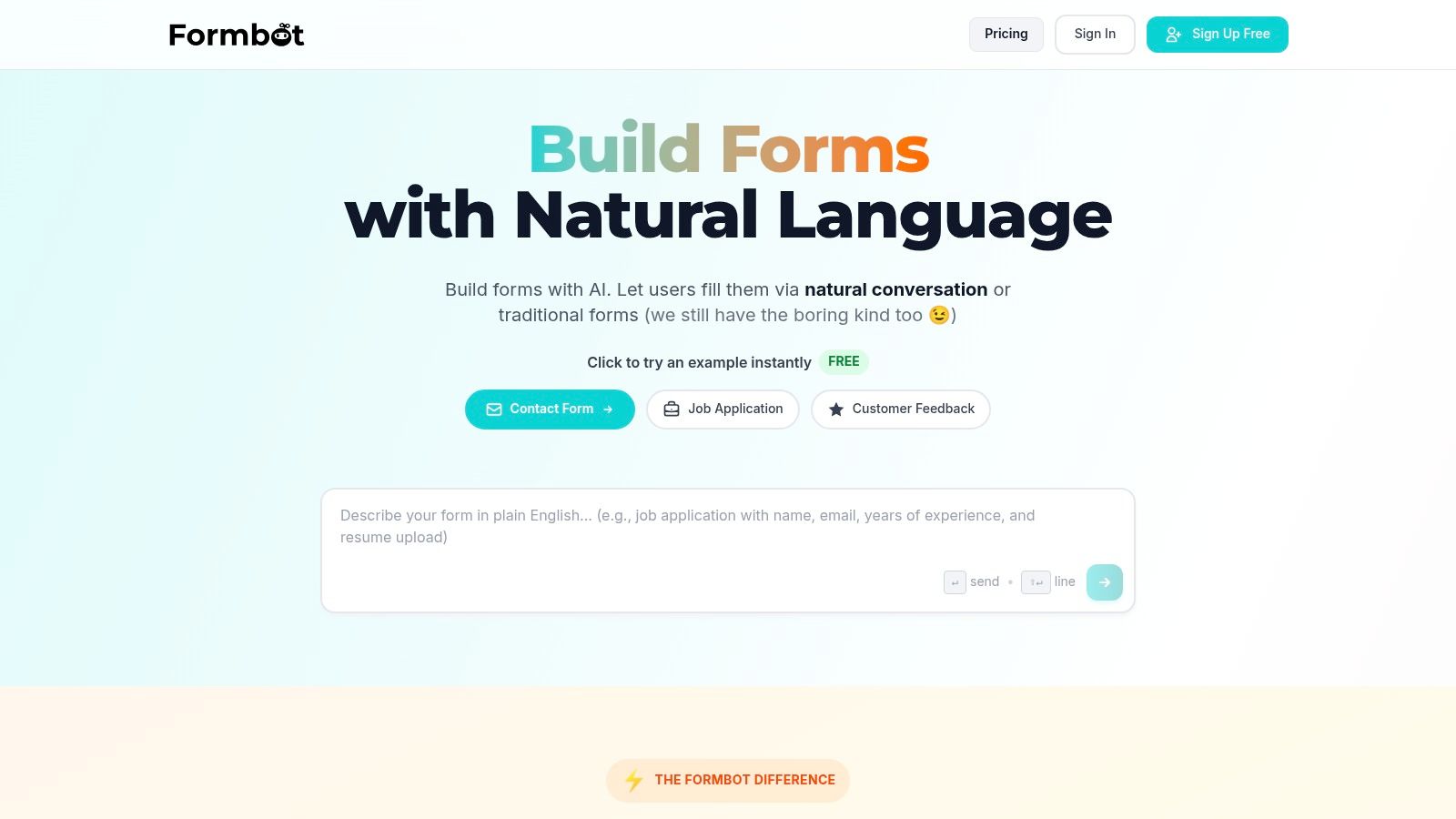
Formbot is an AI-powered, no-code form builder that transforms customer feedback form templates into a conversational experience in seconds. Users describe their survey in plain English and Formbot generates a ready-to-use feedback form in chat, guided one-question-at-a-time, or traditional layout. This approach yields up to 2.5x higher completion rates and 40% faster submissions on mobile.
Key Features
AI-Generated Forms
Build polished feedback forms from plain English promptsConversational UI
Chat mode or one-question flows surface required fields first100+ Templates
Includes post-purchase feedback, NPS, product feedback, and moreInstant Distribution
Share via link, embed in email or website without hosting hasslesReal-Time Analytics
Track completion rates, average response times, sentiment scoresSecurity and Compliance
AES encryption, user authentication, GDPR-ready controls
Performance at a Glance
| Metric | Formbot Result |
|---|---|
| Completion Rate Improvement | 2.5× higher |
| Submission Speed | 40% faster on mobile |
| Template Variety | 100+ |
Use Case Scenarios
Post-Purchase Feedback
Capture satisfaction immediately after checkoutNPS Surveys
Measure promoter scores with guided chat promptsProduct Feature Requests
Group and prioritize ideas with conditional logicIn-App Micro Surveys
Collect CX insights inside your web or mobile app
Practical Tips
Start with a related template and tweak question copy
Use validation rules to reduce invalid answers
Monitor analytics dashboard daily for drop-off patterns
Export CSV or connect to your CRM via webhook for seamless follow-up
Pros and Cons
Pros
Zero coding, AI speeds up form creation
Engaging conversational layout boosts responses
Granular customization and instant link sharing
Cons
Single pricing tiers
Complex enterprise integrations may need manual setup
Learn more about Formbot customer satisfaction survey templates on Formbot: Learn more about Formbot’s customer satisfaction survey template
2. SurveyMonkey
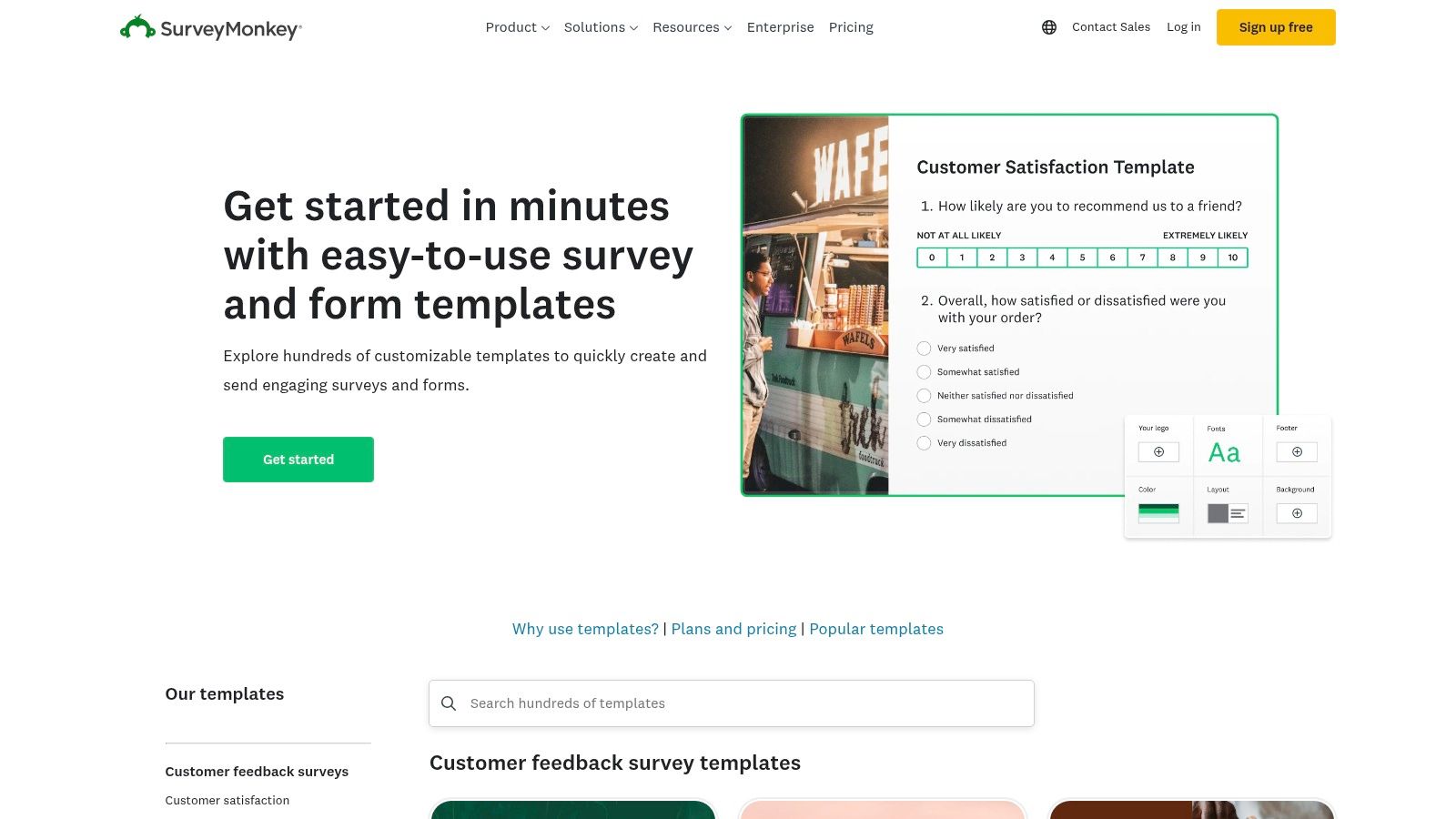
SurveyMonkey provides a large gallery of expert-built customer feedback templates (CSAT, NPS, product reviews, feature requests) with multiple distribution channels and in-depth analytics. Its intuitive interface helps marketing, UX and support teams launch surveys in minutes, while enterprise-grade reporting scales as your response volume grows.
Key Features
500+ Pre-Built Templates: Ready-made questions for CSAT, NPS, product feedback, feature requests
Multiple Collectors: Email, web link, QR code, SMS
Advanced Analytics: Dashboards, filters, crosstabs, text analysis
Broad Integrations: Slack, Salesforce, Zapier, Microsoft Teams
Enterprise Capacity: Large response quotas on paid tiers
If you need a deeper comparison of form builders, Learn more about SurveyMonkey on tryformbot.com.
Pricing & Access
| Plan | Price (Monthly) | Response Cap |
|---|---|---|
| Free | $0 | 10 questions, 100 responses |
| Standard | $99 | 1,000 responses |
| Advantage | $329 | 10,000 responses |
| Premier | Custom | Unlimited |
Quick Implementation Tips
Select a template category (e.g., Post-purchase CSAT)
Customize question phrasing and branding
Choose your collector method and configure notifications
Preview in mobile and desktop modes
Analyze responses in the Dashboard, export CSV or integrate with BI tools
Pros & Cons
Pros:
Launch polished surveys in under 5 minutes
Deep reporting for small teams to enterprises
Robust integrations for workflow automation
Cons:
Free plan limits questions and responses
Overage fees apply when you exceed plan caps
Direct link: https://www.surveymonkey.com/templates/
3. Typeform
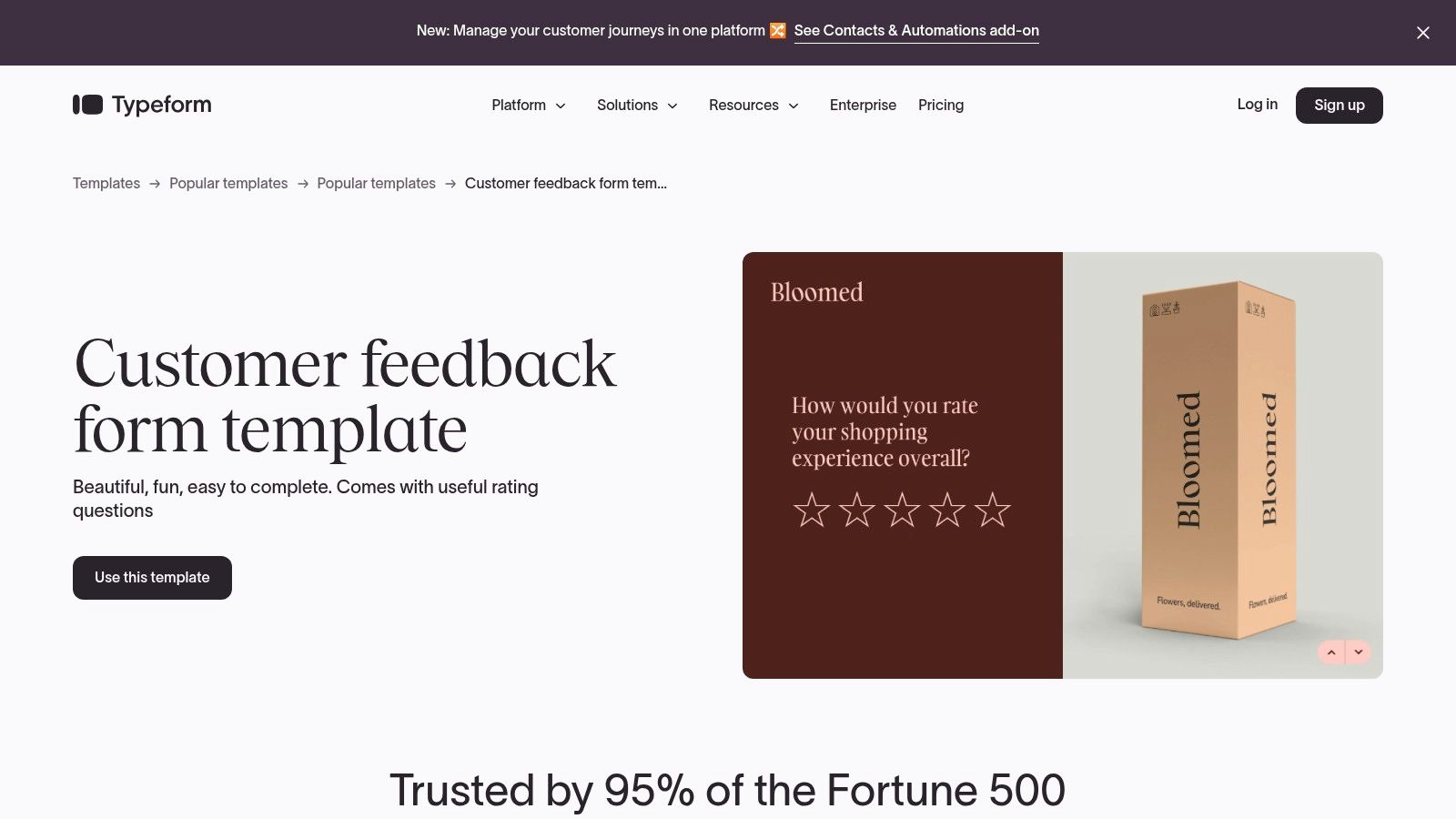
Typeform offers conversational, design-forward customer feedback templates that present one question at a time to boost completion rates. With built-in logic branching and over 300 integrations, product managers and UX designers can craft micro surveys that feel natural and engaging. Embeddable on sites or shared via email, Typeform stands out for its user-centric interface.
Key Features
One-question-at-a-time UX with logic jumps to tailor follow-ups
Branding controls and custom subdomains on paid tiers
Rich embed options: inline, pop-up, slider and side-tab
300+ Integrations including Slack, HubSpot, Zapier
Mobile-optimized design for seamless on-the-go feedback
Conversational flows that boost completion rates by 40%
If you need a deeper comparison of form builders, Learn more about Typeform on tryformbot.com.
Pricing & Access
| Plan | Price (Monthly) | Response Cap |
|---|---|---|
| Free | $0 | 100 responses |
| Essentials | $25 | 1,000 responses |
| Professional | $50 | 5,000 responses |
| Premium | $83 | 10,000 responses |
Quick Implementation Tips
Choose a customer feedback template (e.g., post-purchase CSAT)
Map out logic jumps based on rating thresholds
Apply your logo, brand colors and custom subdomain
Embed via HTML snippet or share a direct link
Configure email notifications and Slack alerts
Review responses in real time and export CSV
Pros & Cons
Pros:
High-engagement conversational UI
Flexible embedding for websites and emails
Clear plan tiers with predictable caps
Cons:
Branding removal requires paid plans
Monthly response caps may constrain high-volume use
Direct link: https://www.typeform.com/templates/customer-feedback
4. Jotform
Jotform provides thousands of editable templates for customer feedback, CSAT surveys, service satisfaction, and product reviews. Its drag-and-drop builder with conditional logic lets marketing and growth teams launch forms in minutes with no coding. Product managers and UX designers customize in-app micro surveys while support teams capture NPS and CSAT. The generous free plan and extensive integrations make it ideal for small businesses and startups.
Key Features
Thousands of Editable Templates: Customer feedback, CSAT, service satisfaction
Drag-and-Drop Builder: Add conditional logic and custom fields
100+ Integrations & Embedding Options: Slack, Zapier, WordPress, custom embed
Real-Time Reports & Table View: Visualize responses and export CSV
Custom Branding & White Label: Remove Jotform logo, add your own styles
Pricing & Access
| Plan | Price (Monthly) | Monthly Submissions |
|---|---|---|
| Free | $0 | 100 |
| Bronze | $29 | 1,000 |
| Silver | $39 | 10,000 |
| Enterprise | Custom | Unlimited |
Quick Implementation Tips
Choose a customer feedback template category
Use drag-and-drop to add conditional fields
Configure email alerts and webhooks
Embed in page or send via shareable link
Analyze results in Jotform Tables and export
Pros & Cons
Pros:
Very easy to customize and publish
Generous free plan for testing
Nonprofit and education discounts
Cons:
Submission and storage caps on free tiers
Advanced security and SSO require higher tiers
Direct link: https://www.jotform.com/form-templates/customer-feedback-form-template
5. Google Forms
Google Forms offers a straightforward way to collect customer feedback using built-in templates from the Forms Template Gallery. It is free for personal Google accounts and included with Google Workspace, making it ideal for teams that want no-cost feedback forms with automatic data syncing to Google Sheets.
With Google Forms you can spin up a survey in minutes, share it via link or embed on your site, and analyze responses in Sheets. Its mobile-responsive interface works across devices, so customers can reply on desktop or smartphone without extra configuration.
Key Features
Template Gallery: Prebuilt layouts for CSAT, NPS, product feedback, quizzes
Automatic Sheets Integration: Real-time data flow into Google Sheets for filtering and charts
Simple Sharing: Distribute via URL, email, QR code, or embed in webpages
Cross-Device Compatibility: Works on any browser or device without plugins
Access Controls: Domain restrictions and response validations in Workspace editions
Pricing & Access
| Plan | Price (Monthly) | Notes |
|---|---|---|
| Personal | $0 | Unlimited forms and responses |
| Workspace Business Starter | $6 per user | Admin settings for template visibility |
| Workspace Business Standard | $12 per user | Enhanced collaboration and data controls |
Quick Implementation Tips
Open the Template Gallery and select a feedback layout
Link your form to a new or existing Google Sheet
Customize questions, add branding elements, and set response validation
Share via URL or embed code and adjust permission settings
Monitor responses in Sheets, create charts or export CSV
Pros & Cons
Pros:
Free for personal use with no response caps
Very low setup friction, instant Sheets reporting
Seamless multi-device experience
Cons:
Limited UI and branding customization
Template gallery access may vary by Workspace admin policy
Direct link: https://docs.google.com/forms
6. Microsoft Forms (Create templates)
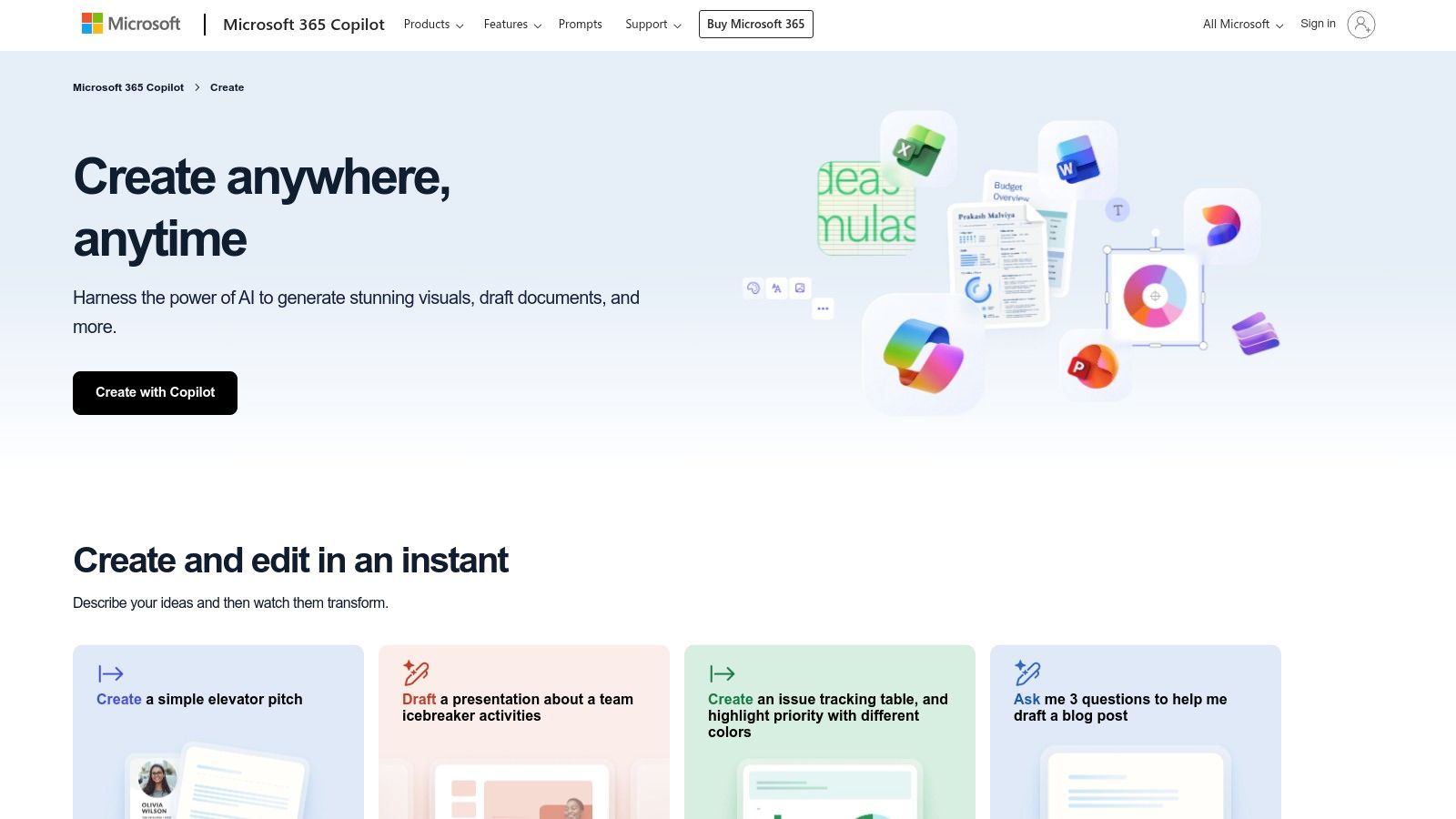
Microsoft Forms (via Microsoft Create) offers a library of ready-made customer feedback templates that you can open directly in Microsoft Forms and customize. Built into Microsoft 365, these templates integrate seamlessly with Teams and OneDrive, while Excel exports and real-time analytics streamline reporting.
Key Features
Pre-Built Feedback Templates: Post-purchase surveys, NPS, product reviews
Microsoft 365 Integration: Share in Teams, embed in SharePoint
Excel Export & Analytics: Automatic data sync to Excel, built-in charts
Organization Policy Controls: GDPR compliance, secure sharing
Branding & Themes: Choose themes, add logos, adjust color schemes
Pricing & Access
| Plan | Price (Monthly) | Notes |
|---|---|---|
| Free with Microsoft Account | $0 | Basic forms, 200 responses per form |
| Business Basic | $6.00 per user | Secure sharing, Teams integration |
| Business Standard | $12.50 per user | Adds branding, extra storage |
| Enterprise E3 | $32.00 per user | Advanced policy controls, 50k responses |
Quick Implementation Tips
Browse customer feedback templates on create.microsoft.com
Click “Use this template” to open in Microsoft Forms
Customize questions, branching logic, and theme colors
Set sharing permissions under your organization policy
Distribute via link, email, Teams or embed in your site
Pros & Cons
Pros:
Included in Microsoft 365 subscription
Seamless Teams and SharePoint integration
Excel export enables offline data analysis
Cons:
Not available standalone, M365 subscription required
Limited advanced customization compared to dedicated survey tools
Template gallery smaller than specialized platforms
Direct link: https://create.microsoft.com/en-us/templates/customer-feedback
7. Zoho Survey
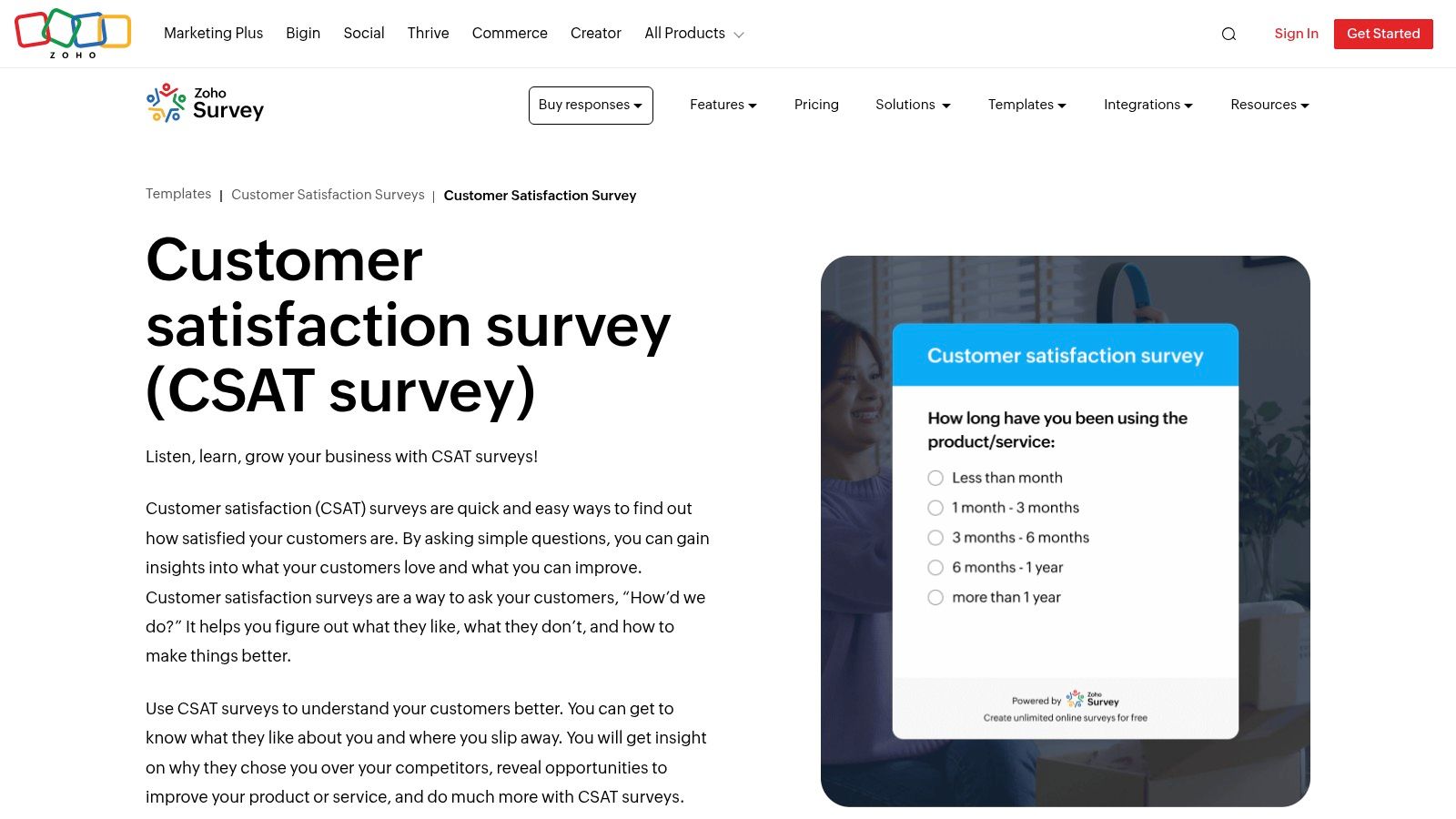
Zoho Survey offers a robust library of customer feedback templates (CSAT, attitudes, service satisfaction) with multilingual support, skip logic and display logic. Teams can distribute surveys via email, SMS or web embed and automatically calculate CSAT and NPS metrics as responses arrive. Learn more about Zoho Survey on tryformbot.com.
Key Features
Ready-made CSAT, NPS and service satisfaction templates
Multilingual surveys with skip logic and display logic
Distribution via email, SMS and web embed
Automatic CSAT and NPS score calculations in reports
Exportable data and integration with Zoho CRM and Zapier
Pricing & Access
| Plan | Price (Monthly) | Response Cap |
|---|---|---|
| Free | $0 | 10 surveys, 200 responses |
| Standard | $20 | 5,000 responses |
| Professional | $25 | 50,000 responses |
| Enterprise | Custom | Unlimited |
Quick Implementation Tips
Choose a template category such as Post-purchase CSAT
Enable multilingual support and configure skip logic
Customize branding, question text and logic branches
Select distribution channels and schedule your sends
Review CSAT/NPS metrics in reports and export results
Pros & Cons
Pros:
Competitive pricing with enterprise-grade features
Strong support for global and multilingual feedback
Cons:
User interface is less polished than some premium rivals
Advanced features gated to higher-tier plans
Direct link: https://www.zoho.com/survey/templates/customer-satisfaction/customer-satisfaction-survey.html
8. Formstack
Formstack provides business-grade form and survey templates (Customer Survey, Customer Experience, CSAT, NPS) with strong workflow, conditional logic, analytics, and integrations. Its drag-and-drop builder, responsive designs, and advanced workflows enable teams to automate feedback collection at scale. The intuitive interface offers drag-and-drop placement, theming options, and mobile preview to ensure forms match your brand. Formstack’s customer support and extensive knowledge base help resolve implementation issues quickly, making it easier for Marketing, UX, and CX teams to launch feedback surveys.
Key Features
Extensive Template Library: CSAT, NPS, product evaluations, testimonials
Conditional Logic: Show or hide questions based on responses
Workflow Automation: Approvals, email notifications, data routing
Advanced Analytics: Real-time reports, visualizations, partial submissions tracking
Integrations: Salesforce, HubSpot, Zapier, Microsoft Teams
Mobile-Responsive Embeds: Seamless pop-ups, inline embeds, and shareable links
If you need a deeper comparison of form builders, Learn more about Formstack on tryformbot.com.
Pricing & Access
| Plan | Price (Monthly) | Templates Access |
|---|---|---|
| Free Trial | $0 for 14 days | Full library |
| Bronze | $50 | Standard sets |
| Silver | $83 | Advanced sets |
| Gold | $208 | All templates |
Quick Implementation Tips
Choose a template category
Customize questions and add conditional logic
Configure workflow steps, approvals, and notifications
Embed on site, launch pop-up, or share link
Analyze feedback in the real-time Dashboard
Export data via CSV, PDF, or integrate with BI tools
Pros & Cons
Pros:
Business-grade automation and workflows
Comprehensive template coverage
Mobile-responsive and brandable forms
Cons:
No free plan after trial
Higher pricing for advanced features
Direct link: https://www.formstack.com/templates/customer-satisfaction-survey
9. Qualtrics
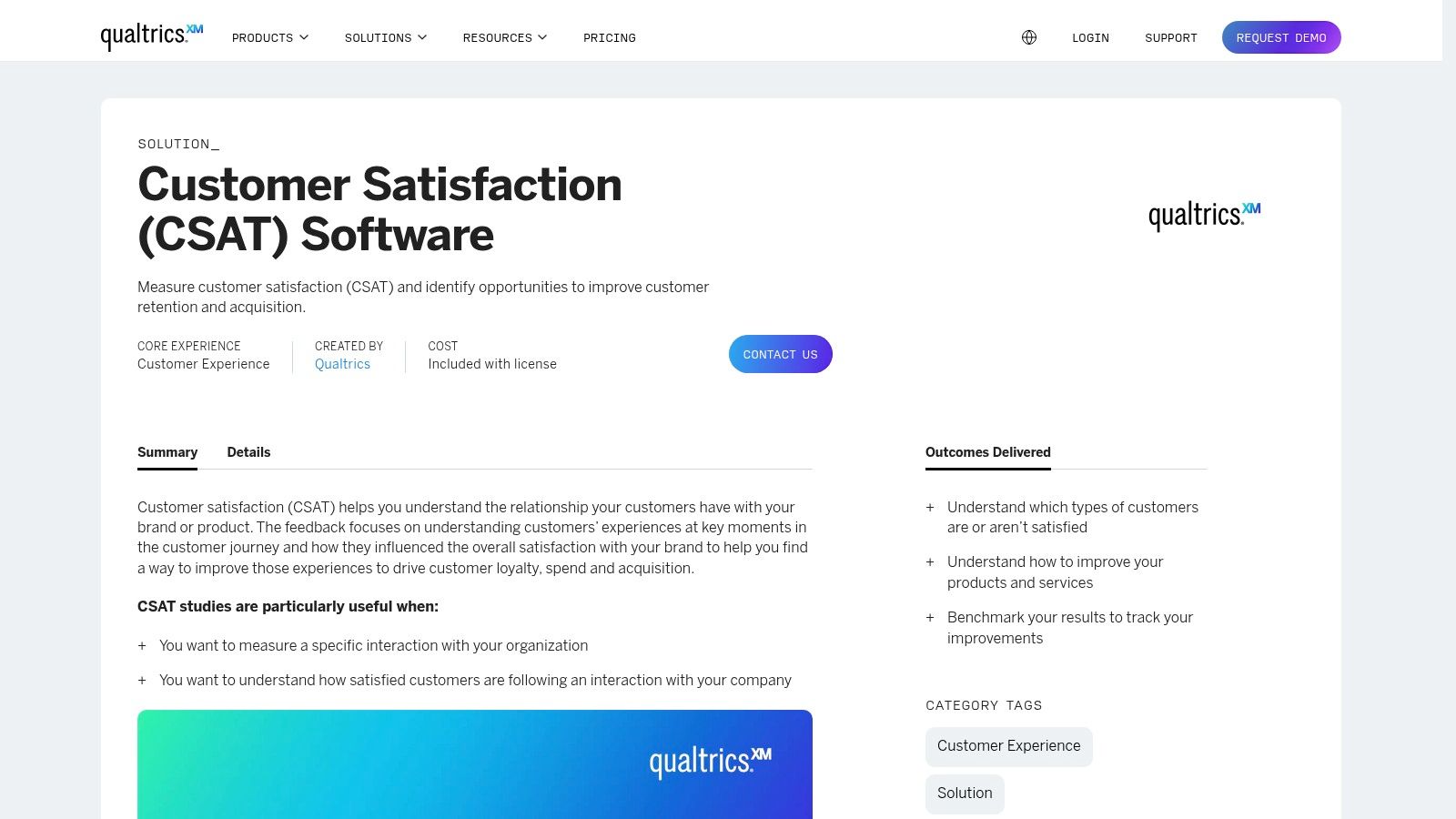
Qualtrics is an enterprise-grade survey platform offering expert-built CX and CSAT templates alongside a free starter account. It stands out for advanced question types, complex logic branches, real-time dashboards, and workflow automations that scale across large feedback programs.
Key Features
Expert-built Templates: Ready-to-use CSAT, NPS, product feedback and employee engagement surveys
Advanced Logic: Display logic, branch logic, embedded data and off-page conditions
Dashboards & Automations: Custom reporting dashboards, alerts, ticketing and workflow triggers
Free Starter Account: 50+ templates, 500 total responses per year at no cost
Enterprise Integrations: APIs, Salesforce, Tableau, Workday and Slack
If you need a deeper comparison of form builders, Learn more about Qualtrics on tryformbot.com.
Pricing & Access
| Plan | Price (Monthly) | Response Cap |
|---|---|---|
| Free Starter | $0 | 50 templates, 500 responses |
| XM Base (Self-service)* | From $1,500 | Custom |
| XM Premium | Custom | Unlimited |
*Self-service license starts at a higher price relative to small business tools.
Quick Implementation Tips
Choose a CSAT or NPS template that fits your use case
Map out your logic branches before adding questions
Customize branding, embedded data and thank-you emails
Configure dashboard widgets and alert automations
Test all branches in preview and sample collector links
Pros & Cons
Pros:
Very powerful for complex feedback programs
Free account includes 50+ templates and 500 responses
Robust logic, dashboards and workflow automations
Cons:
Steeper learning curve than simpler tools
Paid self-service licenses start at a higher price
Direct link: https://www.qualtrics.com/templates/customer-satisfaction-survey/
10. Canva
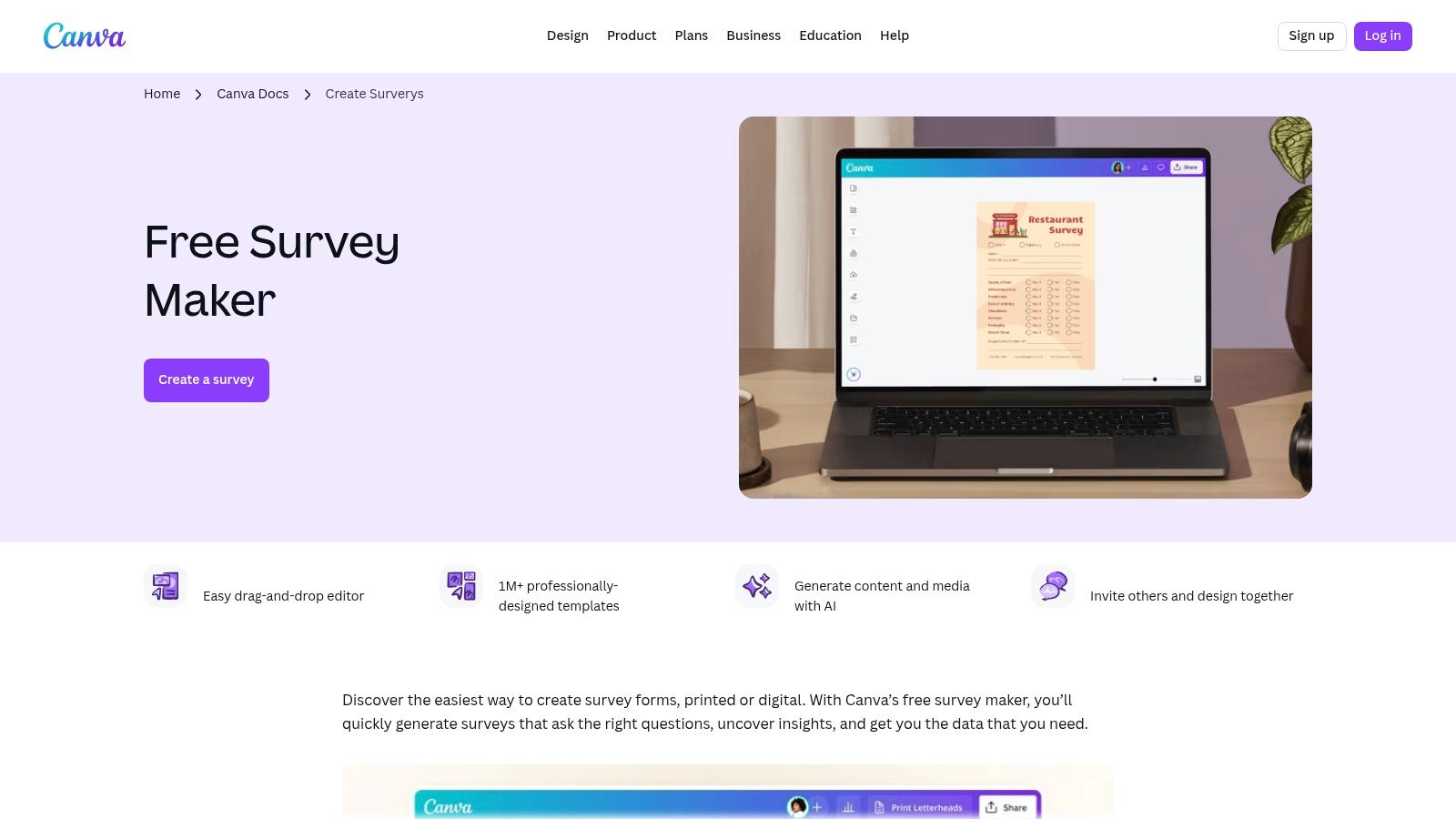
Canva offers designer-friendly survey and feedback templates that you can fully customize and export for print or share online. Its intuitive drag-and-drop interface and Brand Kit ensure your customer feedback form templates stay on-brand while letting nondesigners create polished surveys in minutes.
Key Features
Vast library of survey and feedback templates, from CSAT to product reviews
Brand Kit support for fonts, colors and logos across every design
Export options: download as PDF for print or share a digital link
Real-time collaboration: comments, version history, team folders
Intuitive drag-and-drop design tools and stock asset library
If you need on-brand, printable feedback assets, explore Canva’s survey templates.
Pricing & Access
| Plan | Price (Monthly) | Key Limits |
|---|---|---|
| Free | $0 | Access to 250,000+ templates, 5 GB storage |
| Pro | $12.99 per user | Unlimited templates, brand kit, 100 GB storage |
| Enterprise | Custom | SSO, audit logs, advanced team controls |
Quick Implementation Tips
Choose a feedback template category (e.g., post-purchase survey)
Upload logos and select brand colors in Brand Kit
Customize question headers, images and layout
Export as PDF for in-store kiosks or share a public URL
Connect with a data-collection tool (Typeform, Google Forms) for analytics
Pros & Cons
Pros:
Creates visually polished, on-brand forms fast
Collaboration features support remote and hybrid teams
Flexible output: print-ready or web shareable
Cons:
No built-in response tracking or advanced analytics
Relies on external survey engines for data collection
Pro features require paid subscription
Direct link: https://www.canva.com/create/surveys/
11. HubSpot (Service Hub + Free Templates)
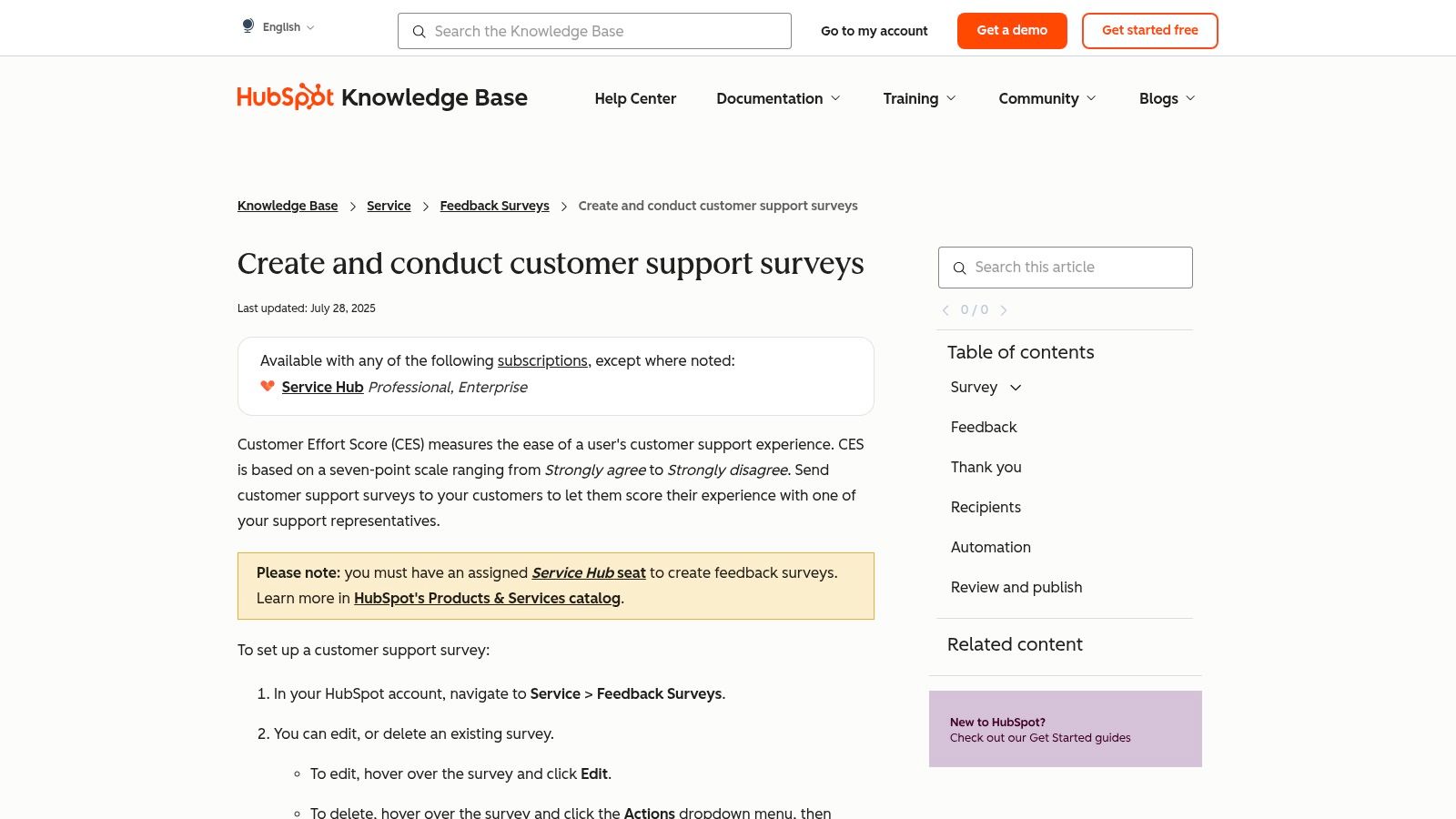
HubSpot brings customer feedback forms into your CRM with Service Hub, enabling in-app CES, CSAT, and NPS surveys alongside a library of free downloadable templates. It is ideal for growth teams and support centers that need automation, detailed reporting, and seamless contact management.
Key Features
In-app CES, CSAT, NPS surveys with automated follow-up workflows
Centralized reporting inside Service Hub dashboards
Free downloadable templates for Word and Google Forms
Deep CRM integration to segment respondents and trigger actions
HubSpot Academy lessons and tutorials for survey design
If you need a deeper comparison of form builders, Learn more about HubSpot’s customer feedback tools.
Pricing & Access
| Plan | Price (Monthly) | Surveys Included |
|---|---|---|
| Free | $0 | Downloadable templates only |
| Starter | $50 | Basic email surveys, up to 1,000 |
| Professional | $360 | CES, CSAT, NPS surveys, automation |
| Enterprise | $1,200 | Advanced reporting, higher quotas |
Quick Implementation Tips
Install Service Hub and set up contact properties for survey responses
Select a template or download a Word/Google Form file
Configure trigger events in workflows for automated follow up
Embed surveys in emails or customer portal
Monitor responses in dashboards and sync with CRM data
Pros & Cons
Pros:
Deep CRM integration with automated workflows
Extensive free templates and educational content
Consolidated reporting across touchpoints
Cons:
Surveys require Professional or Enterprise licenses
Overkill for teams needing only simple standalone forms
Direct link: https://knowledge.hubspot.com/customer-feedback/how-do-i-send-a-customer-support-survey
12. Etsy
Etsy is a vibrant marketplace offering inexpensive, editable customer feedback form templates in PDF, Canva, Google Forms or Word formats as instant digital downloads. Small businesses and service providers can browse hundreds of unique designs, snag quick‐print layouts or simple digital surveys and customize them in minutes.
Key Features
Hundreds of Editable Templates: Formats include PDF, Canva, Google Forms and Word
Instant Digital Download: Access files immediately after purchase
Low Price Points: Individual templates typically range from $1–$10
Customizable Layouts: Layered files let you add branding, adjust colors and fonts
Multi‐Format Support: Ready for print or digital distribution via email or embed
Pricing & Access
| Template Type | Price Range | Delivery |
|---|---|---|
| Single Template | $1 – $10 | Instant download |
| Bundle Packs | $10 – $25 | Instant download |
| Custom Orders | From $15 | Varies by seller |
Quick Implementation Tips
Search “customer feedback form template” plus your preferred format
Filter by seller rating and format compatibility
Preview listing images and read buyer reviews
Download and open in Canva, Word or Google Forms
Customize questions, add logo, export PDF or share online
Pros & Cons
Pros:
Extremely low cost per template
Vast variety of design styles and formats
Immediate access with no subscription
Cons:
Quality varies widely between sellers
No built-in analytics or automated data collection
Responses must be collated manually
Direct link: https://www.etsy.com/market/customer_feedback_form_template
Top 12 Customer Feedback Form Template Comparison
| Product | Core features / USPs (✨) | UX / Quality (★) | Value / Price (💰) | Target audience (👥) |
|---|---|---|---|---|
| 🏆 Formbot | ✨ AI-generated conversational forms from plain English; chat/guided/traditional layouts; 100+ templates; real-time analytics; secure | ★★★★★ — up to 2.5x completion, 40% faster submissions (mobile-first) | 💰 Free starter; scalable paid plans (pricing not public) | 👥 Mobile-first teams, product/CX teams, SMBs scaling |
| SurveyMonkey | ✨ 500+ expert templates; multiple collectors (email, web, QR, SMS); deep reporting & integrations | ★★★★ — polished templates; strong analytics | 💰 Paid tiers; limited free plan; possible overage fees | 👥 SMBs → enterprises, CX/research teams |
| Typeform | ✨ One-question-at-a-time UX; logic branching; rich embeds; 300+ integrations | ★★★★ — high engagement, design-forward | 💰 Clear plan tiers; response caps; branding removal on paid plans | 👥 Marketing/design teams, high-engagement surveys |
| Jotform | ✨ Thousands templates; drag-and-drop builder; conditional logic; 100+ integrations | ★★★★ — very easy to customize; generous free testing | 💰 Generous free tier; paid for higher limits & storage | 👥 Small businesses, teams needing quick customization |
| Google Forms | ✨ Template gallery; automatic Google Sheets export; simple sharing & embed | ★★★ — low friction, basic UI/customization | 💰 Free for personal; included in Google Workspace | 👥 Individuals, educators, small teams |
| Microsoft Forms | ✨ Customizable templates; Excel export; M365 integration & org controls | ★★★ — familiar for Microsoft-centric orgs | 💰 Included with many Microsoft 365 plans (not standalone) | 👥 Microsoft 365 organizations, enterprise teams |
| Zoho Survey | ✨ CSAT/NPS templates; multilingual support; logic & multi-channel distribution | ★★★ — capable features, less polished UI | 💰 Competitive pricing; good value for global programs | 👥 Price-sensitive teams, international surveys |
| Formstack | ✨ Workflow automation; drag-and-drop + conditional logic; reporting & partial submissions | ★★★★ — business-grade, automation-focused | 💰 Paid product; higher price for advanced features | 👥 Teams needing automation & advanced form workflows |
| Qualtrics | ✨ Enterprise CX templates; advanced question types, complex logic & dashboards | ★★★★★ — very powerful for complex programs | 💰 Free starter; enterprise pricing higher | 👥 Enterprise CX/research teams, large programs |
| Canva | ✨ Designer-friendly survey & feedback templates; brand kit; export for print/digital | ★★★ — excellent visual design; limited native analytics | 💰 Free + Pro; not a survey engine (used alongside tools) | 👥 Marketers, designers, teams needing branded assets |
| HubSpot (Service Hub) | ✨ In-app CES/CSAT/NPS tools with automation; CRM integration; downloadable templates | ★★★★ — integrated reporting when in HubSpot | 💰 Free templates; full features require Service Hub Pro/Ent | 👥 HubSpot CRM users, support & success teams |
| Etsy (templates) | ✨ Instant-download editable templates (Canva, PDF, Word, Forms) | ★★–★★★ — quality varies by seller; printable options | 💰 Very low price per template (often $1–$10) | 👥 Small businesses, solopreneurs needing printable/simple forms |
Next Steps to Transform Your Feedback Strategy
You have explored 12 powerful customer feedback form templates across every scenario. From post-purchase feedback to in-app micro surveys, each template offers a unique path to deeper customer insights. Now it is time to put these resources into action and start capturing responses that drive real improvement.
Key Insights to Remember
Each template serves a specific use case, whether you need NPS, product feedback, or feature requests
Suggested question sets and sample copy ensure you start with proven language
Customization tips help you align forms with your brand voice and user experience
Expected metrics guide your analysis so you track what matters most
Quick implementation steps in Formbot’s conversational mode streamline setup
Actionable Next Steps
Choose the Right Template
- Match your business goal to a form type: onboarding survey for UX teams, post-purchase NPS for e-commerce, or job application form for HR
Customize with Formbot
- Leverage guided mode for visual layout tweaks or conversational mode for dynamic question flows
Conduct a Pilot Test
- Send the form to a small group, gather initial feedback on clarity and flow, then refine questions
Launch and Monitor
Deploy across channels like email, website embeds, or chat widgets
Track completion rates, response quality, and time to submit
Analyze and Iterate
Review metrics weekly, identify drop off points, and adjust question order or wording
A B test small variations to continuously optimize
How to Select the Right Tool
Ease of Use: Look for intuitive editors and prebuilt templates to save setup time
Customization Levels: Balance between design flexibility and guided question flows
Integration Options: Ensure compatibility with your CRM, email platform, or analytics tool
Reporting Capabilities: Prioritize tools that offer real-time dashboards and export formats you need
Pricing Model: Choose a plan that matches form volume and feature requirements
Important Implementation Factors
Data Privacy and Compliance
Keep GDPR and CCPA guidelines top of mind when collecting personal dataMobile Responsiveness
Confirm forms render clearly on smartphones and tablets for maximum reachMulti-Language Support
If you serve global audiences, look for translation features and RTL compatibilityResponse Incentives
Decide whether to offer discounts or rewards to boost completion ratesTeam Collaboration
Grant access levels so stakeholders can view results without altering forms
Final Encouragement
Adopting the right customer feedback form templates transforms raw opinions into actionable insights. By following these next steps you will build a sustainable feedback loop that powers product innovation, enhances customer satisfaction, and drives growth. Embrace an iterative mindset, and watch your data turn into measurable impact.
Ready to elevate your feedback strategy with intuitive, no-code forms? Try Formbot today to customize and launch customer feedback form templates in minutes. Start collecting actionable insights that fuel your business growth. Visit Formbot to get started.



