In 2026, understanding your customers is more critical than ever, but getting them to share their thoughts can be a challenge. Generic, uninspired surveys often end up ignored, leaving you without the crucial data needed to make informed decisions. The solution lies in using a well-designed customer feedback form template. A great template does more than just ask questions; it creates a seamless, engaging experience that encourages completion and provides high-quality, actionable insights.
A strategically chosen template can transform your data collection process. It reduces friction for the user, which directly boosts response rates and helps you gather specific feedback to improve your products, services, and overall customer journey. Whether you're a product manager refining a feature, a support team measuring satisfaction, or a startup building its first NPS survey, the right foundation is key. To understand the full potential of your feedback forms, explore this in-depth guide to guest experience surveys for specialized insights.
This guide eliminates the guesswork. We've curated the 12 best resources for finding, customizing, and deploying the perfect customer feedback form template for any scenario. We'll dive into powerful form builders like Formbot and SurveyMonkey, as well as platforms offering downloadable templates like Etsy. For each resource, you'll find direct links, screenshots, recommended questions, and expert tips to help you choose the ideal solution to start a valuable conversation with your customers.
1. Formbot
Formbot stands out as a premier choice for creating a high-converting customer feedback form template by fundamentally rethinking the data collection process. Instead of relying on static, traditional forms, it leverages an AI-powered, conversational engine to turn feedback collection into an interactive dialogue. This approach is particularly effective for engaging users on mobile devices, where long forms often lead to abandonment.
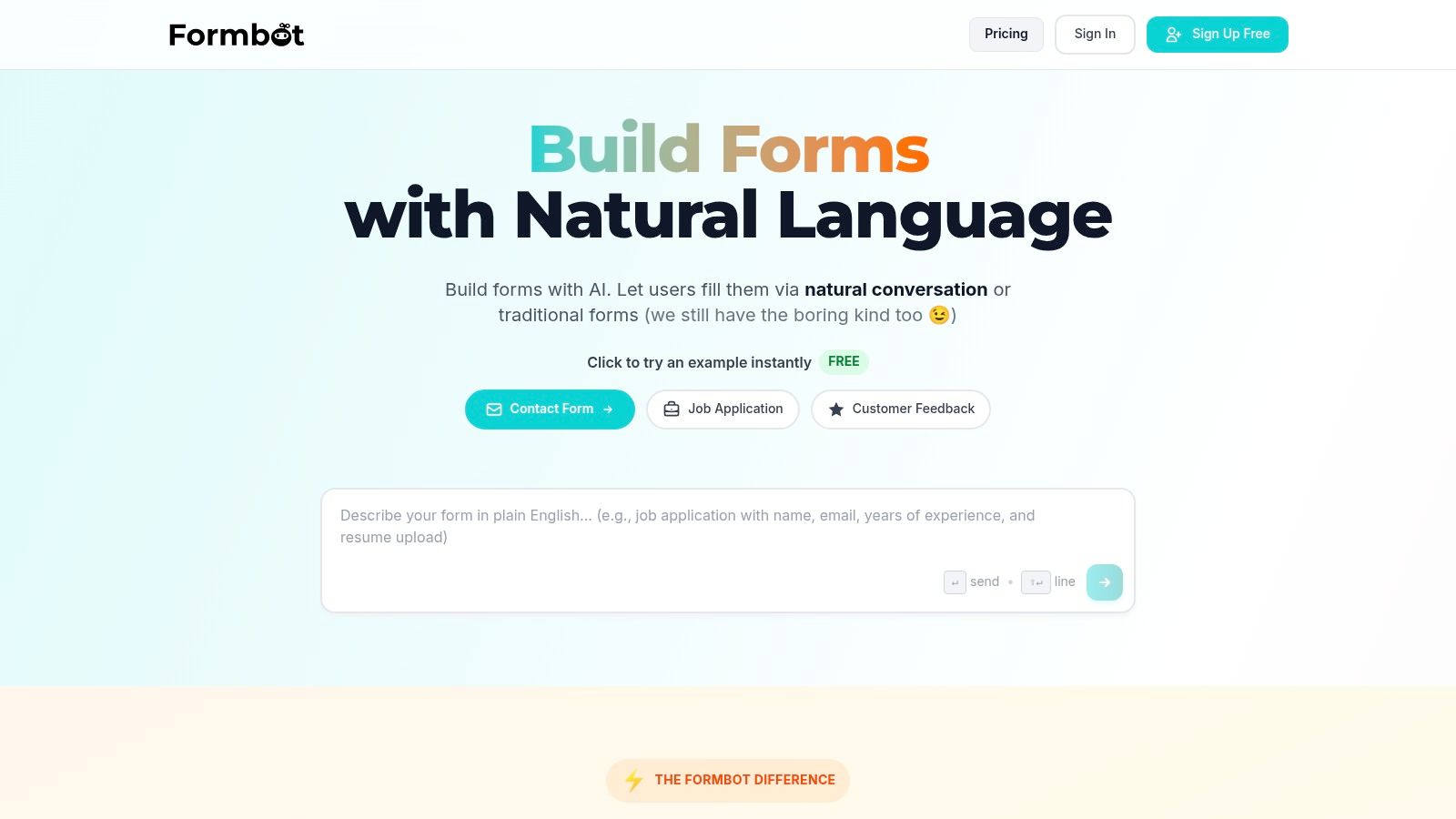
The platform's true no-code interface is a significant advantage; you can generate a complete, ready-to-share form simply by describing your needs in plain English. For example, typing "Create a customer feedback form to ask about product satisfaction, support experience, and new feature ideas" instantly produces a logical, multi-step conversational flow. This removes technical barriers, empowering marketing, product, and support teams to launch feedback initiatives without developer assistance.
Key Strengths and Use Cases
Formbot excels in scenarios where user experience directly impacts submission rates. Its conversational UI is designed to boost completion rates, making it ideal for post-purchase feedback, Net Promoter Score (NPS) surveys, and product research questionnaires.
- UI Versatility: You are not locked into a single format. Choose between a chat-based interface, a guided one-question-at-a-time flow, or a traditional form to best suit your audience and context.
- Intelligent Data Extraction: The AI understands natural language responses. If a user provides multiple pieces of information in one sentence, Formbot intelligently parses and populates the relevant fields, preventing redundant questions.
- Effortless Deployment: Once generated, your form is accessible via an instant shareable link, eliminating the need for hosting or complex embedding procedures. Real-time analytics provide immediate insights into response patterns.
Practical Considerations
Formbot offers robust capabilities and multiple pricing tiers. As of 2026, the free tier allows you to build unlimited forms and collect responses, while paid tiers offer more advanced features and higher response limits. For businesses with highly complex, bespoke backend workflows or stringent enterprise-level integration requirements, it's advisable to verify that Formbot's native capabilities meet your specific needs before full-scale deployment. If you're exploring various tools, you can learn more about how Formbot compares to other online form builders on tryformbot.com.
- Pros: High completion rates, true no-code AI generation, flexible UI modes (chat, guided, classic), easy sharing with built-in analytics.
- Cons: Advanced, custom enterprise integrations may need verification.
Website: https://tryformbot.com
2. Typeform
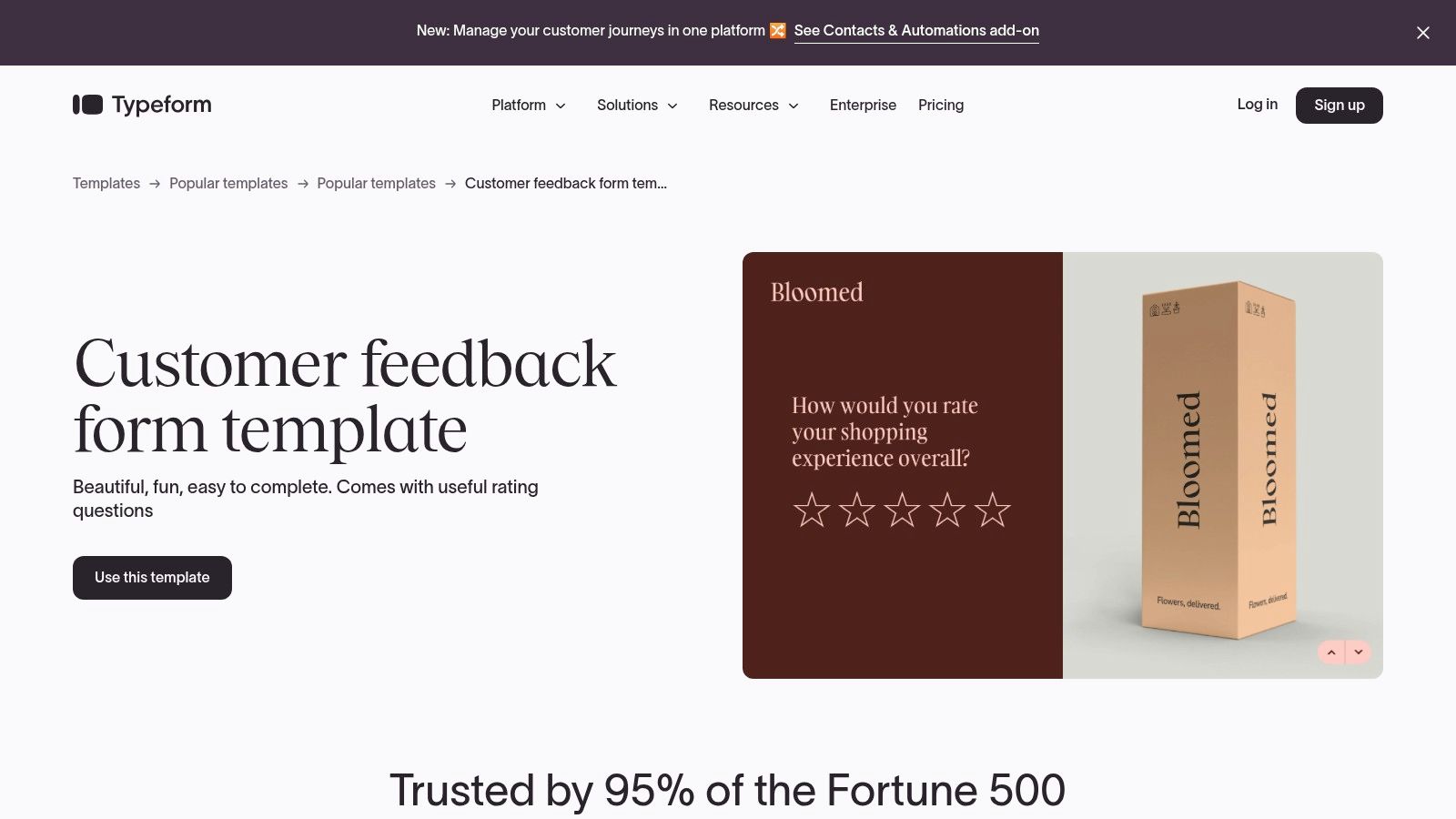
Typeform distinguishes itself with a modern, conversational approach to data collection, presenting one question at a time. This design-forward methodology creates a more engaging, human-centric experience for users, which can significantly increase completion rates for any customer feedback form template. It's an ideal choice for businesses prioritizing brand presentation and a high-quality user experience, especially on mobile devices where its interface excels.
The platform’s strength lies in making feedback collection feel less like a chore and more like a conversation. Its fluid, one-question-at-a-time flow reduces cognitive load, guiding respondents through the survey smoothly. This approach, combined with deep branding controls and a vast library of integrations, makes it a powerful tool for marketing, product, and customer experience teams who need both style and substance.
Key Features and Considerations
- Conversational Flow: The signature one-question-at-a-time format is highly engaging and mobile-friendly, often leading to better quality responses.
- Deep Customization: Typeform offers extensive branding options, allowing you to match forms perfectly to your company's aesthetic, from fonts and colors to background images.
- Robust Integrations: With over 300 integrations, including Slack, HubSpot, and Zapier, you can easily pipe feedback data into your existing workflows.
- Logic Jumps: Personalize the user's path through the form based on their previous answers for a more relevant and tailored experience.
Typeform’s free plan is quite limited, making it better suited for low-volume collection. To access advanced features like logic jumps, full branding removal, and higher response limits, a paid plan is necessary. For guidance on creating visually appealing and effective surveys, explore these form design best practices to get the most out of platforms like Typeform.
Website: https://www.typeform.com/templates/customer-feedback
3. SurveyMonkey
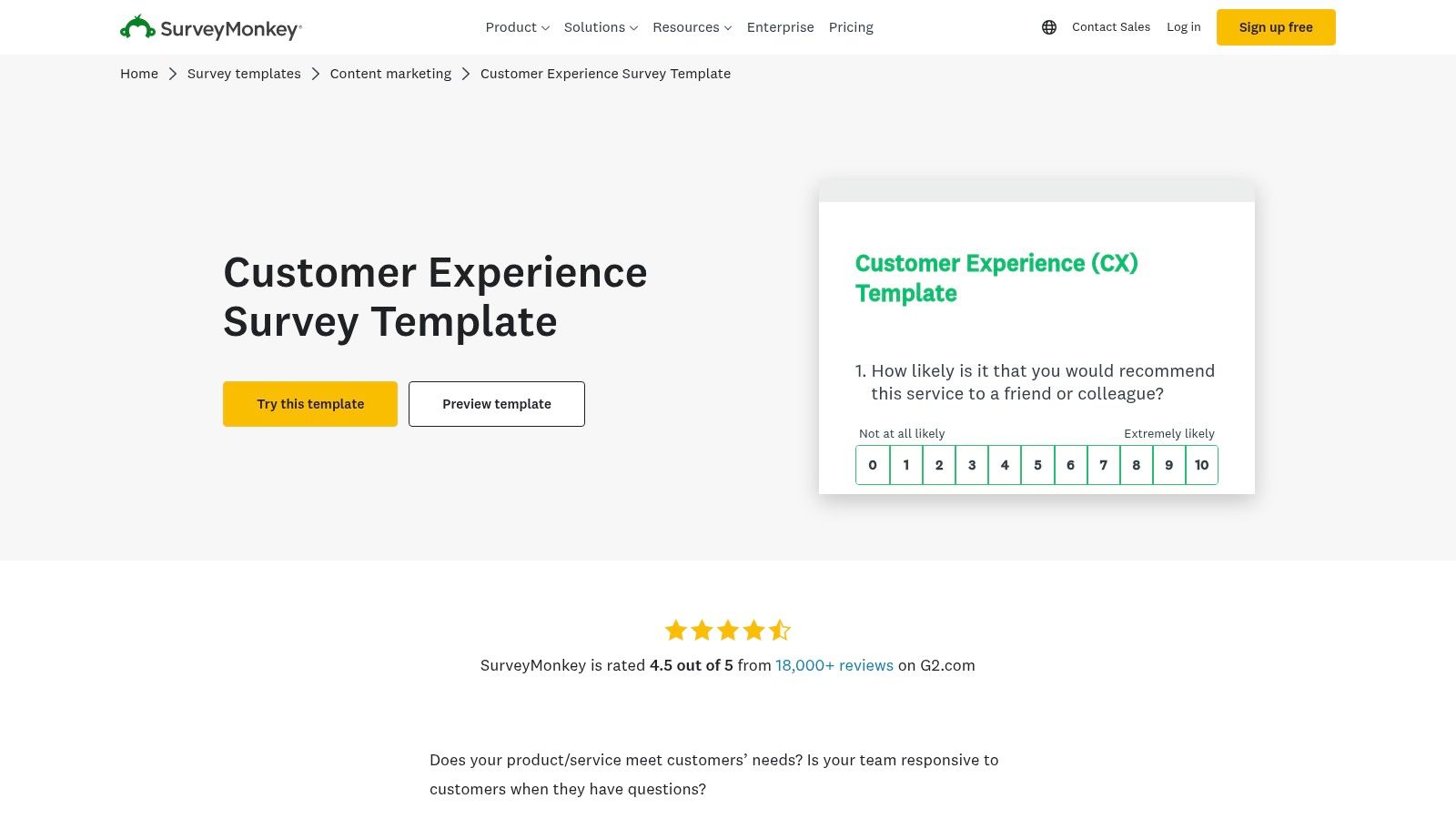
SurveyMonkey is a heavyweight in the survey world, known for its research-oriented platform and powerful analytical capabilities. It’s an ideal choice for businesses that need enterprise-grade reliability and data-driven insights from their customer feedback. The platform offers a vast gallery of expert-built templates, including specialized options for CSAT, CES, and NPS, making it easy to launch a methodologically sound customer feedback form template quickly.
This platform shines when you need to go beyond simple data collection and dive deep into analysis, benchmarking, and reporting. While its interface can feel more traditional compared to newer, more design-focused tools, its strength lies in its robustness, extensive distribution options, and features tailored for large-scale research and corporate compliance. For teams that prioritize data integrity and powerful backend analytics over a conversational user interface, SurveyMonkey is a trusted industry standard.
Key Features and Considerations
- Expert Template Gallery: Access a wide range of professionally designed templates for CSAT, CES, NPS, and general customer experience, ensuring you ask the right questions.
- Robust Analytics: SurveyMonkey provides powerful tools for analyzing results, creating custom reports, and sharing insights across your organization.
- Broad Distribution: Easily send your surveys via web link, email, social media, and other channels to reach customers wherever they are.
- Enterprise-Ready: With strong compliance, security, and reliability, it meets the needs of larger organizations that require enterprise-level features.
While SurveyMonkey offers a free plan, many of its most powerful features, including advanced analytics and collaboration tools, are behind a paywall. The user interface can also feel heavier than more lightweight form builders. To understand the strategic importance of this data, learn more about effective methods for how to collect customer feedback and integrate it into your business processes.
Website: https://www.surveymonkey.com/templates/customer-experience-survey-template
4. Jotform
Jotform positions itself as a powerhouse of versatility, offering one of the largest libraries of ready-made templates in the market. Its core strength is speed and flexibility, allowing teams to quickly find, customize, and deploy a customer feedback form template with minimal effort. The platform’s drag-and-drop editor is intuitive, making it highly accessible for users without any technical expertise while still offering advanced functionality for those who need it.
This combination of a massive template library and a user-friendly builder makes Jotform a go-to for teams that need to launch various feedback initiatives fast. Whether it's a simple satisfaction survey or a complex form with conditional logic, the platform provides the tools to build it quickly. Its flexible deployment options, including direct links, website embeds, and QR codes, ensure you can reach your customers wherever they are.
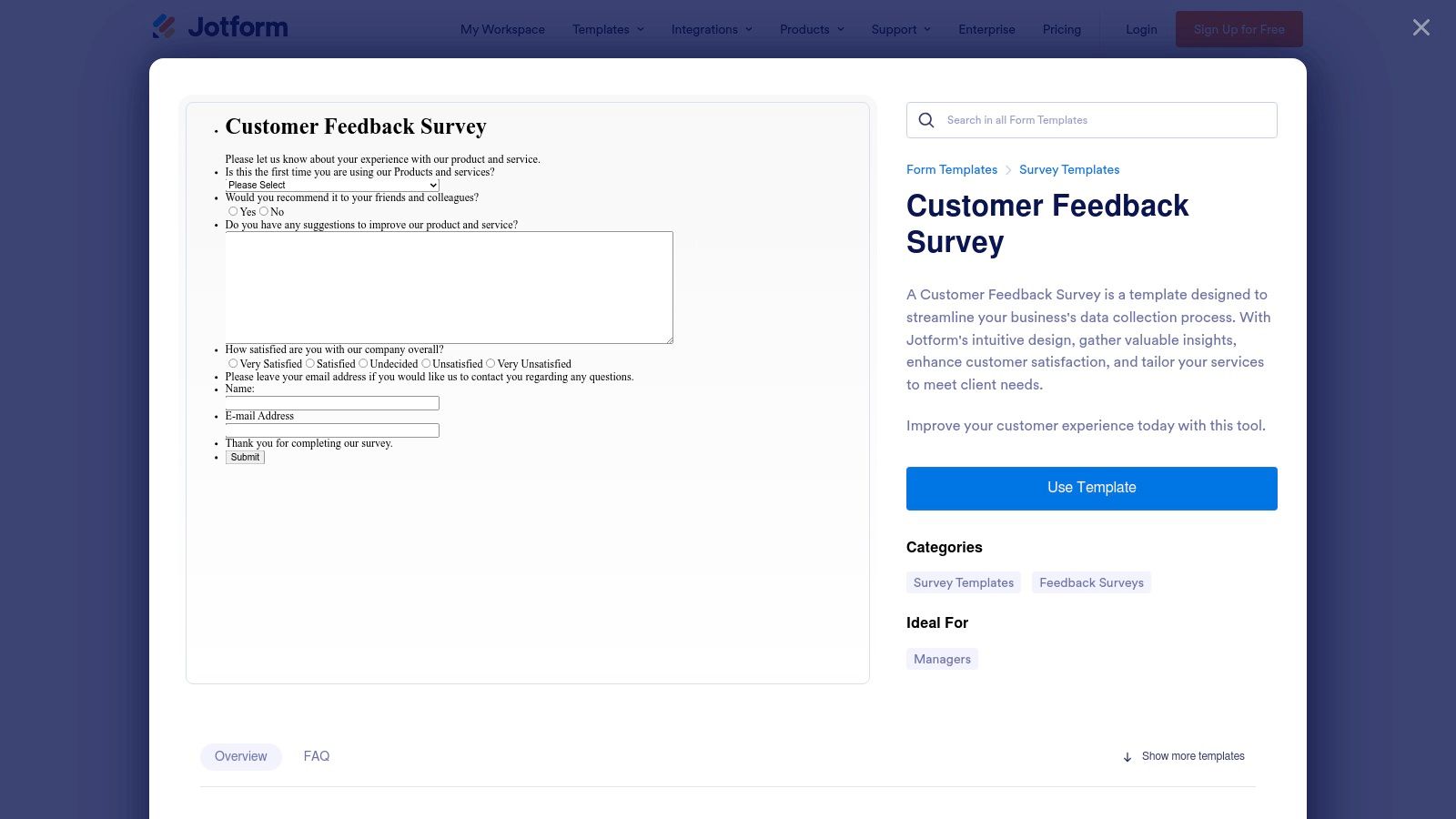
Key Features and Considerations
- Vast Template Library: With dozens of specific customer feedback and satisfaction templates, you can find a starting point for nearly any use case, saving significant setup time.
- Drag-and-Drop Editor: The highly intuitive builder allows for easy customization of fields, widgets, and design elements without writing a single line of code.
- Conditional Logic: Create dynamic forms that show or hide questions based on user responses, resulting in a more personalized and relevant feedback experience.
- Broad Integration Support: Connects with over 100 third-party apps, including CRMs, email marketing services, and project management tools, to automate your data workflows.
Jotform’s free plan is quite generous, but removing its branding and accessing higher submission limits or specialized features like HIPAA compliance requires a paid subscription. The sheer number of templates can also be a bit overwhelming for new users trying to find the perfect fit.
Website: https://www.jotform.com/form-templates/customer-feedback-survey
5. Microsoft Forms (Microsoft Create)
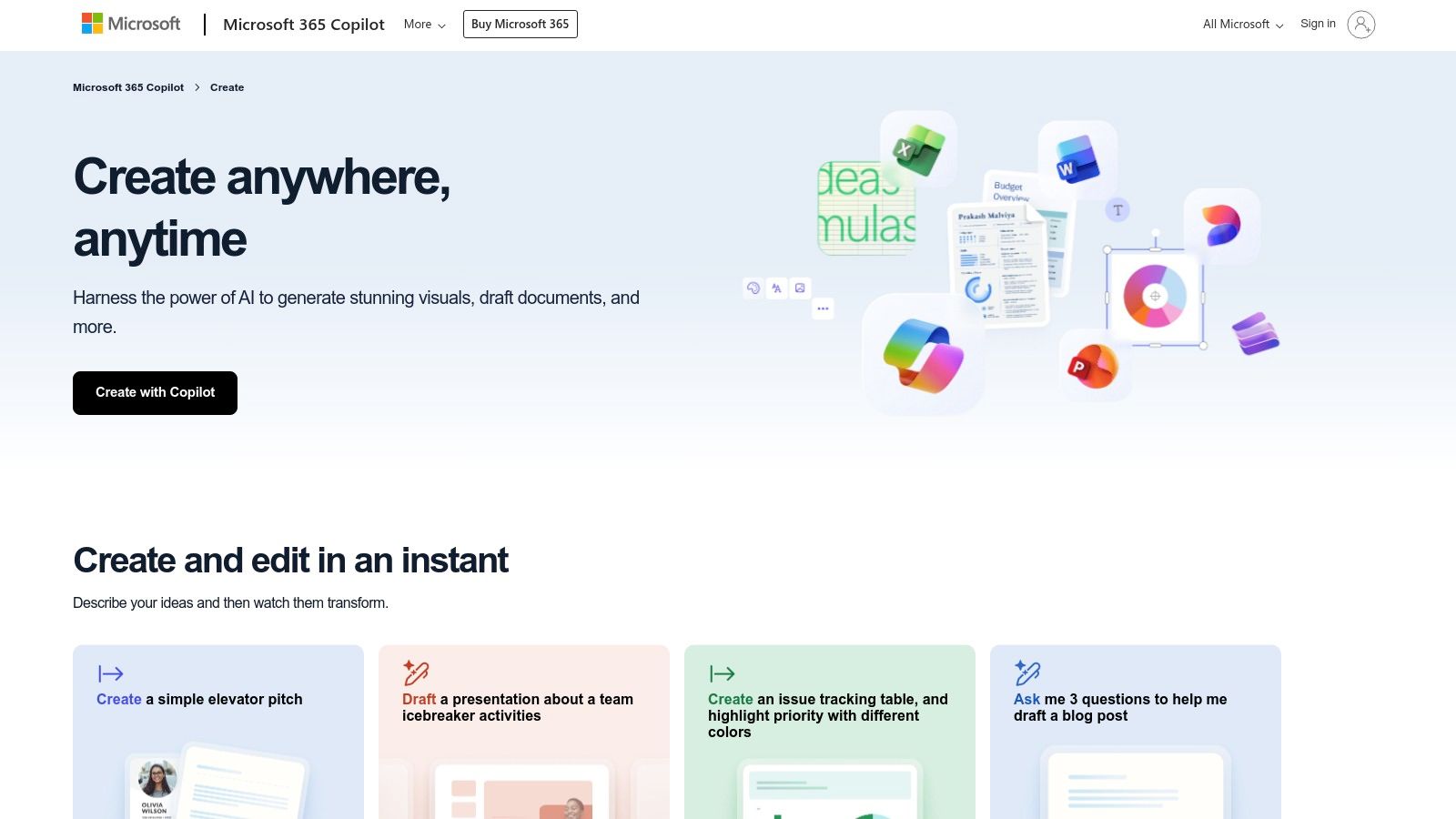
For organizations deeply embedded in the Microsoft 365 ecosystem, Microsoft Forms provides a seamless and familiar solution for data collection. Available through Microsoft Create, its templates offer a straightforward way to build a functional customer feedback form template without leaving your existing suite of tools. The primary advantage is its native integration with other Microsoft products, such as Excel and SharePoint, making data management incredibly efficient for current users.
This platform is ideal for internal feedback loops, simple customer satisfaction surveys, and situations where immediate data export to Excel is a priority. It prioritizes function over form, offering a clean, no-frills interface that is easy for anyone to use. While it may lack the advanced design flair of specialized builders, its simplicity and integration make it a powerful and cost-effective choice for teams already leveraging Microsoft's software.
Key Features and Considerations
- Native M365 Integration: Forms open directly in the platform for quick editing, and results can be exported to Excel with a single click for analysis.
- Ease of Use: The interface is clean and intuitive, making it simple to create and share surveys without a steep learning curve.
- Anonymous Responses: Provides an option to collect feedback anonymously, which can encourage more honest and candid responses from customers.
- Simple Sharing: Share forms via a link, QR code, or embed them directly into a webpage or email, with real-time results tracking.
Microsoft Forms is included with most Microsoft 365 subscriptions, making it a free tool for many businesses. However, its logic and branching capabilities are less sophisticated than dedicated survey platforms, and its built-in analytics are basic. It's best suited for straightforward feedback collection where deep analysis and complex question paths are not required.
Website: https://create.microsoft.com/en-us/templates/customer-feedback
6. Zoho Survey
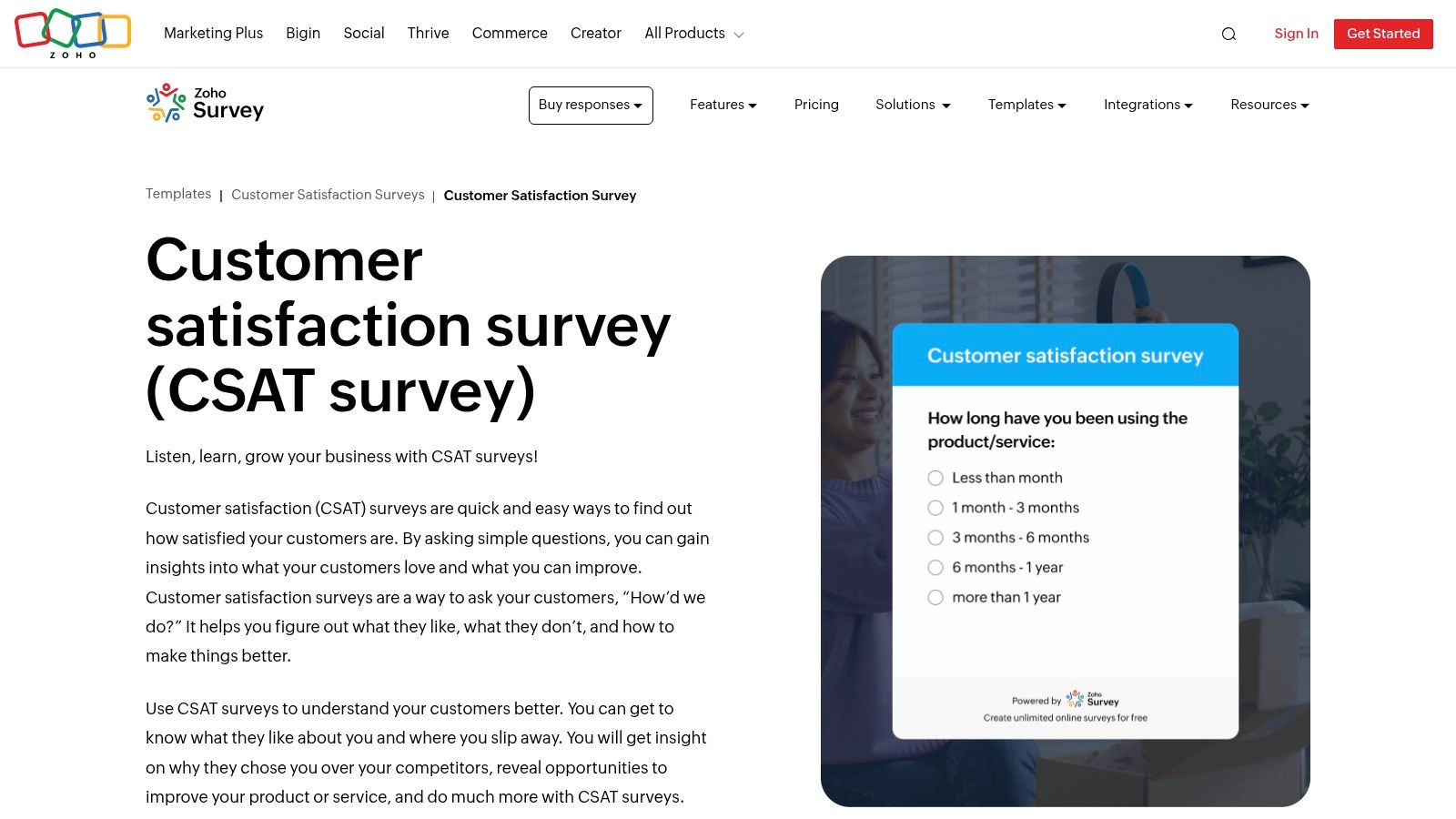
Zoho Survey offers a robust and practical solution for businesses that need functional, logic-driven feedback forms without a primary focus on cutting-edge design. It stands out as an excellent value proposition, especially for small to medium-sized businesses that are already part of the Zoho ecosystem or require powerful features like multilingual support and offline data collection. Its templates provide a solid starting point for any customer feedback form template, complete with example questions and usage statistics to guide creation.
The platform is less about aesthetic flair and more about utility, providing a straightforward, no-nonsense interface for building and distributing surveys. Its real strength lies in its comprehensive feature set, including advanced logic, the ability to translate surveys into over 100 languages, and versatile distribution options. For teams that operate in diverse markets or need to collect feedback in the field without an internet connection, Zoho Survey is a uniquely capable and cost-effective choice.
Key Features and Considerations
- Multilingual Surveys: A key differentiator, Zoho Survey supports over 100 languages, making it ideal for global businesses gathering international customer feedback.
- Offline Data Collection: The mobile app allows teams to collect survey responses offline, which are then synced automatically once an internet connection is available.
- Advanced Logic and Piping: Implement skip logic, question piping, and other custom rules to create dynamic and personalized survey experiences for respondents.
- Multiple Distribution Channels: Easily share your forms via email, social media, SMS, QR codes, or by embedding them directly onto your website.
While Zoho Survey’s free plan is generous, more advanced features like complete branding control and sophisticated reporting dashboards are reserved for paid tiers. The user interface is functional but can feel more utilitarian when compared to more design-forward competitors.
Website: https://www.zoho.com/survey/templates/customer-satisfaction/customer-satisfaction-survey.html
7. Qualtrics
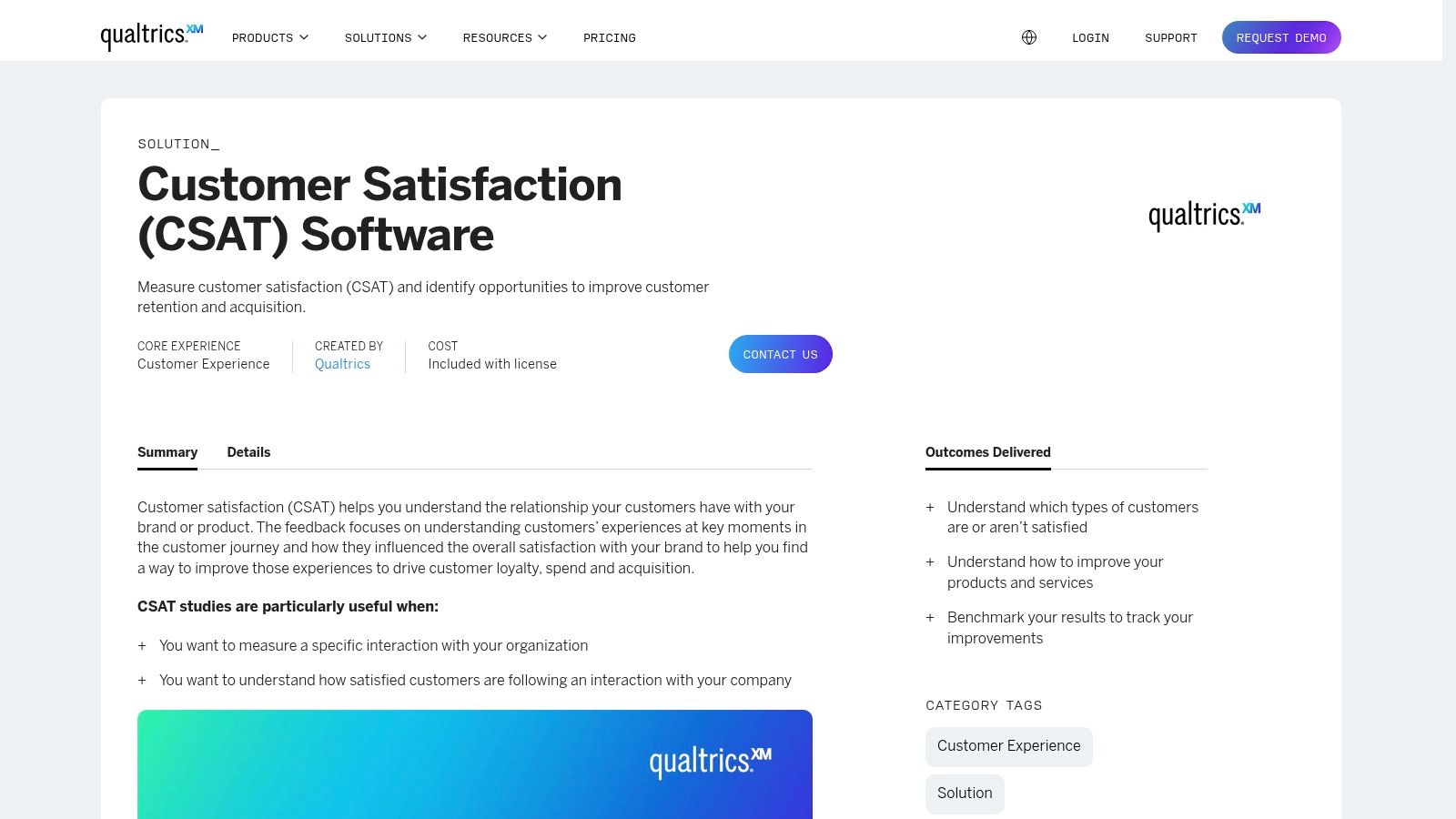
Qualtrics is an enterprise-grade experience management (XM) platform that offers sophisticated, expert-built survey templates for deep customer insights. It moves beyond simple data collection, providing a comprehensive suite for analyzing feedback at scale. This makes it an ideal choice for large organizations and dedicated CX teams needing institutional-grade analytics, governance, and PhD-designed methodologies to drive strategic business decisions.
The platform's core strength lies in its powerful analytical capabilities and its library of pre-built, methodologically sound templates. If your goal is not just to collect feedback but to perform complex analysis, segment audiences, and track metrics over time with robust data controls, Qualtrics provides the necessary infrastructure. Its Customer Satisfaction (CSAT) survey is a prime example of a ready-to-use customer feedback form template designed for rigorous analysis.
Key Features and Considerations
- PhD-Designed Templates: Access survey templates crafted by experts, complete with pre-loaded questions and scientifically validated survey logic to ensure high-quality data.
- Advanced Analytics and Dashboards: Go beyond raw data with powerful tools for trend analysis, text analytics (Text iQ), and predictive insights presented in dynamic dashboards.
- Strong Governance and Controls: Implement strict data controls, user permissions, and security protocols suitable for large enterprises handling sensitive customer information.
- Extensive Template Library: Utilize a library of over 50 expert-built templates for various use cases beyond customer feedback, including market research and employee engagement.
Qualtrics is often overkill for small businesses or simple feedback collection needs. Its true power is unlocked through enterprise-level licenses, which are required for its most advanced CX features, making it a significant investment. For teams needing a simpler solution, other tools may be more appropriate.
Website: https://www.qualtrics.com/templates/customer-satisfaction-survey
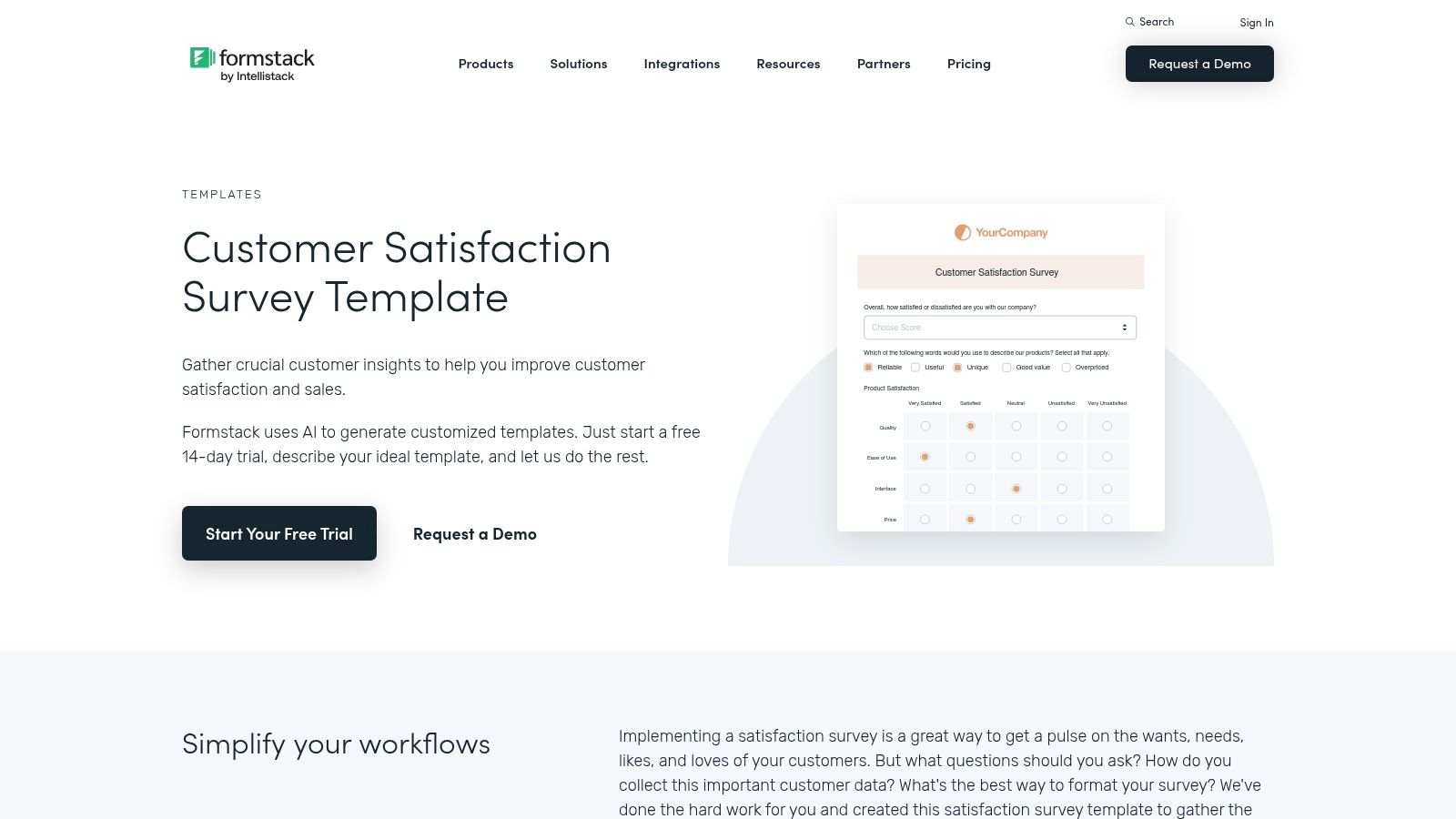
8. Formstack
Formstack positions itself as more than just a form builder; it's a no-code workflow automation platform. This makes it an excellent choice for businesses that need a customer feedback form template that actively triggers internal processes. It is designed for teams that want to connect feedback collection directly to actionable follow-ups, such as routing negative reviews to a support manager or adding positive testimonials to a CRM.
The platform excels at integrating forms into complex business workflows, ensuring that collected data doesn't just sit in a spreadsheet. With features like conditional logic and automated data routing, you can create a system where feedback is immediately processed, assigned, and addressed. This focus on automation makes Formstack a powerful tool for teams looking to streamline their entire customer experience management, from initial submission to final resolution.
Key Features and Considerations
- No-Code Workflow Automation: Connect your forms to powerful workflows to automate tasks like data routing, email notifications, and approvals without any coding.
- Prebuilt CSAT/CX Templates: Start quickly with a library of templates specifically designed for customer satisfaction and experience feedback, which you can customize in the theme editor.
- Conditional Logic: Tailor the form experience by showing or hiding fields based on user responses, ensuring you only ask relevant questions.
- Embeddable Responsive Forms: Easily embed mobile-friendly forms directly onto your website or landing pages for a seamless user experience.
While Formstack offers robust automation capabilities, its templates are gated behind a free trial or paid account. The pricing structure is also geared more towards established businesses and enterprise clients rather than individuals or small startups. It is the ideal solution when the process that happens after a form is submitted is just as important as the form itself.
Website: https://www.formstack.com/templates/customer-satisfaction-survey
9. Paperform
Paperform excels at blending powerful form-building capabilities with a designer-friendly interface, making it an excellent choice for businesses that refuse to compromise on brand aesthetics. Its approach is similar to editing a document, allowing for free-form text, images, and questions within a single, elegant layout. This makes it particularly effective for creating a visually rich customer feedback form template that feels integrated and professional.
The platform empowers teams to build beautiful, brand-consistent surveys that are as smart as they are stylish. Unlike more restrictive builders, Paperform offers significant control over layout and design, enabling you to craft an experience that truly reflects your brand’s identity. It's ideal for marketing and customer experience teams who need to deploy sophisticated, on-brand forms without writing a single line of code.
Key Features and Considerations
- Designer-Friendly Interface: Offers rich theming options, including custom fonts, colors, UI modifications, and imagery, ensuring every form is perfectly brand-aligned.
- Conditional Logic: Build dynamic forms that show or hide questions and pages based on user responses, creating a personalized and relevant feedback path.
- Direct Integrations: With over 100 direct integrations, you can seamlessly send feedback data to tools like Google Sheets, Mailchimp, and Asana.
- Calculations and Scoring: Implement calculations directly within your forms, useful for scoring customer satisfaction (CSAT) or creating quizzes.
Paperform does not offer a permanent free plan; it operates on a trial-to-paid model, which may be a consideration for users with minimal needs. Additionally, while it provides basic analytics, more advanced data analysis often requires exporting data or integrating with dedicated external tools.
Website: https://paperform.co/templates/customer-feedback-form
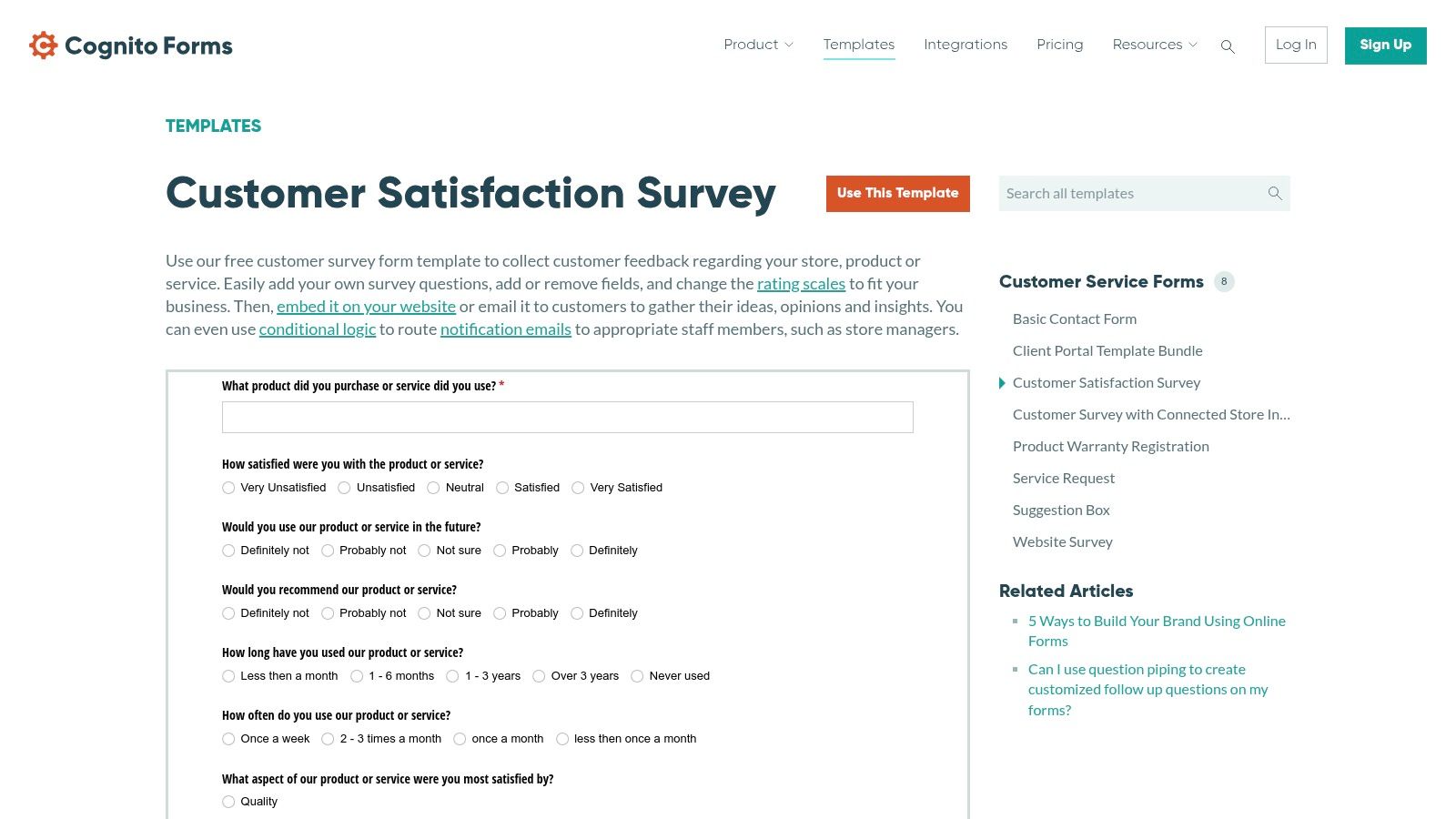
10. Cognito Forms
Cognito Forms strikes an impressive balance between advanced functionality and affordability, making it a powerful choice for small to medium-sized businesses that need more than just basic data collection. It provides a robust platform for building a detailed customer feedback form template, complete with features like conditional logic, calculations, and payment integrations. This makes it ideal for businesses that need to gather complex feedback, process orders, or segment responses dynamically within a single form.
The platform excels at creating forms that are practical and data-rich rather than purely aesthetic. Its strength lies in its backend capabilities, such as powerful data management, secure payment collection, and routing notifications to different team members based on form entries. While its design options are more functional than flashy, the forms are clean, professional, and easily embeddable into any website, offering a seamless experience for the end-user.
Key Features and Considerations
- Advanced Logic and Calculations: Implement complex conditional logic, perform calculations directly within the form, and pre-fill fields to create a highly personalized and efficient user journey.
- File Uploads and Payments: Easily accept document uploads and integrate with payment gateways like Stripe and PayPal, expanding the form’s utility beyond simple feedback.
- AI-Assisted Template Creation: Use the AI-powered builder to quickly generate a customer feedback form template based on a simple prompt, saving significant time during setup.
- Easy Embedding and Routing: Seamlessly embed forms on your website and configure email routing to ensure feedback reaches the correct department or individual automatically.
Cognito Forms offers a generous free plan, but accessing its more powerful features, such as advanced logic and payment fields, requires upgrading to a paid subscription. The interface is straightforward, but users seeking the high-end design customization of platforms like Typeform might find it more limited.
Website: https://www.cognitoforms.com/templates/8/customer-satisfaction-survey
11. Etsy
Etsy offers a unique, hands-on alternative to digital form builders by providing a vast marketplace of downloadable and printable customer feedback form templates. This platform is an excellent resource for businesses needing physical comment cards or beautifully designed, industry-specific templates for offline collection. You can find thousands of low-cost, professionally designed options from independent creators, perfect for salons, cafes, events, and retail stores.
The primary appeal of Etsy lies in its specialization and affordability for niche use cases. Instead of a generic digital survey, you can purchase an aesthetically pleasing template tailored to your industry, often editable in user-friendly tools like Canva. This approach is ideal for gathering in-person feedback, including a card with shipped products, or simply creating a more tactile brand experience when digital forms feel impersonal.
Key Features and Considerations
- Vast Niche Selection: Discover templates designed for specific industries like beauty salons, restaurants, healthcare clinics, and artisan markets that are hard to find elsewhere.
- Instant Digital Downloads: Most templates are available immediately after purchase as PDF, Word, or Canva files, often including both US Letter and A4 sizes.
- Editable and Printable: Many listings grant access to an editable Canva template, allowing you to add your logo, change colors, and customize questions before printing.
- Extremely Low Cost: Compared to software subscriptions, Etsy provides an affordable one-time purchase for a high-quality, printable customer feedback form template.
While Etsy is a fantastic resource for printable and DIY forms, it's crucial to vet individual sellers. The quality, file types, and licensing terms can vary significantly, so always read reviews and product descriptions carefully. Also, confirm the editing platform (e.g., Canva, Word) and access policies before buying to ensure they meet your needs.
Website: https://www.etsy.com/market/customer_feedback_form_template
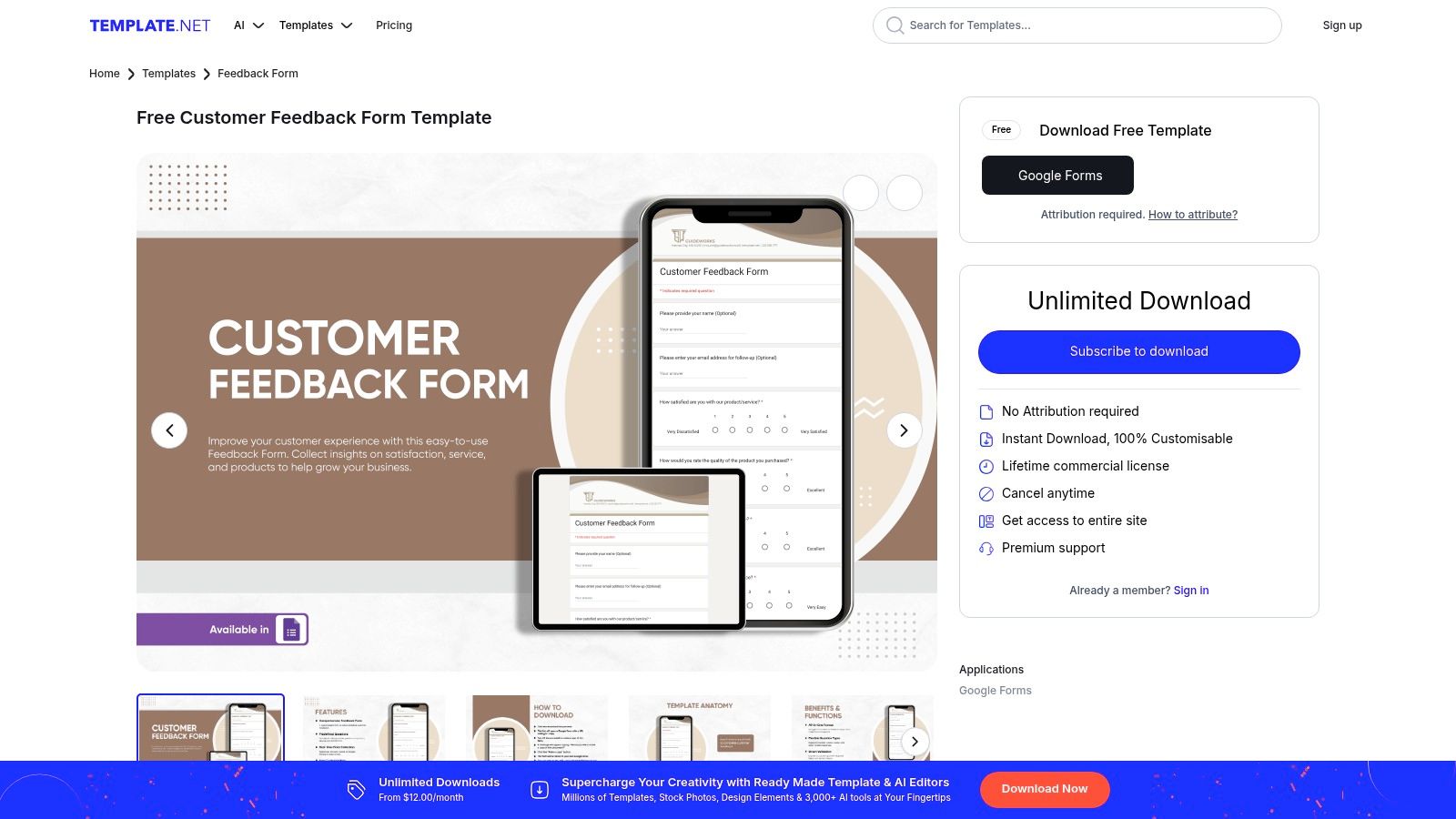
12. Template.net
Template.net offers a vast library of downloadable, pre-designed templates, making it an excellent resource for teams that need a functional customer feedback form template with minimal setup time. It stands out by providing ready-to-use files in various formats, including for Google Docs, Sheets, and even direct Google Forms integration. This approach is ideal for businesses looking for a quick starting point without committing to a dedicated form-building platform.
The primary advantage of Template.net is speed and convenience. Instead of building a survey from scratch, you can browse a wide selection of forms categorized by use case, such as CSAT, service quality, and product reviews, and download one instantly. This is particularly useful for teams already operating within the Google Workspace ecosystem, as it allows for rapid deployment and familiar editing environments.
Key Features and Considerations
- Multiple Formats: Templates are available for Google Forms, Google Docs, MS Word, and other common editors, offering flexibility in how you collect and manage feedback.
- Extensive Library: The site covers a broad range of feedback scenarios, from general satisfaction to highly specific event or service evaluations.
- One-Click Customization: Once downloaded or copied, the templates are fully editable within your chosen application, allowing for easy branding and question adjustments.
- Clear Categorization: Templates are clearly labeled by format and intended use case, which simplifies the search process for the right starting point.
While many basic templates are free, the most professional and feature-rich designs often require a premium subscription for access. Additionally, using a static template lacks the dynamic capabilities of a dedicated form builder, such as conditional logic, automated integrations, and advanced analytics, making it better suited for straightforward data collection tasks.
Website: https://www.template.net/editable/522341/customer-feedback-form
Top 12 Customer Feedback Form Template Comparison
| Product | Core features | UX / Quality ★ | Value / Price 💰 | Target 👥 | Unique selling points ✨ |
|---|---|---|---|---|---|
| 🏆 Formbot | AI-generated forms; chat/guided/classic modes; 100+ templates; real-time analytics; encryption | ★★★★☆ — High completion rates | 💰 Start free; paid tiers available | 👥 SMBs, product/marketing teams, mobile-first use | ✨ NL form creation (plain English); conversational UI; instant share links; no-code |
| Typeform | Single-question conversational flow; 300+ integrations; deep branding; logic | ★★★★☆ — polished mobile UX | 💰 Free tier limited; paid for advanced branding/logic | 👥 Marketing, CX, design-conscious teams | ✨ Design-forward, strong branding & embeddables |
| SurveyMonkey | CSAT/CES/NPS templates; robust analytics & benchmarking; wide distribution | ★★★★☆ — research-oriented, heavyweight UI | 💰 Tiered plans; enterprise pricing | 👥 Researchers, enterprise CX teams | ✨ Expert templates, benchmarking & compliance |
| Jotform | Drag-and-drop editor; conditional logic; 100+ integrations; HIPAA options | ★★★★☆ — fast to customize & publish | 💰 Generous features; branding/submission limits on paid plans | 👥 SMBs, regulated industries (healthcare) | ✨ Drag‑drop speed + HIPAA/enterprise support |
| Microsoft Forms (Create) | Templates open in Forms; Excel export; anonymous responses; simple sharing | ★★★☆☆ — familiar & lightweight | 💰 Free with Microsoft 365 (or free tier) | 👥 Microsoft 365 orgs, education | ✨ Seamless Excel/365 integration and simple export |
| Zoho Survey | CSAT templates; logic & piping; 100+ languages; email/SMS/embed; offline app | ★★★★☆ — utilitarian but solid | 💰 Affordable tiers; strong SMB value | 👥 SMBs needing multilingual & offline surveys | ✨ Multilingual + offline mobile collection |
| Qualtrics | PhD-designed templates; advanced analytics & dashboards; governance | ★★★★★ — enterprise/research-grade | 💰 Enterprise pricing; premium licenses | 👥 Large enterprises, CX research teams | ✨ Research‑grade methodology, scale & controls |
| Formstack | No-code builder; conditional logic; data routing & automation; responsive embeds | ★★★★☆ — workflow-oriented | 💰 Business/enterprise plans; trial gated | 👥 Ops teams, process-driven organizations | ✨ Integrated workflow automation & routing |
| Paperform | Rich theming & multipage forms; conditional logic; 100+ integrations | ★★★★☆ — designer-friendly | 💰 Trial then paid; no permanent free plan | 👥 Designers, brand-focused teams | ✨ Strong visual theming for brand-consistent surveys |
| Cognito Forms | Logic, piping, calculations; file uploads; payments; embeddable forms | ★★★★☆ — capable & value-focused | 💰 Sensible pricing tiers; good SMB value | 👥 SMBs needing powerful fields (uploads/payments) | ✨ File uploads/payments + AI-assisted template creation |
| Etsy | Downloadable printable templates (PDF/Word/Canva); niche vertical designs | ★★★☆☆ — variable quality by seller | 💰 Very low cost per template (one-off) | 👥 Small businesses, offline/print use, niche industries | ✨ Huge niche/vertical selection; printable designs |
| Template.net | Ready-to-download templates (incl. Google Forms); one-click edits | ★★★☆☆ — quick starters | 💰 Free & premium subscription options | 👥 Teams wanting fast Google Forms starts | ✨ Format-labeled downloads (Google Forms, Word, etc.) |
Choosing the Right Template to Turn Feedback into Growth
Navigating the landscape of customer feedback tools can feel overwhelming, but as we've explored, the path to actionable insights is paved with the right choices. This comprehensive guide has walked you through a diverse array of options, from AI-powered conversational builders like Formbot to robust enterprise solutions like Qualtrics and creative marketplace finds on Etsy. The central takeaway is clear: there is no single "best" customer feedback form template. The ideal solution is the one that aligns perfectly with your specific objectives, brand voice, and, most importantly, your audience's expectations.
The difference between a form that gets ignored and one that yields a goldmine of data lies in its design, relevance, and user experience. A generic, one-size-fits-all approach is a recipe for low completion rates and shallow, unhelpful responses. The most successful feedback initiatives treat the process not as a simple data extraction exercise but as an extension of the customer conversation. By selecting a template and tool that resonates with your users, you signal that their opinion is valued, encouraging more thoughtful and honest input.
Key Considerations Before You Commit
Before you finalize your decision and deploy your next survey, take a moment to reflect on the core needs of your project. The right tool will not only meet your immediate requirements but also scale with you as your feedback strategy matures. Ask yourself these critical questions:
- What is my primary goal? Are you trying to measure customer satisfaction with an NPS score, gather detailed product feature requests, or understand post-purchase sentiment? Your goal dictates the complexity and type of questions needed.
- Who is my audience? A B2B audience interacting with a complex SaaS product may respond well to a detailed, analytical survey from SurveyMonkey, while a D2C e-commerce brand might see higher engagement with a quick, conversational form from a tool like Formbot or Typeform.
- What is my budget? Solutions range from free options like Microsoft Forms to significant enterprise investments. Be realistic about your budget, but also consider the potential ROI of higher-quality feedback. For instance, Formbot's pricing tiers offer scalable solutions for businesses at different growth stages.
- How important are integrations? Consider how the collected data will flow into your existing systems. Do you need seamless integration with your CRM, Slack, or analytics dashboard? Tools like Formstack and Jotform excel in this area.
From Template to Actionable Insight
Once you've selected your platform, the work of customization begins. Remember that a customer feedback form template is a starting point, not a final destination. Adapt the language to match your brand's tone, remove any non-essential questions to reduce friction, and use conditional logic to create a personalized, relevant experience for each user. To get inspired, it's beneficial to review powerful feedback form examples to understand what truly resonates with customers and drives growth.
Ultimately, the power of a feedback form isn't in the questions you ask, but in the actions you take based on the answers you receive. Establish a clear process for analyzing the data, sharing insights across relevant teams (product, marketing, support), and closing the loop with your customers. When customers see their feedback leading to tangible improvements, they become more invested in your brand's success, creating a virtuous cycle of loyalty and growth that will serve you well into 2026 and beyond.
Ready to move beyond static forms and start having real conversations with your customers? Formbot uses AI to create engaging, chat-like forms that feel more like a friendly discussion, leading to higher completion rates and richer insights. Sign up for free and build your first AI-powered customer feedback form in minutes with Formbot.



