A poorly designed registration form is more than just a minor inconvenience; it's a direct roadblock to user acquisition and data collection. Every unnecessary field, confusing question, or moment of friction increases the likelihood that a potential user, lead, or applicant will simply abandon the process. This abandonment translates directly into lost revenue, skewed data, and missed growth opportunities. The core problem is a disconnect between what a business wants to ask and what a user is willing to answer, often compounded by a clunky, uninspired user experience. To understand how to prevent these failures and ensure your forms achieve their purpose, consider various strategies for effective lead capture.
This guide cuts through the noise to provide a curated collection of effective registration forms examples. We will deconstruct what makes each one successful, from minimalist sign-ups to comprehensive multi-step application forms. For each example, you’ll find a detailed breakdown that includes:
- Strategic Analysis: The "why" behind the design and field choices.
- Actionable Takeaways: Specific, replicable tactics you can apply immediately.
- Ideal Use Cases: Clear guidance on when to use each type of form.
- Quick Build Instructions: How to create similar high-performing forms using a tool like Formbot.
Instead of just showing you static images, we provide screenshots, direct links, and the critical insights needed to build forms that don't just collect information, but actively drive conversions. Let's explore the examples that get it right.
1. Formbot
Formbot secures the top spot in our list of registration forms examples by fundamentally rethinking the data collection process. Instead of providing static templates, it offers a dynamic, AI-powered platform designed to build high-converting, conversational forms in seconds. This approach makes it a standout choice for teams aiming to maximize user engagement and completion rates, particularly on mobile devices.
The platform's core innovation is its AI-assisted build process. Users can describe their desired form in plain English, and the AI generates a functional, ready-to-use flow. This dramatically lowers the barrier to entry, empowering marketing, HR, and product teams to create and deploy sophisticated forms without writing a single line of code or relying on engineering resources.

Strategic Analysis: The Conversational Advantage
Formbot’s strength lies in its conversational user experience. It achieves this by transforming a tedious task into an interactive dialogue. Instead of overwhelming users with a long list of fields, it presents questions one at a time in a guided or chat-style interface.
This design is especially effective for mobile users, where traditional forms can be clunky and difficult to complete. The AI engine is smart enough to extract information from natural language, reducing friction and speeding up submissions. For instance, if a user types "My name is Jane and my email is [email protected]," the system can parse and populate both fields simultaneously.
Actionable Takeaway: For registration forms targeting a mobile-first audience or for processes with multiple steps (like event sign-ups or detailed user profiles), adopt a conversational, one-question-at-a-time approach. This minimizes cognitive load and keeps users engaged, directly boosting conversion rates.
Key Features and Use Cases
Formbot is a versatile tool built for rapid iteration and deployment across various departments.
- AI Form Generation: Describe your needs (e.g., "a simple contact form with name, email, and a message field") and watch the AI build it.
- Multiple Form Layouts: Choose between a classic multi-field layout, a guided one-question-at-a-time flow, or a modern chat interface to match your brand and audience.
- Ready-to-Use Templates: Get started quickly with over 100 pre-built templates for use cases like job applications, NPS surveys, and lead generation. You can find excellent examples in their guide to membership registration form templates.
- Instant Sharing & Analytics: Every form comes with a shareable link, eliminating the need for hosting. Real-time analytics help you track responses and optimize performance on the fly.
- Security-First Design: Modern encryption and authentication are built-in to protect user data.
Pros and Cons
| Strengths | Weaknesses |
|---|---|
| AI-Assisted Creation: Radically speeds up the form-building process for non-technical users. | Pricing Transparency: Public pricing and detailed plan limits are not readily available on the site. |
| High Conversion Rates: Conversational UX is proven to increase completions and user satisfaction. | AI Edge Cases: Highly complex or specialized forms may still require manual adjustments. |
| All-in-One Platform: Includes templates, hosting, and analytics for a complete workflow. | Compliance Details: Specific enterprise certifications like SOC2 or HIPAA are not listed. |
Getting Started with Formbot
Formbot offers a free-to-start model, allowing you to build and test its core features without initial commitment. To understand the full capabilities and scaling options for your team, you will likely need to sign up or contact their sales department.
Website: https://tryformbot.com
2. Jotform
Jotform positions itself as a powerhouse for those who need a registration form ready in minutes, backed by an immense library of templates and powerful integrations. It's an ideal choice when speed and functionality are paramount, particularly for events, workshops, or courses that require payment processing and automated workflows.
The platform’s core strength lies in its 10,000+ pre-built templates. This vast selection covers nearly every conceivable registration scenario, from simple workshop sign-ups to complex multi-day conference registrations. This makes it one of the most comprehensive sources for diverse registration forms examples available.
Strategic Breakdown & Key Features
Jotform excels by combining a massive template library with robust backend functionality. This blend allows users to launch sophisticated forms without writing a single line of code.
- Payment Integrations: Seamlessly connect with over 30 payment gateways, including Stripe, PayPal, and Square. This is crucial for paid events, membership sign-ups, or any registration process that involves a transaction.
- Conditional Logic: Create dynamic forms that adapt based on user input. You can show or hide fields, change thank-you pages, or trigger different email notifications, personalizing the registration experience and reducing friction.
- PDF Generation: A standout feature is the ability to automatically convert form submissions into professional, branded PDFs. This is invaluable for generating tickets, invoices, or printable registration summaries for attendees.
- HIPAA Compliance: For healthcare-related registrations, higher-tier plans offer HIPAA-compliant features, ensuring patient data is handled securely.
Key Takeaway: Jotform is more than just a form builder; it's a data collection engine. Its strength is in providing a ready-to-launch solution for complex registration needs, complete with payments, workflow automation, and specialized compliance options.
Ideal Use Cases & Pricing
Jotform is particularly well-suited for event organizers, educational institutions, and nonprofits. The platform offers a 50% discount for registered nonprofits and educational institutions, making its powerful features more accessible.
| Feature | Details |
|---|---|
| Pricing | Offers a free plan with Jotform branding and submission limits. Paid plans scale up, unlocking more submissions, storage, and advanced features like HIPAA support. |
| Best For | Event registration (conferences, workshops), course sign-ups, and any scenario requiring integrated payments and automated PDF generation. |
| Pros | Enormous template library, robust payment and workflow integrations, generous discounts for nonprofits and education. |
| Cons | The free plan has notable limitations and branding. The tiered pricing structure can be complex to navigate for new users. |
For those looking to compare Jotform with other leading platforms, it’s worth exploring a broader analysis of its capabilities. As one of the more established names in the space, understanding its place in the market is key. You can learn more about Jotform and its competitors in this detailed online form builder review.
Website: https://www.jotform.com/
3. Typeform
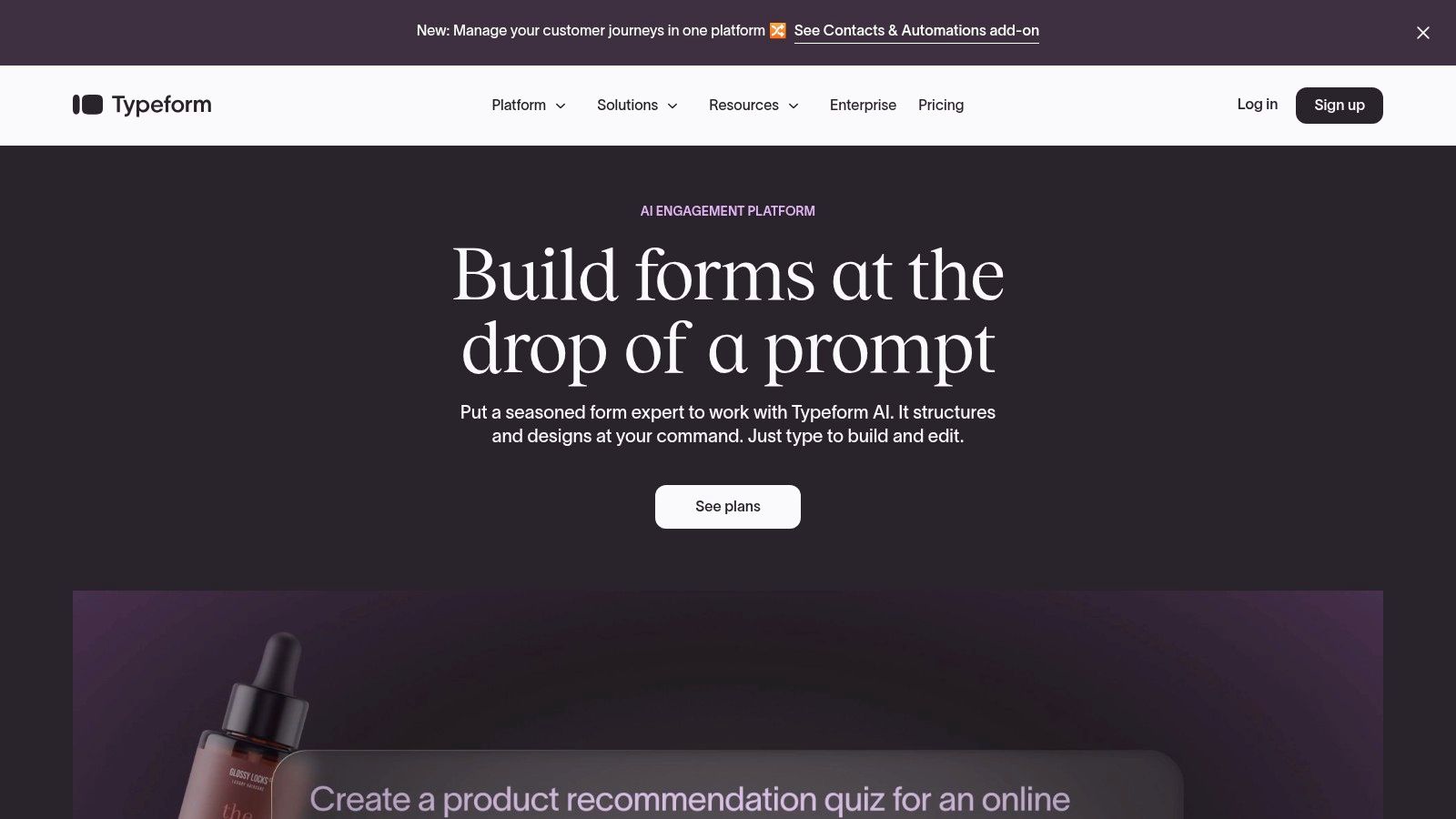
Typeform distinguishes itself by treating every registration form as a conversation. Its approach focuses on user experience and completion rates, making it the go-to platform when design, engagement, and guided multi-step flows are a priority. It's built for those who want their forms to feel less like a chore and more like a polished, one-on-one interaction.
The platform's strength is its "one question at a time" interface, which minimizes cognitive load and encourages users to complete the process. This conversational style, combined with sleek design templates, transforms standard data collection into an engaging brand touchpoint, providing some of the most user-friendly registration forms examples on the market.
Strategic Breakdown & Key Features
Typeform’s strategy is rooted in human-centered design, aiming to boost conversions by making the registration process feel more personal and less intimidating. It achieves this through a clean UI and powerful logic features that guide users smoothly from start to finish.
- Logic Jumps: This core feature allows you to create dynamic, personalized paths for users. Based on their answers, you can skip irrelevant questions, present different follow-ups, or segment them into different groups, making the form feel intelligent and respectful of their time.
- Conversion-Focused Builder: The entire builder is optimized for a high-quality user experience. From its high-quality templates to its mobile-first design, every element is crafted to reduce friction and encourage completion.
- Custom Themes & Branding: Paid plans offer extensive customization, allowing you to align the form’s look and feel with your brand identity. This includes custom fonts, colors, background images, and the ability to remove Typeform branding.
- Advanced Analytics: Higher-tier plans provide valuable insights into form performance, including completion rates and field-specific drop-off points. This data is crucial for identifying friction points and optimizing your registration flow for better results.
Key Takeaway: Typeform is a design-first platform focused on maximizing user engagement and completion rates. Its conversational approach makes it ideal for brands that want to create a premium, frictionless registration experience that reflects their commitment to user-centric design.
Ideal Use Cases & Pricing
Typeform is particularly effective for marketing teams focused on lead generation, event organizers creating a high-end registration experience, and UX designers optimizing user onboarding flows. Its visually appealing and interactive nature makes it a strong choice for any public-facing form where brand perception is key.
| Feature | Details |
|---|---|
| Pricing | A free plan is available with feature and response limitations. Paid plans scale based on the number of responses per month, users, and access to advanced features like logic jumps and analytics. |
| Best For | Event registrations, user onboarding, lead generation forms, and any scenario where a polished, conversational user experience is a top priority. |
| Pros | Extremely user-friendly and aesthetically pleasing forms. The conversational flow can significantly boost completion rates. Strong branding customization on paid plans. |
| Cons | Can become expensive at scale, as plans are often limited by monthly response caps. The free plan has significant limitations. |
For those looking to build a similarly engaging form, exploring various templates is a great starting point. You can find inspiration and get started quickly with this pre-built event registration form template.
Website: https://www.typeform.com/
4. Google Forms
Google Forms is the go-to solution for creating simple, effective registration forms at zero cost. As part of Google's free suite of tools, it provides an accessible and straightforward way to gather information, making it perfect for individuals, educators, and small organizations needing a quick and reliable form builder without a budget.
The platform's primary advantage is its seamless integration with the Google ecosystem, particularly Google Sheets. Every response is automatically logged into a spreadsheet in real-time, creating an instant database for easy tracking and analysis. While not as feature-rich as dedicated builders, its built-in Template Gallery offers several solid registration forms examples for events, t-shirt sign-ups, and volunteer recruitment.
Strategic Breakdown & Key Features
Google Forms excels at simplicity and speed. It strips away complex configurations, allowing users to build and deploy a functional registration form in just a few minutes, making it ideal for low-stakes, high-volume data collection.
- Native Google Sheets Integration: This is its killer feature. All submissions are instantly and automatically organized in a Google Sheet, eliminating the need for manual data entry or complex exports. This simplifies attendee list management, data analysis, and collaboration.
- Template Gallery: While modest compared to competitors, the gallery includes essential templates for event registration and contact information gathering, providing a solid starting point for common use cases.
- Add-on Marketplace: Functionality can be expanded through third-party add-ons. Tools like Payable Forms can be installed to process payments, while others can add features like timers or advanced notification systems, bridging some of the platform's native gaps.
- Free and Accessible: Anyone with a Google account can use Google Forms without limits on the number of forms or responses. This unmatched accessibility makes it a default choice for many simple registration needs.
Key Takeaway: Google Forms is the undisputed champion of cost-effective, simple registration. Its strength lies not in advanced features but in its frictionless integration with Google Sheets, which provides a powerful and free backend for response management.
Ideal Use Cases & Pricing
Google Forms is best suited for free events, internal company sign-ups, school activities, and informal community gatherings where extensive branding and advanced logic are not required.
| Feature | Details |
|---|---|
| Pricing | Completely free with a personal Google account. Included with Google Workspace subscriptions for business use with added security and management features. |
| Best For | Free event sign-ups, webinar registrations, volunteer coordination, and quick internal feedback forms where cost and speed are the top priorities. |
| Pros | Absolutely free with no submission limits, seamless real-time integration with Google Sheets, incredibly easy to use and deploy quickly. |
| Cons | Very limited design and branding customization, advanced features like payment processing and conditional logic require third-party add-ons. |
While its simplicity is a major draw, users seeking more design control or built-in advanced features will find it limiting. It serves as an excellent entry point, but growing organizations often graduate to more specialized platforms as their registration requirements become more complex.
Website: https://forms.google.com/
5. Cognito Forms
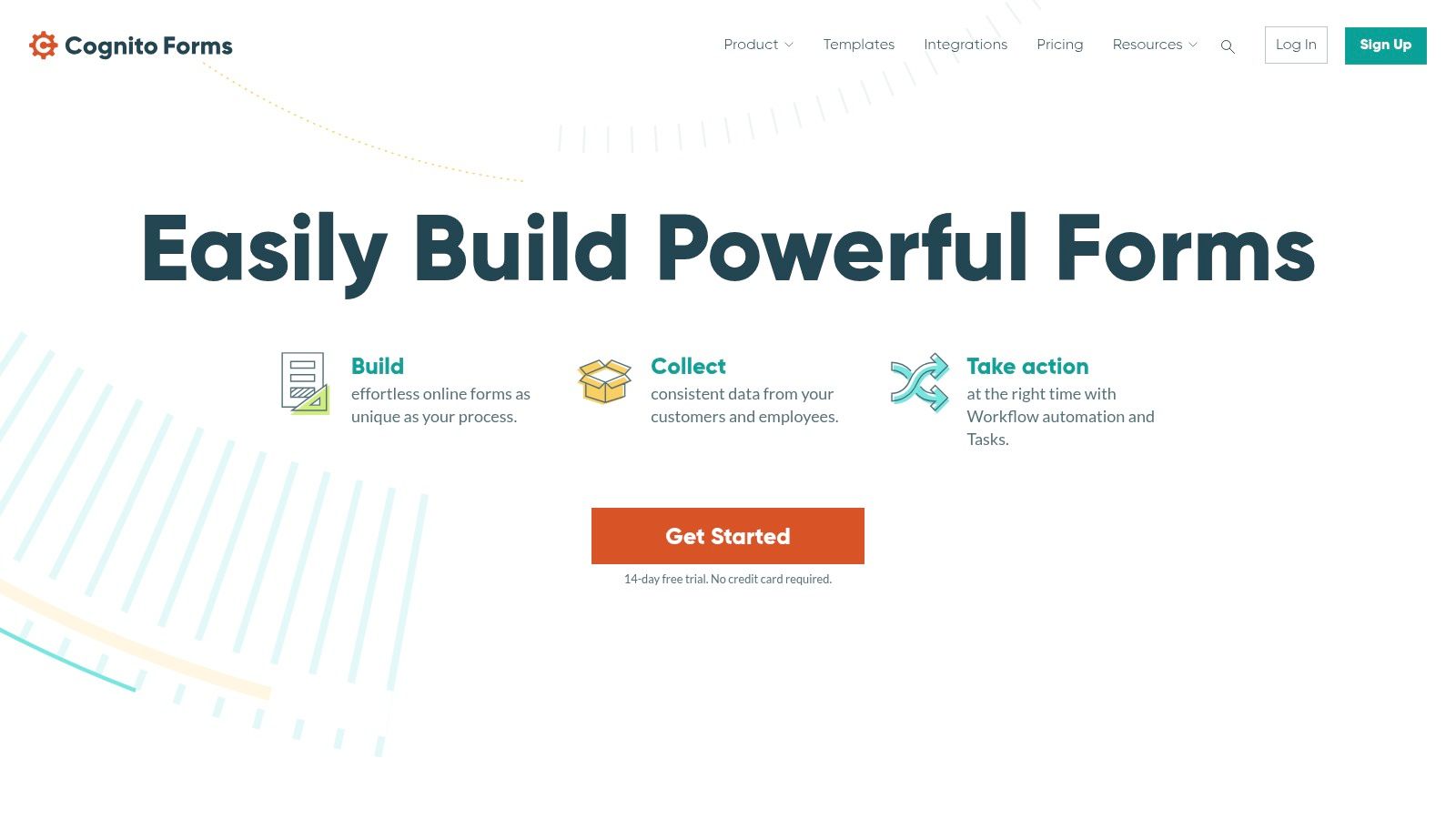
Cognito Forms offers a powerful and flexible solution for creating sophisticated registration forms, balancing advanced logic with user-friendly design. It stands out by providing features like calculated fields, multi-page layouts, and inventory management, making it perfect for complex sign-ups such as conferences, workshops with limited seating, or events with variable pricing tiers.
The platform is engineered for scenarios where registration is more than just collecting a name and email. Its dedicated templates for events like 5K races, summer camps, and professional conferences serve as excellent starting points. These templates often pre-configure logic for deadlines and capacity limits, providing a solid foundation for anyone looking for complex registration forms examples.
Strategic Breakdown & Key Features
Cognito Forms excels at managing the intricate details of event registration, allowing users to build forms that automate complex administrative tasks without needing to write code. This makes it an invaluable tool for organizers who need precise control over the sign-up process.
- Calculations & Logic: Effortlessly create forms that calculate registration fees based on selections like early-bird pricing, group discounts, or add-on workshops. Conditional logic can show or hide fields based on user answers, streamlining the experience.
- Capacity & Inventory Control: A key differentiator is the ability to set limits on specific choices. This is ideal for managing workshop capacities, T-shirt sizes, or ticket availability, automatically preventing overbooking.
- Integrated Payments: The platform integrates directly with Stripe, Square, and PayPal, allowing you to collect payments securely within the form itself. This creates a seamless, one-stop registration process for attendees.
- Microsoft & WordPress Integration: For businesses embedded in the Microsoft ecosystem, connectors for Power Automate and Logic Apps are a major advantage. A dedicated WordPress plugin also ensures easy embedding and management.
Key Takeaway: Cognito Forms is the go-to solution when your registration process involves complex variables like tiered pricing, capacity limits, and conditional pathways. It empowers users to build intelligent forms that handle the logistical heavy lifting automatically.
Ideal Use Cases & Pricing
Cognito Forms is particularly well-suited for event managers, small businesses, and non-profits that require detailed control over their registration workflows. The platform offers a significant discount for registered non-profit organizations, enhancing its value proposition for the sector.
| Feature | Details |
|---|---|
| Pricing | Includes a free plan with generous limits. Paid plans scale affordably based on submissions, storage, and access to advanced features like HIPAA compliance and portals. |
| Best For | Multi-track conferences, paid workshops with seating limits, camp registrations, and any event requiring dynamic pricing or inventory management. |
| Pros | Excellent price-to-feature ratio, powerful calculation and logic engine, robust capacity management, and strong integration with Microsoft services. |
| Cons | Setting up complex automations and integrations may have a slight learning curve. Some of the most advanced features are reserved for higher-tier plans. |
For those looking to build advanced, logic-driven registration forms, Cognito Forms provides a compelling set of tools that bridge the gap between simple form builders and custom-coded solutions.
Website: https://www.cognitoforms.com/
6. Canva
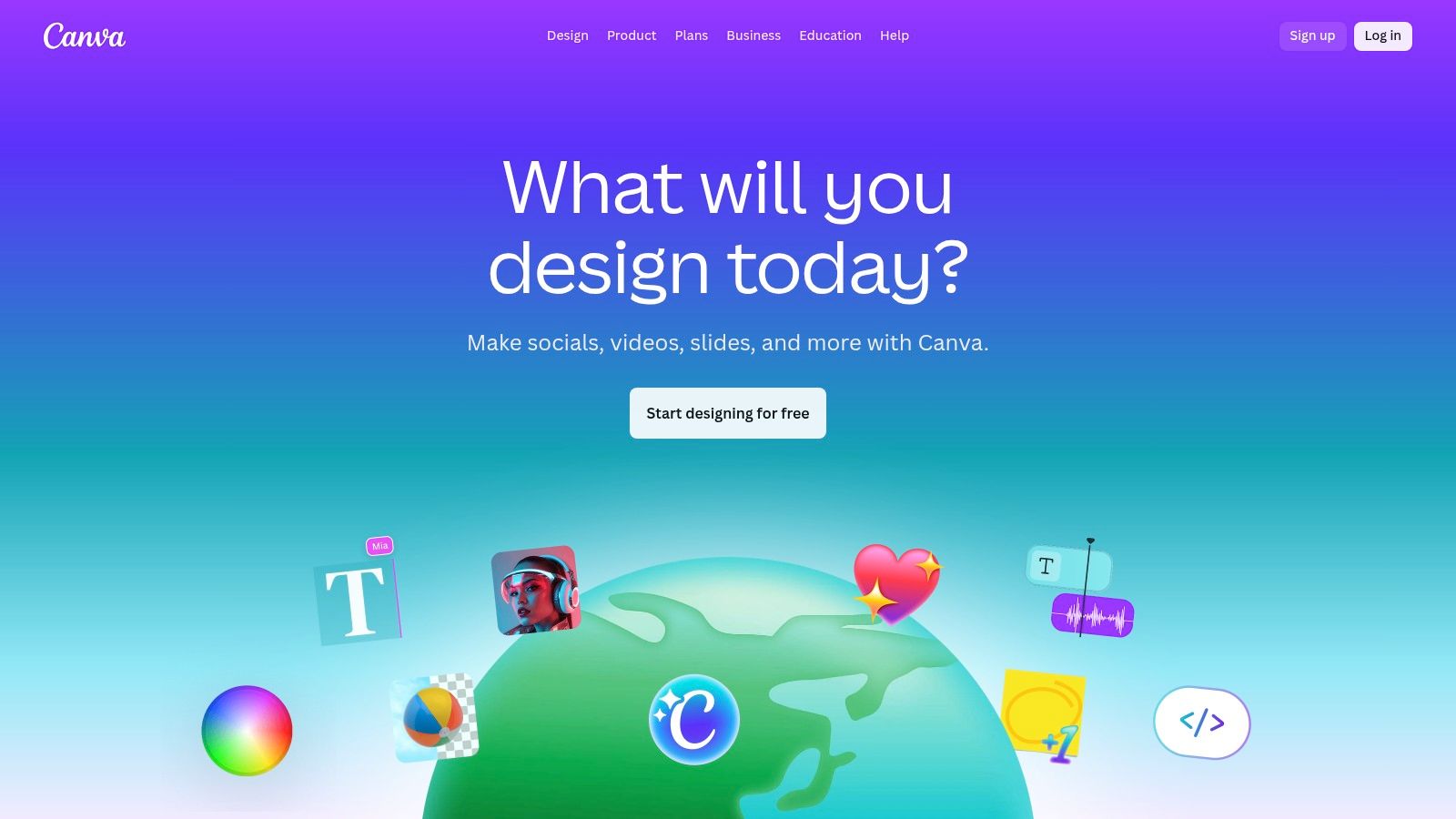
Canva is the go-to platform when the final output of a registration form needs to be a beautifully designed, printable document. It excels at creating visually appealing registration sheets, sign-up lists, and application forms that are meant for physical, in-person use rather than online data collection. Its strength lies in branding and design, not backend data management.
This approach makes it a unique resource for those seeking registration forms examples with a focus on graphic design. Instead of an interactive web form, Canva provides thousands of editable templates that can be customized with logos, brand colors, and unique fonts, then exported as a high-quality PDF ready for printing.
Strategic Breakdown & Key Features
Canva’s strategy is to empower non-designers to create professional-grade visual assets. For registration forms, this means prioritizing aesthetics and brand consistency for physical distribution at events, in offices, or at community centers.
- Vast Template Library: Access a huge collection of pre-designed registration and sign-up layouts for various scenarios, from school club sign-ups to patient intake forms, all easily searchable.
- Drag-and-Drop Editor: The intuitive interface allows users to modify every element of a template. You can add logos, change text fields, adjust colors, and incorporate graphic elements without any design experience.
- Brand Kit (Pro/Teams): Paid plans allow users to pre-load brand colors, logos, and fonts. This ensures every printable form remains perfectly on-brand with just a few clicks.
- Export Options: Easily download your finished design as a print-ready PDF, PNG, or JPG. This flexibility supports both physical printing and digital distribution as a static file via email.
Key Takeaway: Canva is a design tool, not a data collection platform. Use it when the primary goal is a polished, branded, and printable registration document for offline use. It solves the design challenge, not the data management challenge.
Ideal Use Cases & Pricing
Canva is perfectly suited for event coordinators managing on-site sign-ups, small businesses needing physical intake forms, schools, and community organizations. The platform's free tier is often sufficient for creating basic printable forms.
| Feature | Details |
|---|---|
| Pricing | A robust free version is available with plenty of templates and design assets. Canva Pro and Canva for Teams unlock premium assets, the Brand Kit, and advanced collaboration tools. |
| Best For | In-person event check-in sheets, workshop sign-up lists, patient intake forms, and any scenario requiring a physical, branded document for data collection. |
| Pros | Exceptionally user-friendly, massive library of design templates, excellent for maintaining brand consistency across physical documents. |
| Cons | Not a native online form builder; it does not collect or store data digitally. All data must be manually transcribed from the printed sheets. |
For situations requiring online data submission, a dedicated tool like Formbot would be necessary to complement Canva's design capabilities. You could design a header in Canva and use it in your online form to maintain brand consistency across digital and physical touchpoints.
Website: https://www.canva.com/
7. Etsy
Etsy serves a unique role in the registration form landscape, acting as a creative marketplace for downloadable templates rather than a functional form-building platform. It is the go-to destination for those who prioritize a specific aesthetic or need a printable sign-up sheet that can be edited locally in common software like Canva, Word, or Adobe Illustrator.
The platform's strength is its vast collection of designs from thousands of independent creators. This makes it an excellent source for niche registration forms examples, offering styles that range from rustic and minimalist to corporate and playful. If you need a visually distinct, ready-to-print form for an in-person event, Etsy provides an affordable and instant solution.
Strategic Breakdown & Key Features
Etsy excels by offering immense design variety and affordability for static, non-digital registration needs. It decouples the form's visual design from its functional backend, allowing users to find the perfect look and then manage data collection manually.
- Diverse Template Formats: Sellers provide templates in multiple file types, including editable Canva links, Microsoft Word documents, Google Docs, PDFs, and Adobe Illustrator (AI) files, catering to various user skill levels and software preferences.
- Instant Digital Downloads: Once purchased, files are available for immediate download. This speed is ideal for last-minute needs, such as printing sign-up sheets for an unexpected event or meeting.
- Niche-Specific Aesthetics: From wedding guest registrations to bake sale sign-ups and sports team rosters, the marketplace is filled with designs tailored to specific themes and events that larger platforms might not offer.
- Highly Affordable Pricing: Most templates are sold for a one-time fee, often in the $1.50 to $9 range. This makes it an incredibly cost-effective option for single-use or occasional needs.
Key Takeaway: Etsy is a design resource, not a data collection tool. It’s perfect for finding a low-cost, visually appealing template that you can download, customize, and print for offline use or manual data entry.
Ideal Use Cases & Pricing
Etsy is particularly useful for small businesses, community organizers, teachers, and individuals hosting personal events who need physical sign-up sheets or simple, static digital forms without complex logic or integrations.
| Feature | Details |
|---|---|
| Pricing | Based on a per-template, one-time purchase model. Prices are set by individual sellers and are typically very low. |
| Best For | Printable sign-up sheets (in-person events, workshops, volunteer drives), and simple registrations where a strong visual theme is more important than digital functionality. |
| Pros | Extremely affordable with a huge variety of unique designs, instant access to files in multiple editable formats. |
| Cons | Quality and file formats vary by seller; it is crucial to read reviews. These are design files only and lack any digital functionality like payment processing or automation. |
For users who find a design they love on Etsy but require the functionality of a digital form builder, one practical approach is to use the template as a design reference. You can then recreate its layout, fields, and style within a more powerful platform to get the best of both worlds: a great aesthetic combined with robust digital capabilities.
Website: https://www.etsy.com/
Registration Form Examples — 7-Way Comparison
| Tool | Implementation Complexity 🔄 | Resource Requirements ⚡ | Expected Outcomes 📊⭐ | Ideal Use Cases 💡 | Key Advantages ⭐ |
|---|---|---|---|---|---|
| Formbot | Low — no-code AI generates flows; manual tweaks for edge cases 🔄 | Low — no dev required; start free; scales with plan ⚡ | ⭐⭐⭐ — higher completion rates and faster submissions 📊 | Conversational mobile-first registrations, surveys, quick iterations 💡 | AI-assisted rapid build; conversational UX; real-time analytics |
| Jotform | Medium — many features to configure (payments, PDFs, workflows) 🔄 | Medium — integrations and higher-tier features may be needed ⚡ | ⭐⭐⭐ — reliable for production forms with payment/PDF outputs 📊 | Payment-enabled registrations, printable PDFs, HIPAA-ready tiers 💡 | Huge template library; payment & PDF support; scalable plans |
| Typeform | Low–Medium — intuitive builder; logic jumps add complexity 🔄 | Medium — paid tiers for advanced analytics/branding ⚡ | ⭐⭐⭐ — strong UX that boosts conversions; may be pricier at scale 📊 | Design-forward, conversion-optimized multi-step registrations 💡 | Polished conversational UX; logic jumps; CRM integrations |
| Google Forms | Very Low — instant setup via Template Gallery 🔄 | Very Low — free with Google account; add-ons for extras ⚡ | ⭐⭐ — basic collection and Sheets integration; limited branding 📊 | Quick, zero-cost deployments, internal RSVP or simple signups 💡 | Free; fastest to deploy; native Google Sheets export |
| Cognito Forms | Medium — supports calculations, capacity controls and portals 🔄 | Medium — competitive pricing; some features on paid tiers ⚡ | ⭐⭐⭐ — handles complex registration rules and payments reliably 📊 | Events with capacities, pricing tiers, authenticated registrants 💡 | Strong feature-to-price ratio; capacity/seat controls; payments |
| Canva | Low — design-first editor; not a data-collection tool 🔄 | Low–Medium — free design tools; Pro for brand kits ⚡ | ⭐⭐ — produces polished printables but no native data capture 📊 | Branded printable registration sheets, offline or hybrid events 💡 | Rich design assets; easy collaboration; PDF/print exports |
| Etsy | Low — download and edit locally; quality varies by seller 🔄 | Low — one-time affordable purchases; local editing tools ⚡ | ⭐⭐ — inexpensive, varied designs; no workflow or payments 📊 | Cheap, niche printable templates or editable source files for one-offs 💡 | Very affordable; wide stylistic variety; instant downloads |
From Examples to Execution: Your Registration Form Checklist
We've explored a diverse landscape of registration forms examples, moving far beyond simple data collection to see them as powerful tools for conversion, engagement, and user experience. From the minimalist elegance of a webinar sign-up to the detailed precision of a multi-step job application, the core lesson is clear: the most effective forms are born from a deep understanding of user intent and business goals. They are not merely a collection of fields but a carefully choreographed conversation.
The journey through examples from tools like Jotform, Typeform, and even unconventional sources like Canva and Etsy has shown us that context is king. A visually rich, conversational form that excels for a creative workshop might feel out of place for a corporate SaaS trial. Similarly, the straightforward utility of Google Forms is perfect for internal data gathering but may lack the branding and analytical power needed for a high-stakes marketing campaign. Each example serves as a testament to the power of strategic design.
Your Actionable Registration Form Checklist
To transform these insights into tangible results, it’s crucial to move from passive observation to active implementation. Before you build your next form, use this strategic checklist to guide your process and ensure you’re not just copying a template, but engineering a high-performing user experience.
1. Define Your "One Big Goal": What is the single most important action you want a user to take? Is it to sign up for a newsletter, register for an event, or apply for a job? Every field, button, and design choice must directly serve this primary objective. If an element doesn't contribute, question its existence.
2. Map the User's Mindset: Put yourself in your audience's shoes. Are they excited and motivated (like for an event) or are they looking for a quick, friction-free solution (like a contact form)? Tailor your form’s tone, length, and complexity to match their emotional and cognitive state.
3. Ruthlessly Eliminate Friction: Every additional field is a potential exit point. Scrutinize your form for any non-essential information. Can you use progressive profiling to gather more data later? Can you use smart logic to hide irrelevant questions? The shorter the perceived path to completion, the higher your conversion rate will be.
4. Prioritize Clarity and Trust: Your form’s design and copy must build confidence. Use clear, concise labels and microcopy. Add trust signals like privacy policy links, security badges, or social proof. A user who feels confused or uncertain is a user who will abandon the process.
5. Choose the Right Tool for the Job: As we've seen, your choice of form builder significantly impacts your capabilities. Consider your needs for customization, integrations, analytics, and scalability. While a simple tool might suffice for a quick poll, a dedicated platform like Formbot provides the advanced features necessary for optimizing critical conversion funnels.
Putting Your Knowledge into Practice
The transition from theory to practice is where true growth happens. As you begin to design your next form, remember that you don’t need to start from a blank slate. When putting your knowledge into practice, reviewing the best event registration form templates can provide valuable inspiration and ready-to-use structures. Use these as a foundation, then apply the strategic principles we’ve covered to customize and optimize them for your specific audience and goals.
Ultimately, the best registration forms examples are not just aesthetically pleasing; they are high-functioning engines of growth. They welcome new users, capture vital information, and set the stage for a positive ongoing relationship. By treating every form as a critical touchpoint and continuously testing and refining your approach, you can turn a simple web page into one of your most valuable assets.
Ready to move beyond inspiration and start building smarter, higher-converting forms? Formbot empowers you to apply all the advanced strategies discussed here, from conditional logic to detailed analytics, in an intuitive no-code builder. Create your first high-performance form for free and see the difference a purpose-built tool can make.



