The traditional intake form is often a conversion killer. Long, confusing, and frustrating on mobile devices, it’s a significant source of drop-off for potential clients, patients, and customers. A well-designed intake form template, on the other hand, is the critical first step in a smooth onboarding experience. It gathers essential information efficiently, sets a professional tone, and ultimately drives higher completion rates.
In 2026, the best templates leverage conversational AI, mobile-first design, and intelligent logic to make data collection feel less like an interrogation and more like a helpful chat. This article explores 12 of the best resources for finding and building a high-performing intake form template, from specialized healthcare solutions to versatile builders that create forms from a simple text prompt.
We'll dive into the platforms that solve the problem of low form completion and clunky user experiences. For each resource, you'll find a detailed analysis, complete with screenshots and direct links, to help you make an informed decision. We'll cover specific use cases, editable fields, conversion tips, and practical guidance on how to implement them to streamline your client, patient, or project onboarding process. This curated list is designed to help you quickly identify the ideal platform for your team's specific needs, whether you're a product manager optimizing onboarding, a small business needing a no-code solution, or a marketing team focused on lead quality.
1. Formbot
Best for: AI-powered conversational form generation
Formbot stands out in the landscape of intake form solutions by fundamentally rethinking the user experience. Instead of presenting users with static fields, it turns data collection into a dynamic, two-way conversation. Its core innovation is an AI-first, no-code engine that generates a complete form experience from a simple text description. You can describe your ideal intake form template in plain English, and Formbot’s AI builds a functional chat-based form, a guided one-question-at-a-time flow, or a traditional form in seconds.
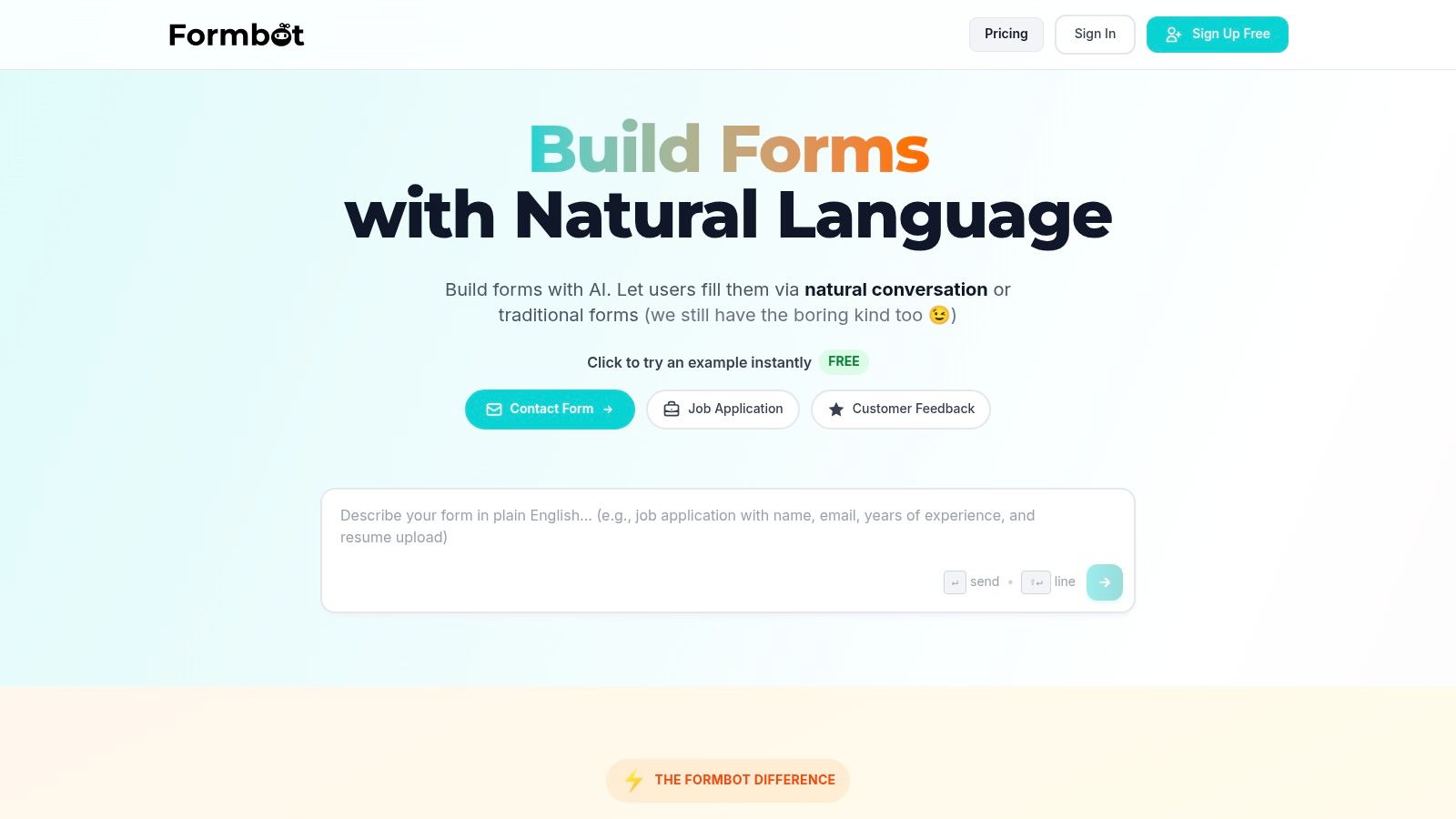
This conversational approach is particularly effective on mobile devices, where traditional forms can be cumbersome. This user-centric design can boost form completion rates and deliver submissions faster. The system intelligently prioritizes required fields and uses natural language understanding to extract information from user responses, only asking follow-up questions when necessary. This creates a smoother, more intuitive process for end-users, reducing friction and abandonment.
Key Features and Use Cases
Formbot is well-suited for a variety of teams that prioritize conversion rates and user experience. Marketing and growth teams can use it for lead generation and qualification, while UX and product managers can deploy it for user onboarding and feedback collection.
- AI-Powered Form Generation: Simply type "Create a new client intake form for a marketing agency" and watch the AI build a ready-to-use template with relevant fields.
- Multiple UI Modes: Choose the best experience for your audience, whether it's a modern chat interface, a guided step-by-step flow, or a standard form layout.
- Built-in Analytics: Track response rates, completion times, and drop-off points in real-time to continuously optimize your intake process.
- Instant Sharing: Every form gets a unique, shareable link, eliminating the need for web hosting or complex embedding procedures.
Pricing and Limitations
Formbot offers a free tier that allows users to create one form with up to 10 responses per month. As of 2026, paid plans include the Starter plan at $29/month, the Pro plan at $79/month, and a custom Enterprise plan, each offering progressively more forms, responses, and advanced features.
While the AI-generation is a powerful starting point, complex forms with intricate conditional logic might require manual adjustments. Additionally, information on third-party integrations beyond basic connections is not extensively detailed, so teams with deep-seated tech stacks may need to verify compatibility for their specific use cases.
Website: https://tryformbot.com
2. Typeform
Typeform specializes in creating conversational, one-question-at-a-time forms that feel more like a friendly chat than a standard questionnaire. This unique user experience is its primary differentiator, designed to reduce form abandonment and boost completion rates. Its library offers a diverse range of templates, including highly polished options for healthcare, client onboarding, and counseling, making it easy to find a starting point for your specific intake form template needs.
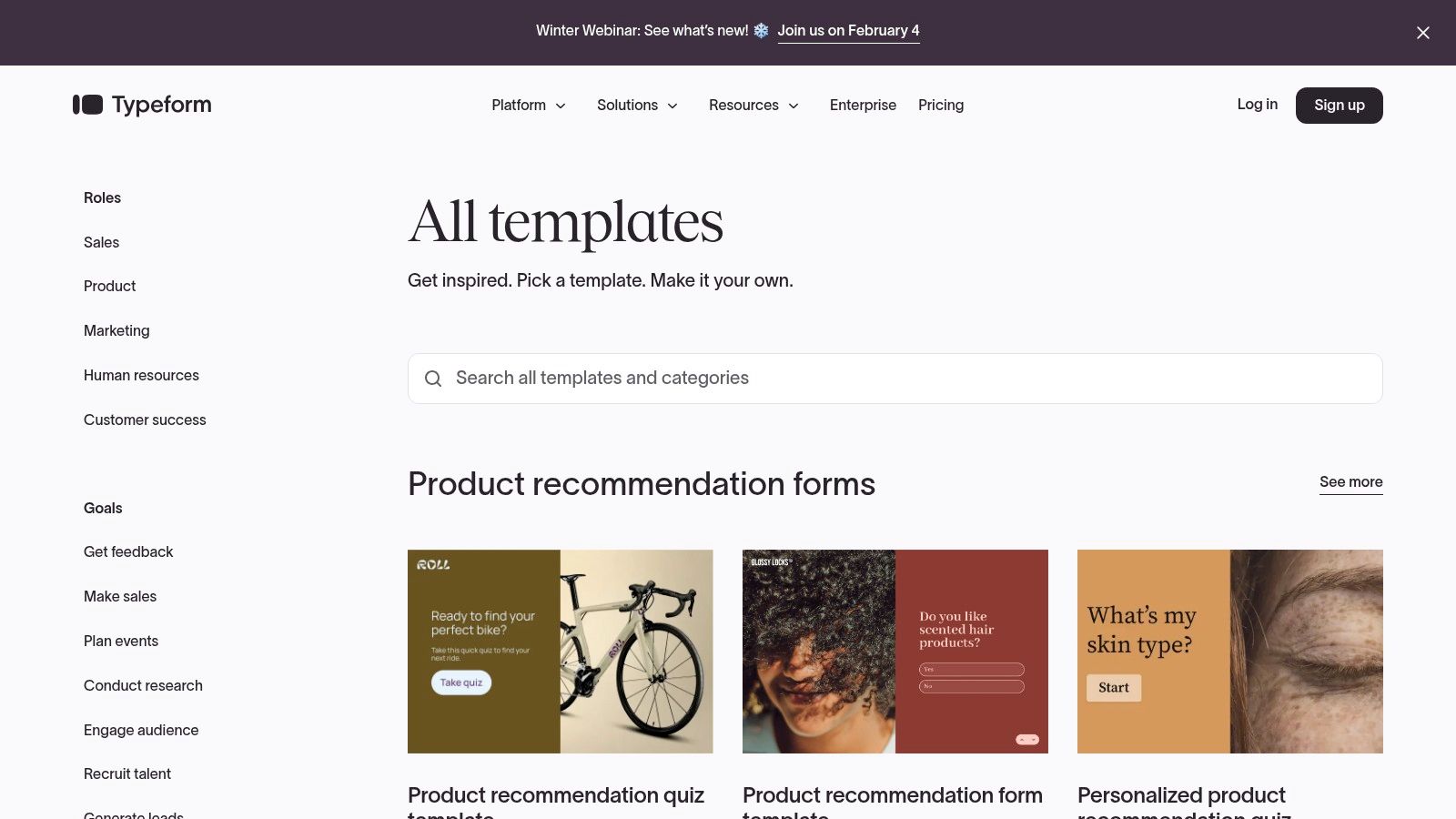
The platform’s strength lies in its mobile-first design and intuitive interface, which guides users through questions sequentially. This approach minimizes cognitive load and aligns with modern form design best practices. For teams needing to integrate form submissions into existing workflows, Typeform provides over 300 integrations with tools like HubSpot, Slack, and Zapier.
Key Features and Considerations
While Typeform offers a free plan, more advanced features like complex logic jumps, full branding removal, and specific compliance controls for healthcare (HIPAA) are reserved for its paid tiers. The conversational flow is highly effective for user engagement but may be less suitable for complex, data-heavy forms where users need to review multiple fields at once.
| Feature | Details |
|---|---|
| Best Use Case | Lead generation, client onboarding, patient intake, and surveys where user experience is critical. |
| Pricing | Offers a free basic plan; paid plans unlock advanced logic, integrations, and branding controls. |
| Pros | High-converting conversational UX, extensive integration ecosystem, polished and ready-to-use templates. |
| Cons | Advanced features require paid plans; HIPAA compliance is restricted to specific, higher-tier plans. |
Website: https://www.typeform.com/templates/
3. Jotform
Jotform stands out for its sheer volume and variety, boasting one of the largest libraries of intake form templates available. With over 10,000 ready-made options, it caters to a vast array of industries, including healthcare, client services, and event management. The platform’s core strength is its intuitive drag-and-drop builder, which makes customizing any intake form template straightforward without requiring any code. Users can easily add advanced fields like e-signatures, file uploads, and payment collection.
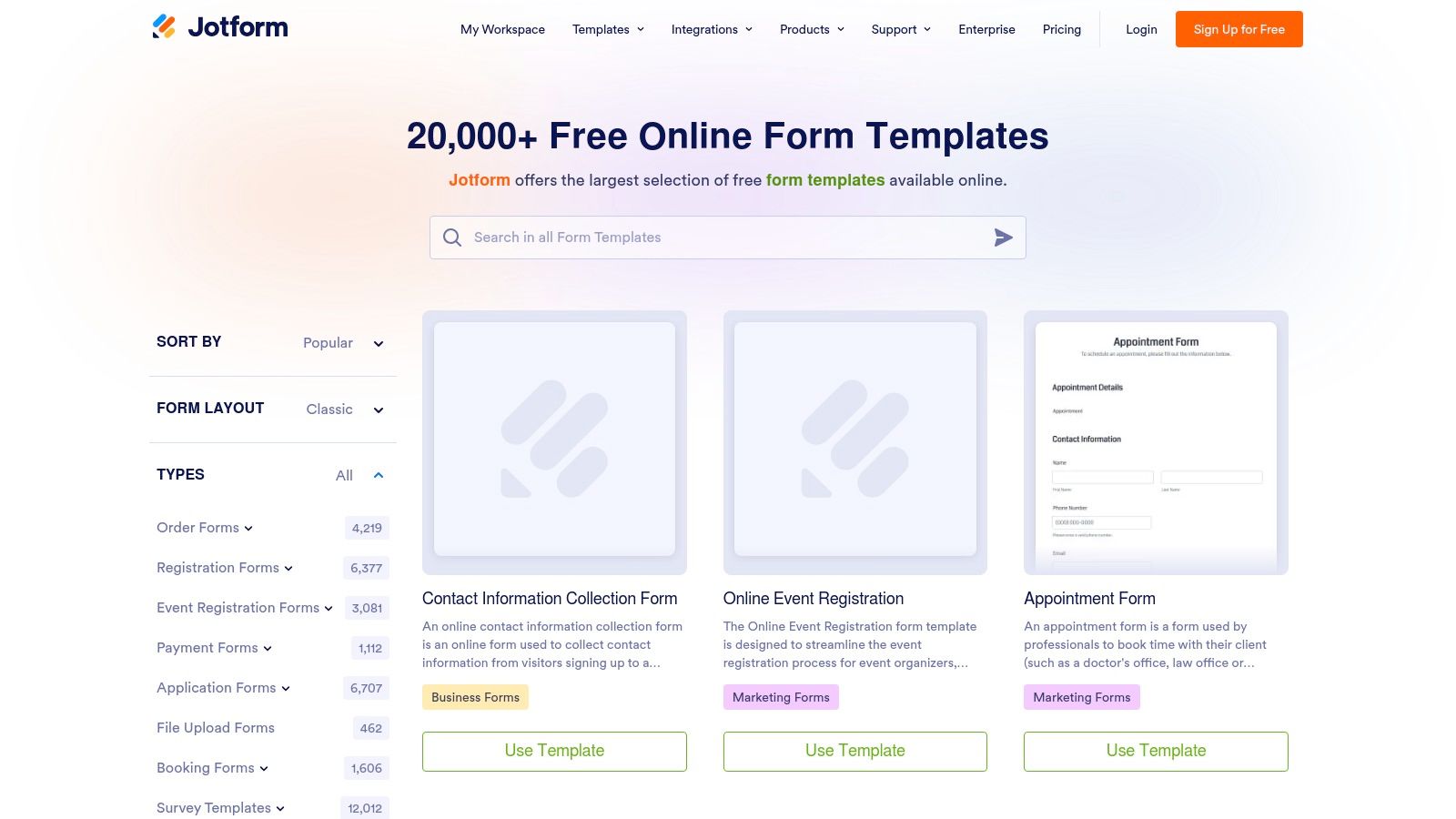
For organizations handling sensitive information, particularly in the US healthcare sector, Jotform offers HIPAA-compliant features on its higher-tier plans. This makes it a reliable choice for creating secure medical history forms and other types of patient registration forms. Its forms can be embedded on any website or shared directly via a link, and submissions can be organized into tables or approval flows, streamlining backend data management for teams.
Key Features and Considerations
Jotform’s free plan provides access to most features but comes with Jotform branding and limits on form submissions and storage. To unlock HIPAA compliance and remove branding, a subscription to a paid plan is necessary. The classic, multi-field layout is highly functional for detailed data collection but may not offer the same conversational engagement as single-question-per-screen alternatives.
| Feature | Details |
|---|---|
| Best Use Case | Organizations needing a high volume of diverse forms, especially in healthcare, real estate, and event planning. |
| Pricing | A generous free plan is available; paid plans (Gold/Enterprise) are required for HIPAA features and increased limits. |
| Pros | Enormous template library, HIPAA compliance available, powerful features like e-signatures and payment integrations. |
| Cons | HIPAA features are restricted to more expensive plans; the free version includes Jotform branding and usage caps. |
Website: https://www.jotform.com/form-templates/
4. Formstack
Formstack positions itself as a robust solution for organizations that require more than just a simple form builder, focusing on workflow automation and compliance. It offers a library of prebuilt templates, including specialized options for healthcare patient intake, that are designed to streamline data collection. The platform's main differentiator is its ability to route submissions through complex, multi-step workflows, making it ideal for processes requiring approvals, reviews, or multiple data entry points.
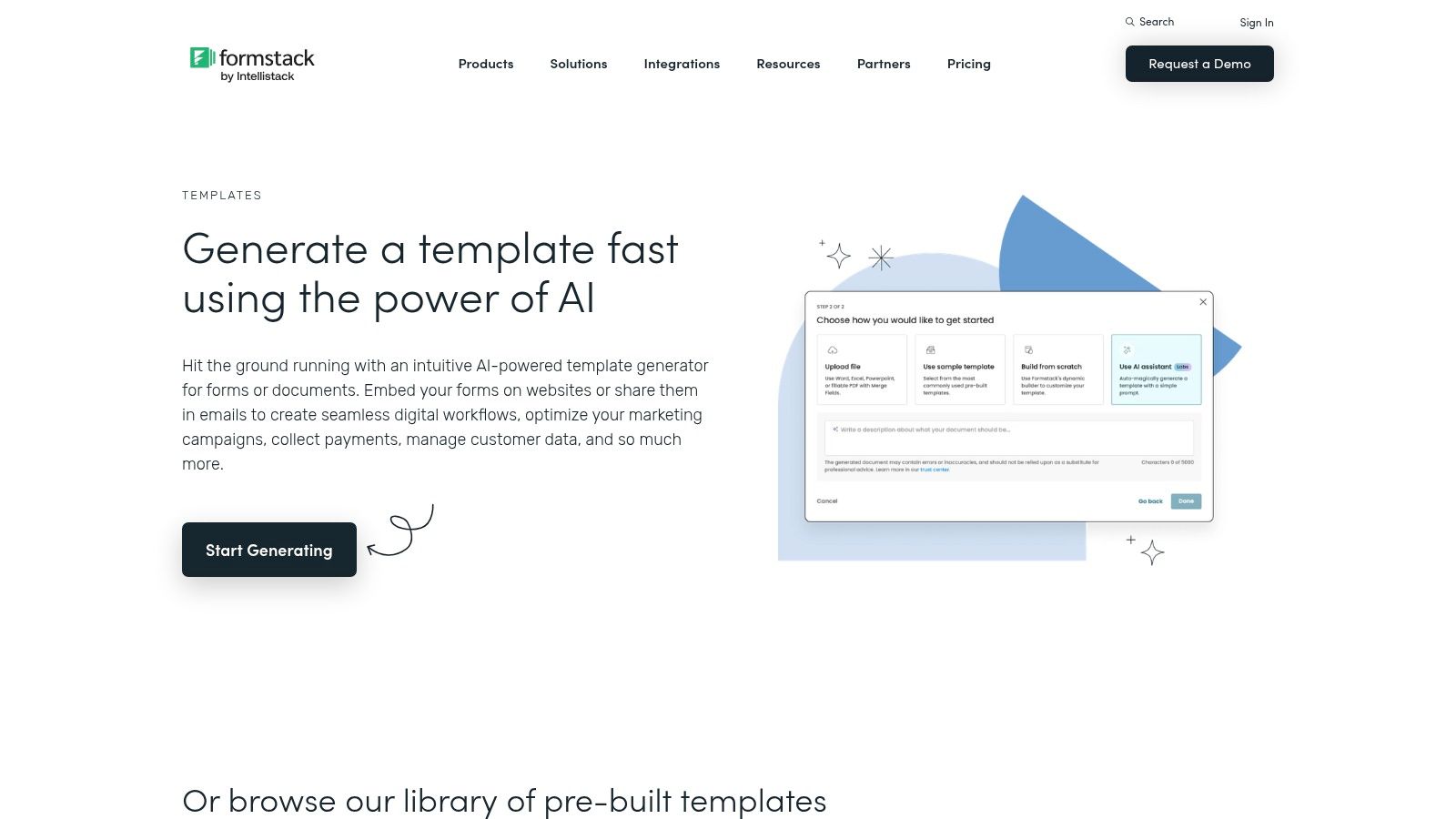
The platform is particularly strong for US-based healthcare providers, offering HIPAA-capable plans with features like data encryption and audit logs. Formstack also incorporates an AI-assisted template generator to help users quickly create a starting point for their intake form template. For those focused on conversion, its features like conditional logic and data piping create a more personalized user journey, aligning with best practices seen in high-performing lead generation form examples.
Key Features and Considerations
While powerful, Formstack's most advanced features, especially those related to HIPAA compliance and complex workflows, are part of its higher-priced tiers. This can make it a more significant investment for small teams or solo practitioners. Accessing the full template library is also typically tied to a trial or a paid plan, limiting exploration for those just browsing for ideas.
| Feature | Details |
|---|---|
| Best Use Case | Healthcare patient intake, internal process automation, and multi-step approval workflows. |
| Pricing | Premium pricing model, with specific plans required for HIPAA compliance and advanced automation. |
| Pros | Strong healthcare posture for US providers, robust workflow and compliance controls, specialty healthcare templates available. |
| Cons | More expensive for small teams when HIPAA is required, template access typically tied to trial or paid plan. |
Website: https://www.formstack.com/templates/
5. Paperform
Paperform positions itself as a versatile form builder with a unique, document-like editor, allowing users to create visually appealing and highly branded forms. This "free-text" approach combines text, images, and form fields into a cohesive landing page experience, making it an excellent choice for businesses that prioritize brand consistency. Its template library offers a broad selection for various industries, including a robust client intake form template, tax preparation checklists, real estate client forms, and patient registration pages.
The platform’s core strength is its powerful editor that blends form-building with page design, providing extensive control over styling, fonts, and layouts without requiring code. This makes it ideal for creating polished intake experiences that feel like a natural extension of a company's website. Paperform also integrates powerful features directly into its forms, such as payment processing, appointment scheduling, and e-signatures, streamlining complex intake workflows.
Key Features and Considerations
Paperform’s all-in-one functionality is a major draw, but accessing its full suite of features, like advanced calculations and conditional logic, requires a paid subscription. The doc-style editor is intuitive for simple forms but can present a slight learning curve when configuring more complex automations and multi-step routing.
| Feature | Details |
|---|---|
| Best Use Case | Client onboarding, event registrations, service bookings, and any intake process requiring payments and strong branding. |
| Pricing | Offers a free trial; paid plans are required to remove branding and unlock advanced features like logic and analytics. |
| Pros | Highly customizable doc-style editor for branded forms, built-in payment and scheduling features, extensive template library. |
| Cons | Advanced logic and automations can be complex to set up; most powerful features are gated behind paid plans. |
Website: https://paperform.co/templates/
6. Wufoo
Wufoo offers a straightforward, no-frills approach to form building, making it a reliable choice for businesses that prioritize speed and simplicity. Its extensive gallery features over 400 templates, including practical options for consultations, registrations, and lead generation that serve as excellent starting points for a new intake form template. The platform is best known for its fast, user-friendly builder and dependable data collection capabilities.
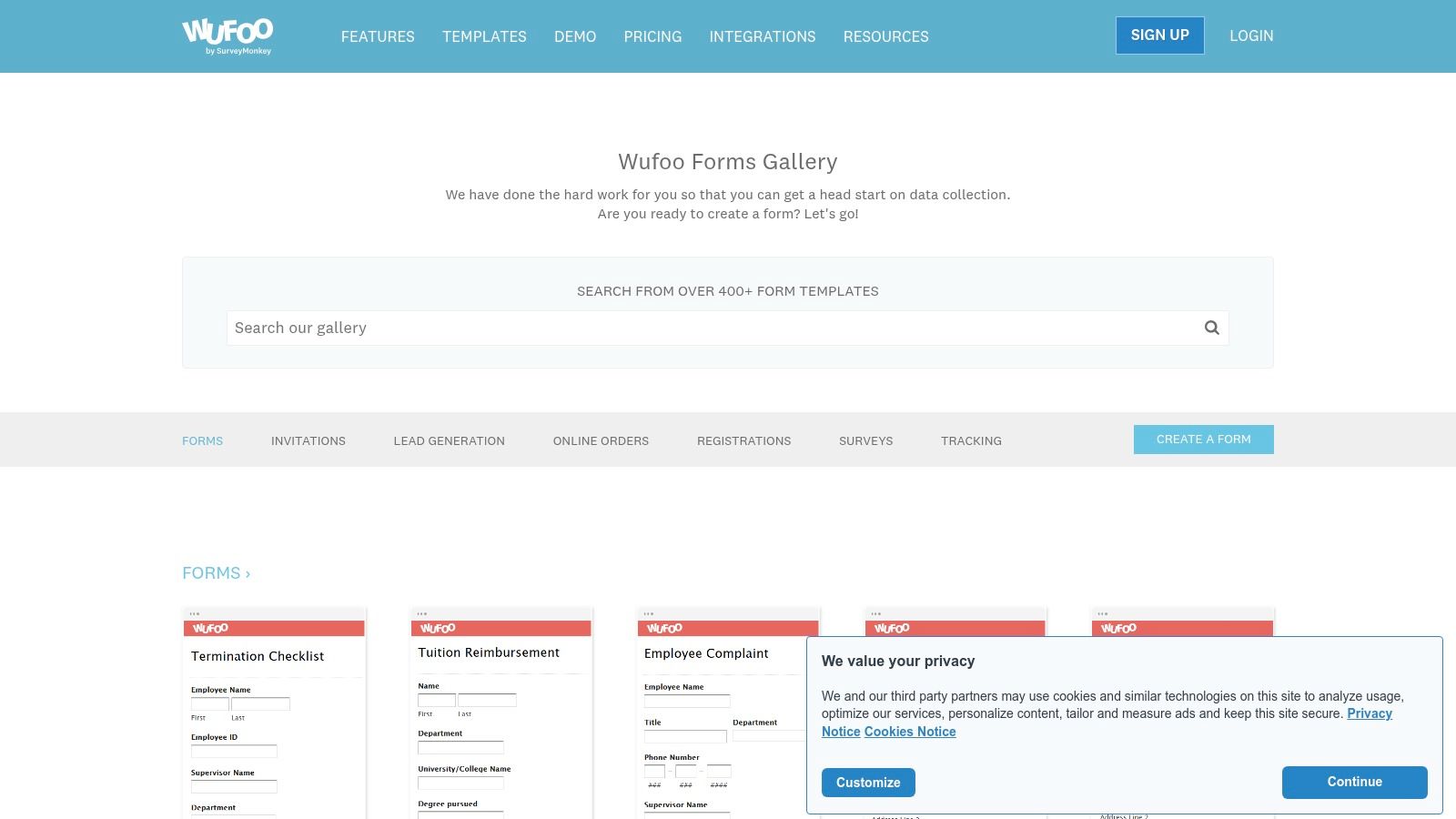
One of Wufoo's key differentiators is its seamless integration of payment processing directly into forms, supporting gateways like Stripe and PayPal. This makes it particularly valuable for small businesses or consultants who need to collect service fees or deposits alongside initial client information. While its user interface is more traditional compared to conversational builders, it provides robust reporting and analytics features to help you track submissions and understand performance at a glance.
Key Features and Considerations
Wufoo excels at combining data collection with payments in a single, easy-to-manage workflow. While its customization options are solid, achieving a highly branded or modern look may require some CSS knowledge. The platform’s strength lies in its utility and reliability, offering a dependable solution for core business tasks without a steep learning curve.
| Feature | Details |
|---|---|
| Best Use Case | Small businesses needing simple intake forms with integrated payment collection for services or events. |
| Pricing | Provides a free plan with limitations; paid plans offer more submissions, fields, and advanced features. |
| Pros | Simple and quick to launch, strong payment integration options, large template gallery for fast setup. |
| Cons | Fewer modern conversational UX options; advanced customization often requires CSS or is locked behind paid plans. |
Website: https://www.wufoo.com/gallery/templates/
7. 123FormBuilder
123FormBuilder offers a practical, no-nonsense approach to form creation, providing a vast library of ready-made intake form templates for diverse industries. Its strength lies in its breadth, with dedicated templates for client intake, student registration, project initiation, and various assessments. The platform is built around a straightforward drag-and-drop editor, making customization accessible even for non-technical users.
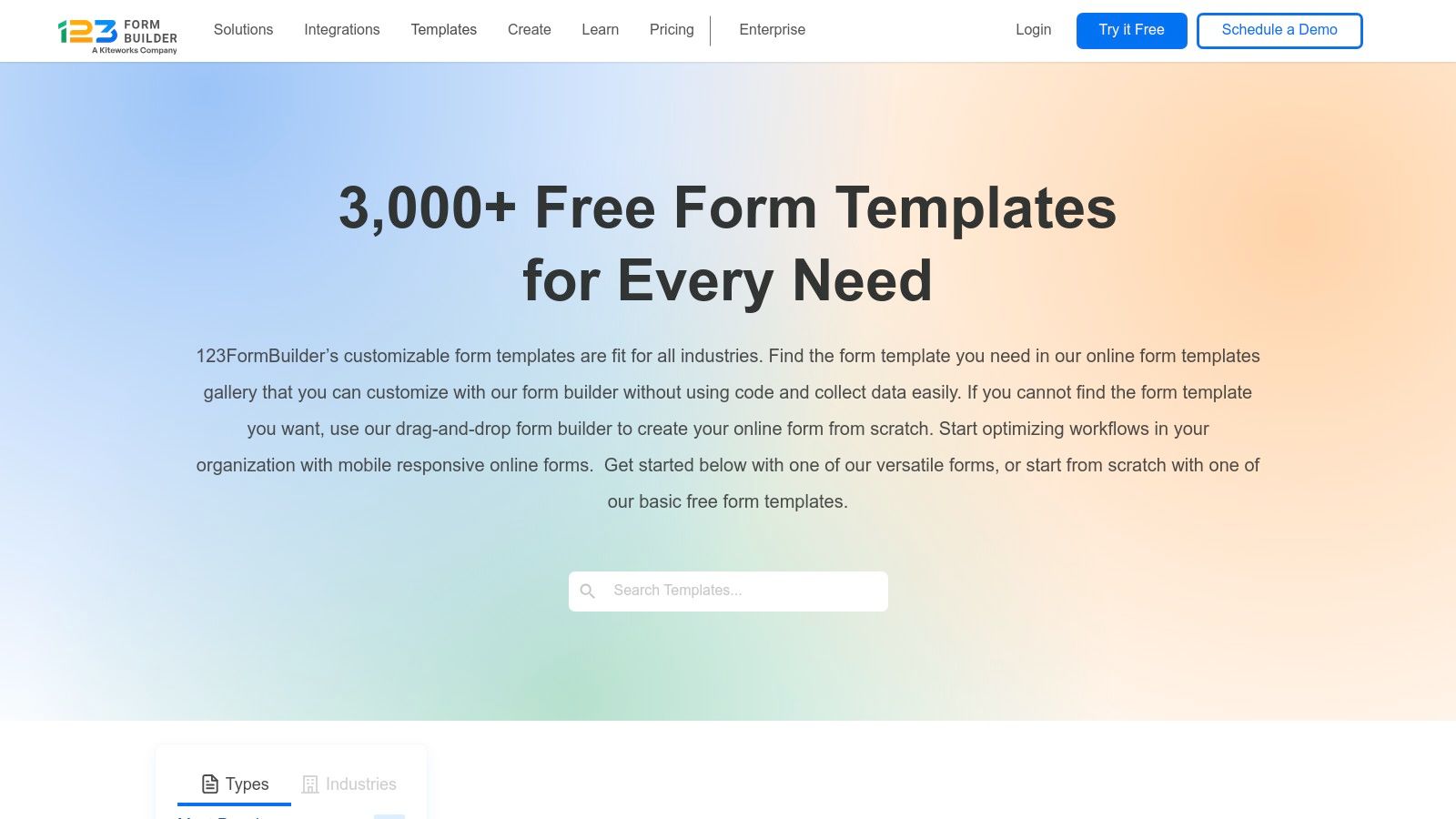
This platform excels at utility, focusing on core functions like automated email/SMS notifications and simple data exports to CSV, Excel, or PDF formats. For teams needing a quick and reliable way to gather information and integrate it into existing record-keeping systems, 123FormBuilder provides a solid foundation. Its templates are mobile-responsive and can be easily embedded into any website, ensuring a consistent user experience across devices.
Key Features and Considerations
While 123FormBuilder has a free plan, access to its more specialized and comprehensive intake form template library often requires a paid subscription. The user interface is highly functional but may feel more traditional compared to the conversational, chat-style builders that have gained popularity. This makes it ideal for straightforward data collection where a classic form layout is preferred.
| Feature | Details |
|---|---|
| Best Use Case | Small businesses and organizations needing a wide variety of starter templates and easy data export options. |
| Pricing | A free plan is available; paid plans unlock more templates, submissions, and advanced features. |
| Pros | Broad coverage of intake scenarios (client, student, project), easy sharing and data export options, user-friendly editor. |
| Cons | Many templates are locked behind paid plans; the interface is more traditional than modern alternatives. |
Website: https://www.123formbuilder.com/free-form-templates/
8. Tally
Tally stands out with its incredibly generous free tier and minimalist design, making it a powerful choice for creating clean, modern intake forms without a significant investment. It operates on a simple, document-like interface where you type questions and add blocks, mimicking the ease of a text editor. This approach allows for rapid deployment of functional forms, and its library includes practical options like a Client Intake and Project Intake form template to get you started immediately.
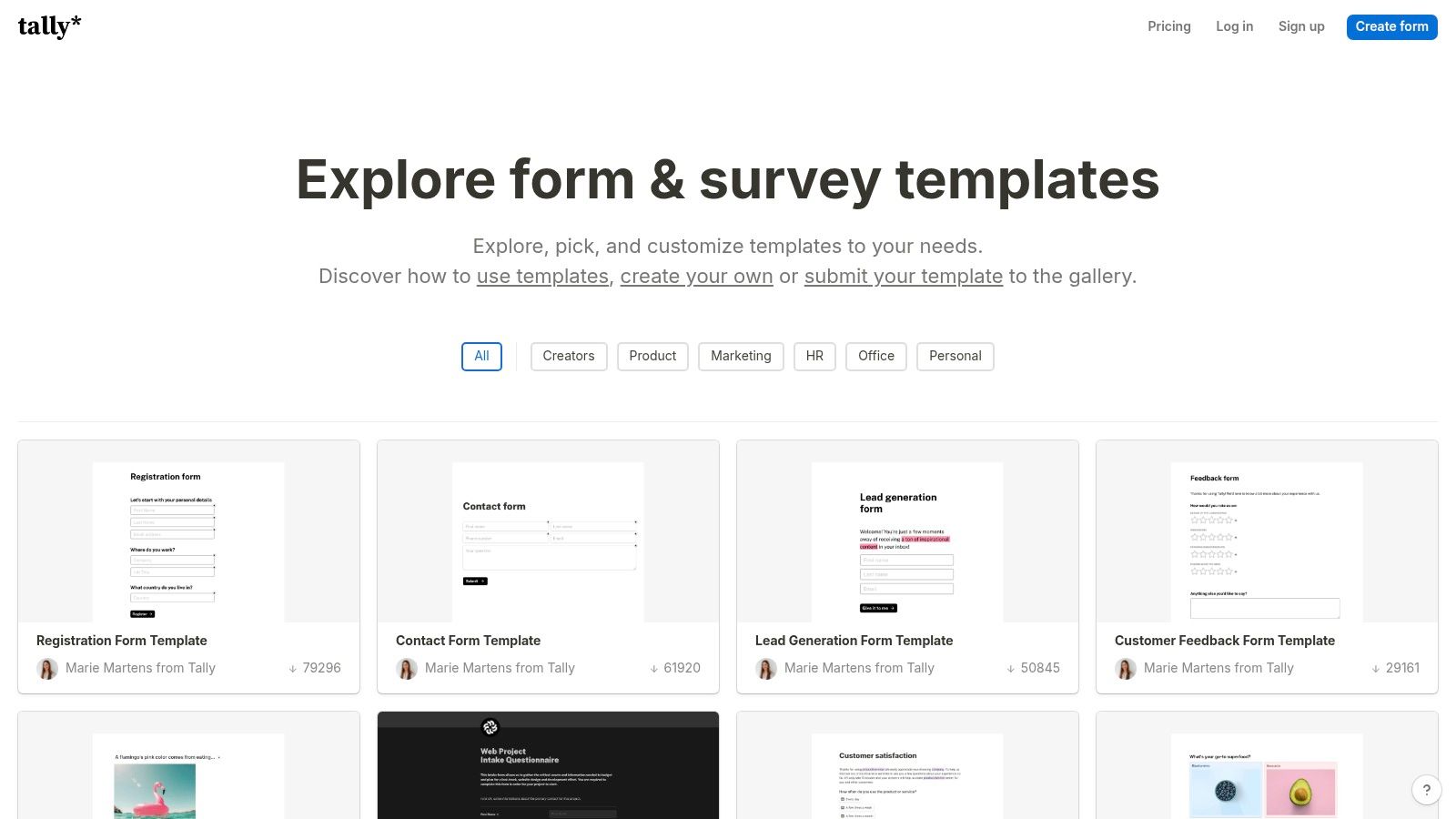
The platform’s strength lies in offering advanced features, like logic jumps and conditional flows, for free, which are often gated behind paid plans on other tools. Tally also supports key integrations with popular productivity apps like Notion, Airtable, and Slack, allowing you to seamlessly pipe intake data into your existing workflows. Its community template gallery provides further inspiration for various use cases.
Key Features and Considerations
While Tally’s free plan is one of the most capable available, there are limitations on features like file upload sizes and the number of responses for certain advanced automations. For businesses requiring enterprise-grade security, dedicated support, or extensive user management, Tally may feel less robust than some legacy incumbents. However, for startups, small teams, and individuals, it offers exceptional value and functionality.
| Feature | Details |
|---|---|
| Best Use Case | Startups, freelancers, and small teams needing powerful, no-cost forms for client onboarding, project briefs, and simple lead capture. |
| Pricing | Offers a very generous free tier with most features included; paid plans add unlimited responses, larger file uploads, and collaboration features. |
| Pros | Highly capable free tier for most small teams, minimalist UX that is quick to deploy, purpose-built client and project intake templates. |
| Cons | File upload size and advanced automation limits on the free tier; fewer enterprise controls than some competitors. |
Website: https://tally.so/templates
9. Cognito Forms
Cognito Forms excels at building powerful, data-driven forms with advanced capabilities like conditional logic, repeating sections, and multi-step workflows. While it doesn't have a single dedicated "intake" category, its extensive library of templates for registration, applications, and orders can be easily adapted for any intake process. A standout feature is its AI-assisted form builder, which can generate a custom intake form template from a simple text description, significantly speeding up creation.
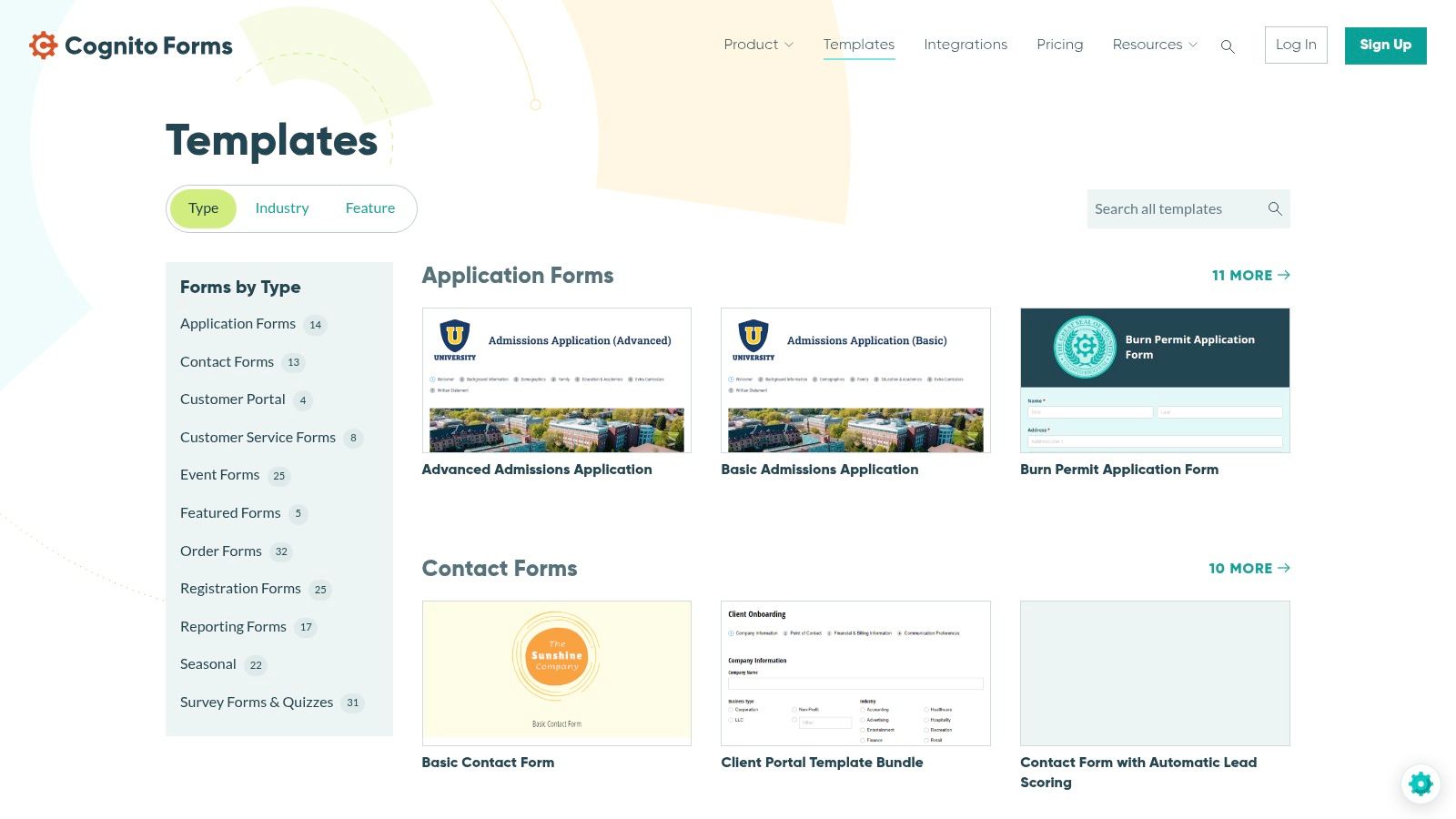
The platform is designed for complex data collection scenarios where dynamic fields are necessary. For instance, a user can add multiple items or attendees within a single submission using repeating sections, a feature ideal for group registrations or detailed service requests. This makes Cognito Forms a robust solution for businesses that require more than a simple, linear questionnaire and need to manage sophisticated intake workflows with automated email notifications and process steps.
Key Features and Considerations
Cognito Forms offers a generous free plan that includes many of its core features, but advanced functionality and the removal of Cognito Forms branding are reserved for paid tiers. The platform’s strength is its logical power, which may present a slightly steeper learning curve than simpler tools but provides unparalleled flexibility for complex intake scenarios. Its AI tool is particularly useful for quickly generating a solid foundation for a custom form.
| Feature | Details |
|---|---|
| Best Use Case | Complex client onboarding, detailed event registrations, multi-part applications, and workflows requiring calculations or repeating data fields. |
| Pricing | A free plan is available; paid plans unlock advanced features, more submissions, and remove branding. |
| Pros | Powerful conditional logic and repeating sections, AI tool to jump-start form creation, adaptable templates for various workflows. |
| Cons | Requires adapting templates from adjacent categories for intake use; advanced features and full branding control are behind a paywall. |
Website: https://www.cognitoforms.com/templates/
10. IntakeQ
IntakeQ is a specialized platform purpose-built for creating HIPAA-compliant online intake forms for medical, therapy, and wellness practices. It addresses the unique needs of healthcare providers by combining secure data collection with practice management features. The platform stands out by offering a library of specialty medical intake templates, including detailed medical histories and consent forms, designed to streamline clinical onboarding and the management of protected health information (PHI).
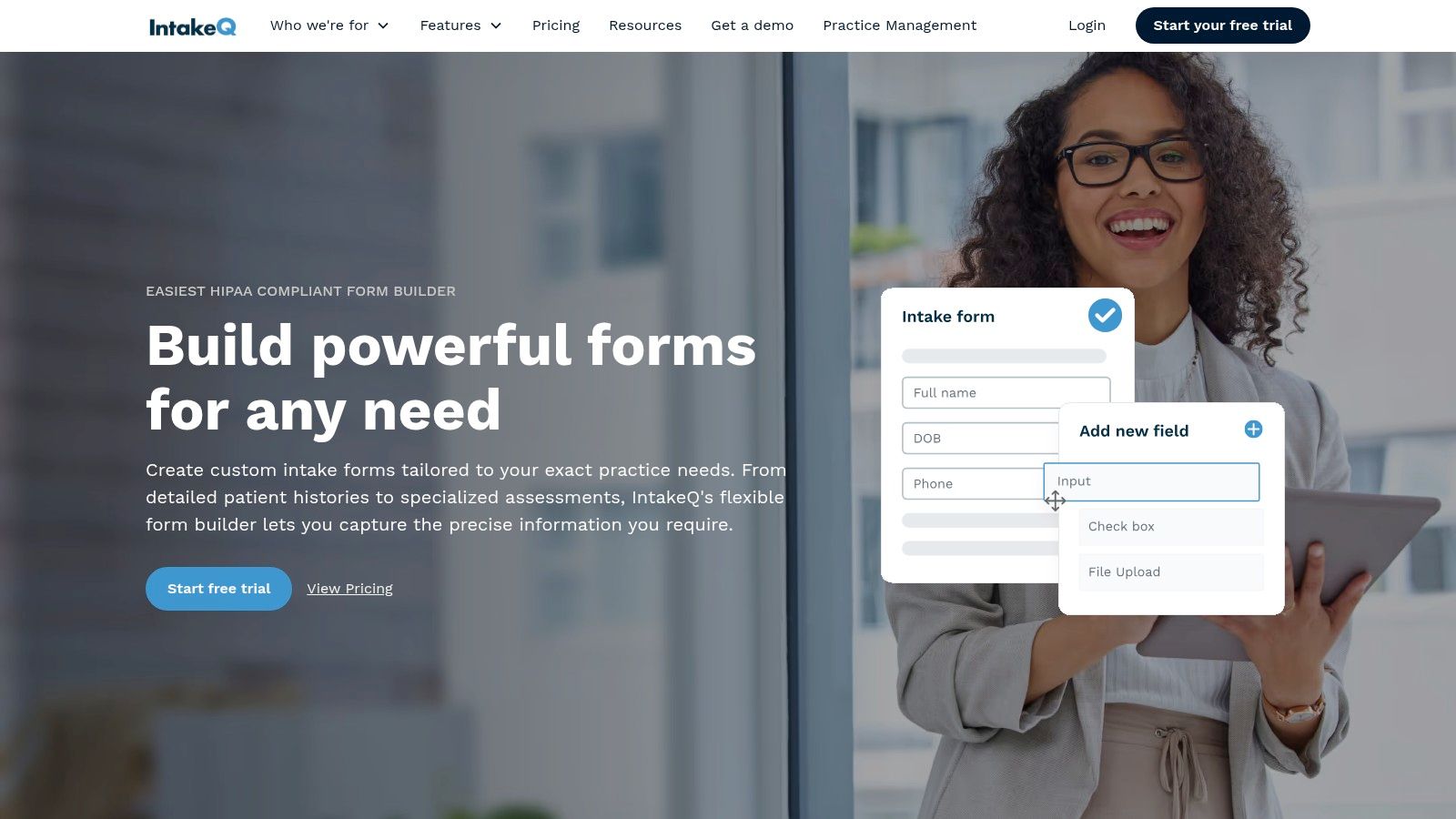
The system's core strength lies in its deep integration with clinical workflows. Features like secure e-signatures, automated SMS and email delivery for forms, and comprehensive audit trails are standard, ensuring practices meet strict compliance requirements. This focus makes IntakeQ an ideal solution for clinics looking to digitize their patient intake process securely and efficiently, moving away from paper-based systems.
Key Features and Considerations
IntakeQ is a premium, paid product designed for professional clinical use, so its pricing may not be suitable for very small or new practices. Its feature set is highly specific to healthcare and less relevant for businesses in other industries needing a general intake form template. However, for its target audience, the platform provides an all-in-one solution that enhances patient experience and administrative efficiency while maintaining a strong compliance posture.
| Feature | Details |
|---|---|
| Best Use Case | Patient intake, medical histories, consent forms, and client onboarding for healthcare and wellness providers. |
| Pricing | Paid product with plans structured for professional clinical practices; no free tier available. |
| Pros | Purpose-built for US healthcare with strong HIPAA compliance, improves form completion with SMS/email distribution, includes secure e-signatures. |
| Cons | Niche focus is less relevant for non-medical teams; pricing can be a barrier for smaller clinics. |
Website: https://forms.intakeq.com/
11. Airtable
Airtable approaches form creation from a unique, database-centric perspective. Instead of being a standalone form builder, its forms are a direct gateway to a powerful, structured database. This makes it an exceptional choice when every submission for your intake form template needs to become a dynamic, actionable record in a project tracker, CRM, or inventory system. The platform's template gallery and Interface Designer allow teams to build intake processes that feed directly into living databases and custom workflows.
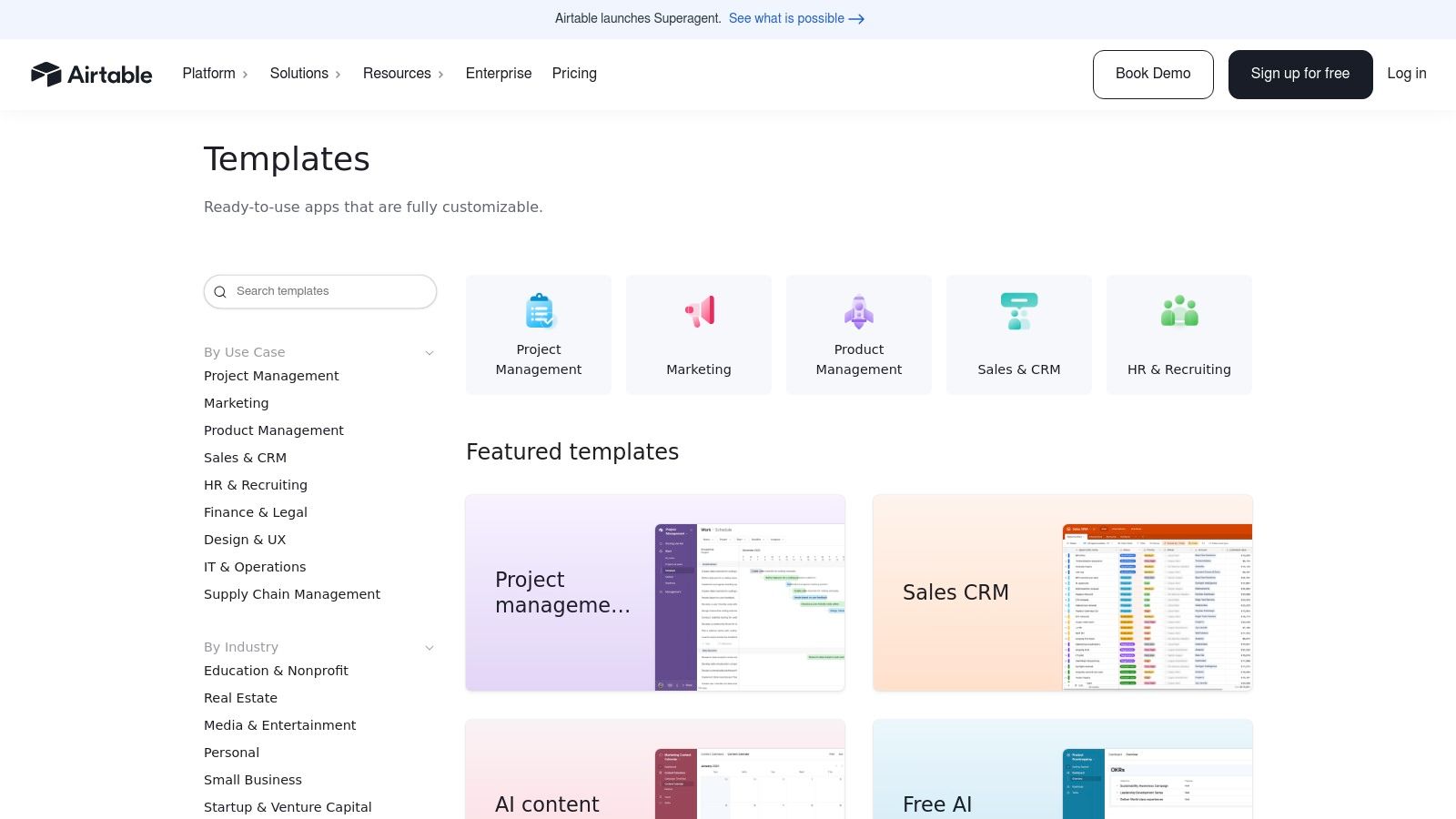
The primary advantage is data organization. When a user completes an Airtable form, the data doesn't just sit in a spreadsheet; it populates a relational database record that can be linked to other tables, trigger automations, and be viewed in multiple formats like calendars or kanban boards. Its Interface Designer further elevates this by enabling the creation of custom, guided intake experiences where forms can be embedded within a larger, branded portal for internal or external users.
Key Features and Considerations
While Airtable offers a free plan to get started, advanced features like domain restrictions, password protection, and enhanced branding controls are part of its paid plans. The platform's strength is its database core, which means it requires more initial setup than a dedicated form builder. It is less about a one-off survey and more about creating a sustainable system for ongoing data collection and management.
| Feature | Details |
|---|---|
| Best Use Case | Project kickoffs, content requests, bug tracking, and internal processes where submissions must feed a structured database or CRM. |
| Pricing | Includes a robust free plan; paid tiers unlock advanced access controls, automations, and interface customization. |
| Pros | Submissions automatically create organized database records, granular access rules for internal and external use, forms can be embedded in custom interfaces. |
| Cons | Requires more configuration than simple form builders; not primarily designed for standalone, public-facing lead capture. |
Website: https://www.airtable.com/templates
12. Smartsheet
Smartsheet takes a hybrid approach, offering free, downloadable intake form templates in familiar formats like Word, PDF, and Google Docs, while also providing a pathway to its powerful online platform. This makes it an excellent resource for teams that need both simple, printable documents for offline use and a scalable solution for structured data collection and project management. The platform is designed for users who want to transition from static forms to dynamic workflows without a steep learning curve.
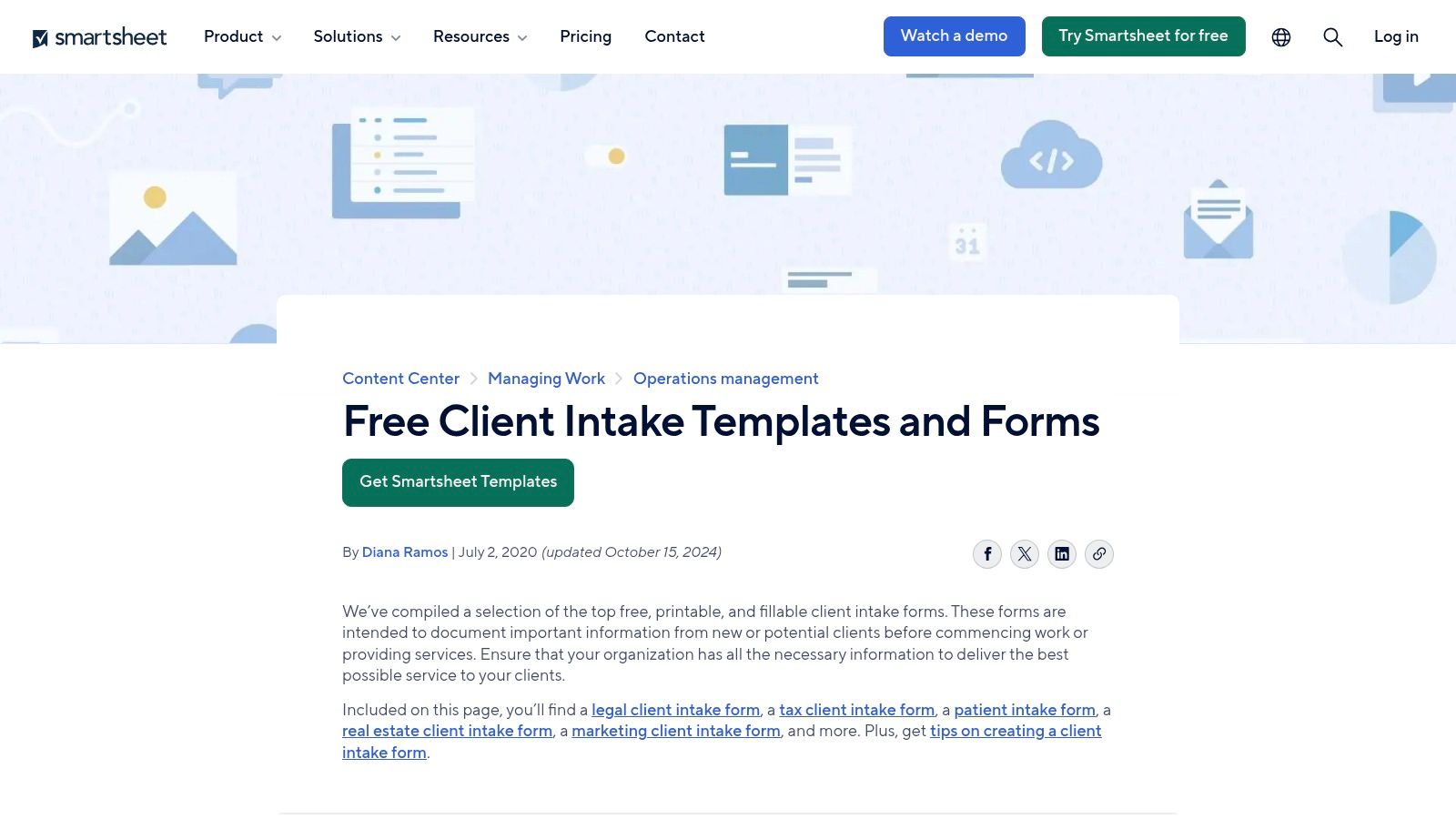
The primary advantage of Smartsheet is its seamless integration between its native forms and its core spreadsheet-like interface. When you use a Smartsheet Form, every submission is automatically populated into a new row in a sheet, creating an organized, actionable database. This allows teams to immediately track, assign, and report on incoming requests or client data, connecting the initial intake process directly to project execution and automated workflows.
Key Features and Considerations
While the downloadable templates are completely free, leveraging the full power of Smartsheet's online forms requires a paid plan or a trial. The native forms support features like conditional logic to create a more tailored user experience and are mobile-accessible. Smartsheet is particularly valuable for organizations that are already invested in its ecosystem, as the intake forms become the front door for complex project and resource management tasks.
| Feature | Details |
|---|---|
| Best Use Case | Project kickoffs, client onboarding, IT requests, and internal service requests within teams already using Smartsheet for project management. |
| Pricing | Downloadable templates are free; using online forms and advanced workflow features requires a Smartsheet subscription. |
| Pros | Provides both offline/printable templates and dynamic online forms, directly feeds data into a powerful project management tool, extensive library of industry-specific templates. |
| Cons | Full functionality is best realized within the Smartsheet ecosystem; advanced form features require a paid plan beyond the free downloads. |
Website: https://www.smartsheet.com/content/client-intake-form-template
Intake Form Template — Top 12 Tools Comparison
| Product | Core features | UX & quality ★ | Value & pricing 💰 | Target audience 👥 | Unique selling points ✨ |
|---|---|---|---|---|---|
| 🏆 Formbot | AI-generated forms from plain English; chat/guided/traditional UIs; 100+ templates; analytics; encryption | ★★★★☆ — faster mobile conversions | 💰 Free tier, then paid plans from $29/mo | 👥 Marketing, UX/Product, HR, CX teams, SMBs | ✨ AI-first no-code creation, conversational chat UI, mobile-optimized conversions |
| Typeform | One-question conversational flow; logic jumps; theming; 300+ integrations | ★★★★☆ — polished mobile-first experience | 💰 Paid tiers for advanced features & branding | 👥 Marketers, onboarding teams, customer-facing intake | ✨ Highly polished conversational UX + strong integration ecosystem |
| Jotform | Drag-and-drop builder; e-signature; file uploads; payments; huge template library | ★★★★☆ — very broad template coverage | 💰 Freemium; HIPAA on Gold/Enterprise; free plan branding | 👥 Healthcare, SMBs, enterprises needing HIPAA | ✨ Largest template gallery, HIPAA-ready options (paid) |
| Formstack | HIPAA-capable, encryption & audit logs; workflow automation; conditional logic; AI templates | ★★★★☆ — robust compliance & routing | 💰 Paid (higher cost for HIPAA plans) | 👥 Healthcare providers, enterprises with compliance needs | ✨ Strong compliance controls + automated submission routing |
| Paperform | Doc-like editor; payments; automations; file uploads; 2,000+ integrations | ★★★★☆ — polished, brandable intake pages | 💰 Paid tiers; advanced features behind paywall | 👥 Agencies, SMBs focused on branding & polished UX | ✨ Rich styling/document-like editor for branded forms |
| Wufoo | Fast builder with themes; payments (Stripe/PayPal); reporting; 400+ templates | ★★★☆☆ — simple, reliable, traditional UX | 💰 Paid plans; limited free option | 👥 Small businesses needing quick intake & payments | ✨ Fast to launch + payment-ready templates |
| 123FormBuilder | Drag-and-drop; multi-industry templates; exports (CSV/PDF); notifications | ★★★☆☆ — traditional, easy-to-use | 💰 Paid for many templates & advanced features | 👥 Education, agencies, SMBs needing exports | ✨ Easy sharing & straightforward data export options |
| Tally | Logic jumps; embeds & integrations (Notion, Airtable); file uploads; community templates | ★★★★☆ — minimalist, very fast deployment | 💰 Generous free tier with limits on advanced features | 👥 Small teams, makers, rapid-deploy projects | ✨ Very capable free tier + ultra-simple UX |
| Cognito Forms | Conditional logic; repeating sections; workflows; AI-assisted templates | ★★★★☆ — powerful logic for complex intake | 💰 Free entry-level; paid tiers for branding/workflows | 👥 Teams with complex forms and advanced logic needs | ✨ Repeating sections & strong conditional capabilities |
| IntakeQ | Specialty medical templates; HIPAA workflows & audit trails; e-sign, SMS/email delivery | ★★★★☆ — clinical-grade, secure intake | 💰 Paid product; pricing geared to clinics | 👥 Medical & allied health practices | ✨ Purpose-built HIPAA intake, SMS/PHI delivery & audit trails |
| Airtable | Database-backed forms creating records; Interface Designer; access controls | ★★★☆☆ — ideal when tied to a living DB; more setup required | 💰 Free tier; paid for advanced bases/interfaces | 👥 Ops teams, product/ops, CRM-integrated intake | ✨ Forms feed structured records & custom interfaces |
| Smartsheet | Downloadable templates (Word/Excel/PDF); native forms feeding sheets; conditional logic | ★★★☆☆ — good offline/printable + sheet workflows | 💰 Paid; best value if already using Smartsheet | 👥 PMs, ops teams needing printable templates & tracking | ✨ Blend of printable templates and sheet-driven intake workflows |
Choosing the Right Intake Form Template for Your Workflow
Navigating the landscape of form builders can feel overwhelming, but this guide has armed you with the insights needed to select the perfect intake form template for your specific goals. We've explored a dozen powerful tools, from the conversational prowess of Formbot to the enterprise-grade compliance of Formstack and the design-centric approach of Paperform. The central takeaway is clear: the most effective intake form is not just a data collection tool, but a strategic asset that shapes the user's first impression of your brand.
The ideal solution hinges entirely on your unique requirements. A startup focused on rapid growth and high user engagement will prioritize a different set of features than a healthcare provider bound by strict HIPAA regulations. By understanding your core objectives, you can filter through the options and find a platform that aligns with your workflow, not one that forces you to adapt to its limitations.
Key Factors to Guide Your Decision
Before committing to a platform, revisit these critical decision-making factors. A thoughtful evaluation now will save significant time and resources later.
- User Experience (UX): Is your primary goal to maximize conversions and delight users? If so, tools like Formbot and Typeform, with their conversational and mobile-first interfaces, are excellent choices. They transform the often tedious process of filling out a form into an engaging, interactive experience.
- Complexity and Customization: Do you need complex conditional logic, payment integrations, or advanced calculations? Powerhouses like Jotform, Cognito Forms, and Formstack offer deep feature sets that can handle nearly any scenario you can imagine, making them ideal for intricate data collection processes.
- Integration and Workflow Automation: How will this form fit into your existing tech stack? Consider platforms like Airtable or Smartsheet if your intake process is just the first step in a larger data management workflow. For those needing to connect to various CRMs, email marketing tools, and other apps, check the integration libraries of each tool carefully.
- Compliance and Security: For industries handling sensitive information, security is non-negotiable. Specialized tools like IntakeQ are built for clinical settings. Moreover, for specialized fields like therapy, where a virtual assistant for therapy practice plays a key role, selecting an intake form template that handles sensitive client data securely and efficiently is paramount. Always verify the security credentials and compliance offerings of any provider.
- Budget and Scalability: Your needs in 2026 may differ from today's. Evaluate pricing tiers based on submission limits, user seats, and feature access. Free plans from tools like Tally and Formbot's "Free" tier are perfect for testing the waters, while paid plans offer the scalability required for growing teams.
Your Actionable Next Steps
The journey from selection to implementation is your final step. Begin by shortlisting two or three tools from this guide that best match your criteria. Almost all of them offer a free trial or a permanently free plan, providing a risk-free environment to build a test form.
Create a sample intake form template based on one of your real-world use cases. Test it on both desktop and mobile devices. Share it with your team to gather feedback on the building experience and the end-user interface. This hands-on approach is the single best way to determine which platform truly fits your team's workflow and your audience's expectations. By investing this time upfront, you'll implement a solution that not only collects data but also enhances your operational efficiency and strengthens your customer relationships.
Ready to transform your data collection from a static page into a dynamic conversation? Formbot uses AI to help you build beautiful, high-converting intake forms in minutes, simply by describing what you need. Stop losing leads to boring forms and start engaging your audience from the very first click by exploring a Formbot template today.



